


Description
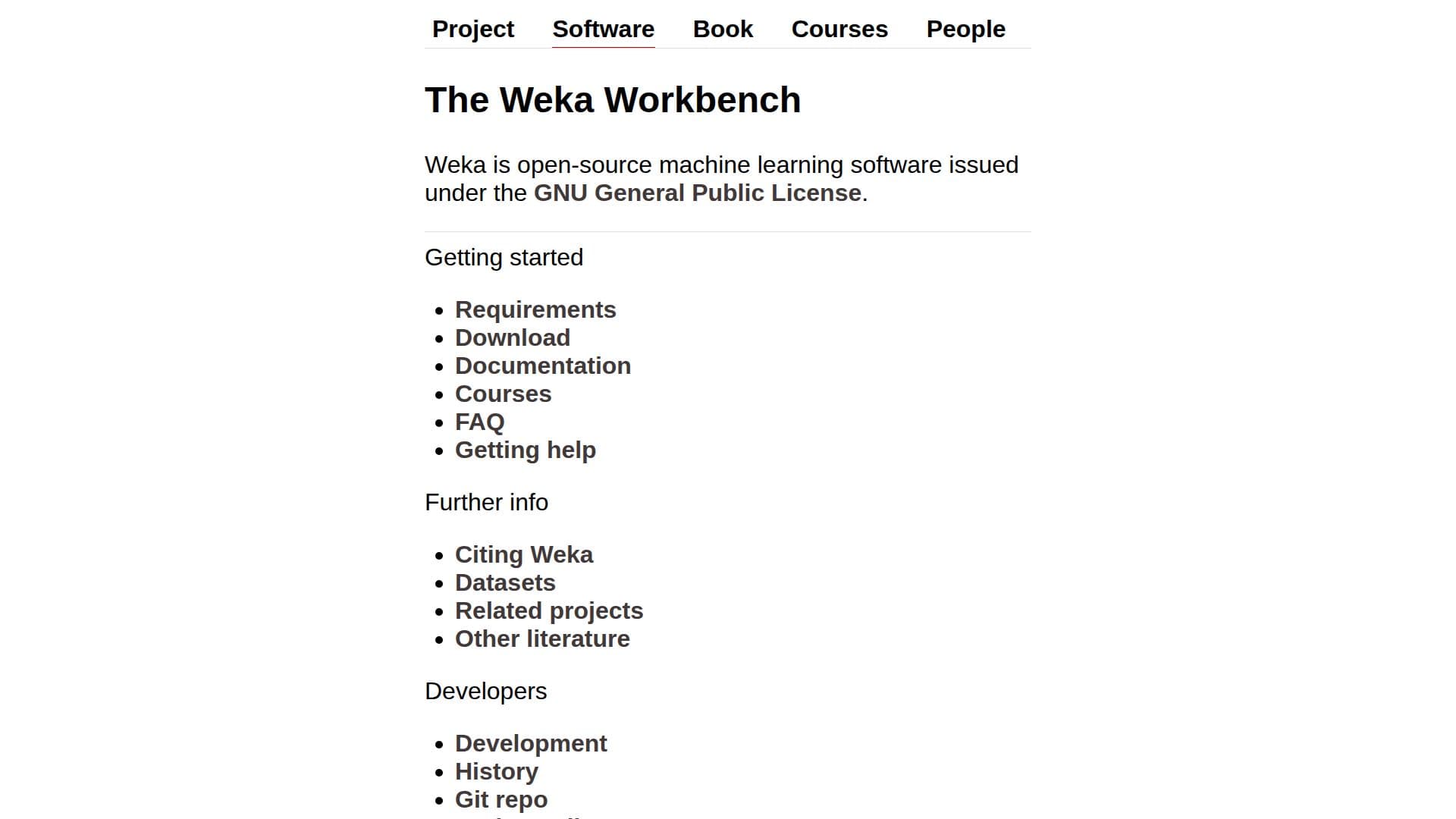
Weka is a comprehensive suite of machine learning software developed at the University of Waikato, New Zealand. It is designed to facilitate data mining tasks through a collection of visualization tools and algorithms for data analysis and predictive modeling. Weka is open-source and issued under the GNU General Public License, making it freely available for both academic and commercial use.
The software provides a user-friendly interface that allows users to apply machine learning techniques without needing to write code. It supports various data mining tasks such as data preprocessing, clustering, classification, regression, and visualization. Weka is particularly useful for educational purposes, offering extensive documentation, FAQs, and a manual to guide users through its functionalities.
Weka's capabilities are enhanced by its package manager, which allows users to install additional packages for extended functionality. It supports integration with other software environments like Matlab, Octave, and Python, making it versatile for different research and development needs.
The software is widely used in academia and industry for tasks such as text classification, time series analysis, and multi-label classification. It also supports advanced features like cost-sensitive classification and multi-instance learning. Weka's development is ongoing, with regular updates and bug fixes available through its Git repository.
Overall, Weka is a powerful tool for anyone looking to explore machine learning and data mining, offering a robust platform for both beginners and experienced users.
Weka 3's Core Features
Open-source under GNU General Public License
User-friendly interface for data mining
Supports classification, regression, clustering
Visualization tools for data analysis
Integration with Matlab, Octave, Python
Package manager for extended functionality
Comprehensive documentation and FAQs
Regular updates and bug fixes
How to use Weka 3?
Download: Obtain Weka from the official website
Install: Follow the installation instructions
Configure: Set up your environment and preferences
Use: Apply machine learning techniques to your data
Optimize: Utilize advanced features for better results
Weka 3's Use Cases
- Data Preprocessing
- Text Classification
- Time Series Analysis
- Multi-label Classification
- Cost-sensitive Classification