Description
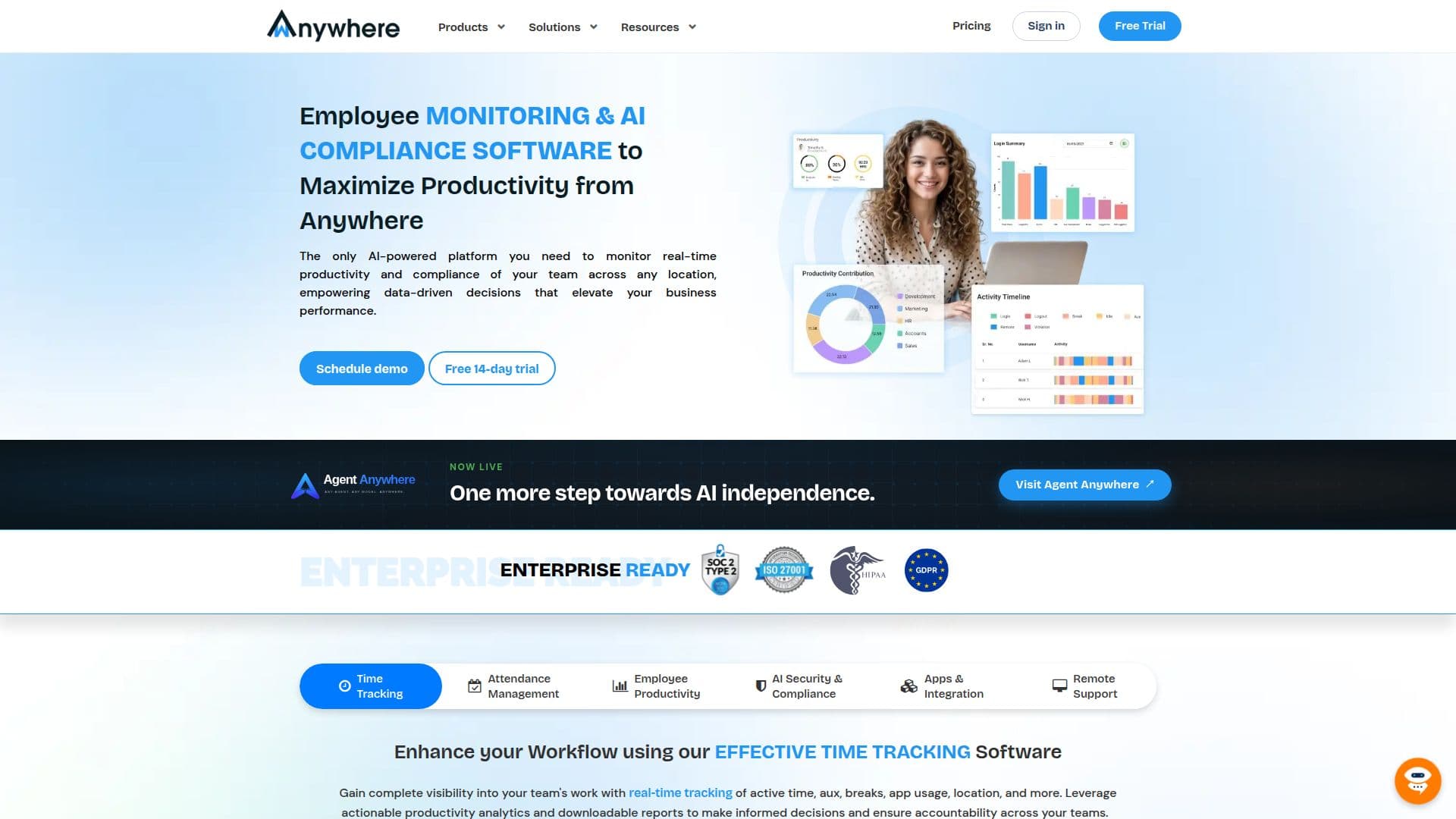
wAnywhere is an all-in-one workforce monitoring platform that gives leaders real-time visibility into how remote, hybrid, and on-site teams work. It combines productivity tracking with AI-driven security and compliance monitoring, measuring active time from keyboard and mouse activity, identifying breaks and idle time, and monitoring application and website usage to build a comprehensive view of employee performance.
Read More
On the security side, wAnywhere uses AI to provide real-time compliance metrics such as authorized user login, multiple-person detection, unknown-person detection, not-at-desk alerts, and mobile-usage detection. It can automatically lock a screen during a suspected data breach and notify managers with real-time email alerts and screenshots, helping enforce clean-desk policies and reduce security risks. Notably, keystrokes are not recorded.
The platform includes time tracking, AI facial attendance, periodic screenshot capture, geofencing, field-force monitoring, and remote support. It generates in-depth, downloadable reports in PDF, Excel, or CSV, offers dashboards with drill-down from macro to individual levels, and connects via API to visualization tools like Power BI. Role-based access supports super admin, admin, auditor, manager, and member roles.
Built for IT, BPO, contact centers, and enterprises, wAnywhere is available as SaaS or on-premise/private-cloud deployment, protects data with TLS in transit and AES-256 at rest, and holds ISO 27001 and SOC 2 Type II certifications with annual VAPT. It uses a user-based annual subscription model and offers a 14-day free trial.
- CategoryAI HR Management
- Pricing ModelFreemium
- DeploymentCloud, On-premises
- PlatformsWeb
wAnywhere's Core Features
Productivity tracking via keyboard and mouse activity, breaks, and idle time
Application and website usage monitoring with categorization
AI security and compliance: unknown-person, multiple-person, and mobile detection
Automatic screen lock and manager alerts on suspected data breaches
AI facial attendance and periodic screenshot capture
Time tracking, geofencing, and field-force monitoring
Downloadable PDF, Excel, and CSV reports with drill-down dashboards
Role-based access control and API integrations including Power BI
How to use wAnywhere?
Register and set up: Create your account, add departments, and onboard users individually or in bulk.
Install the agent: Deploy the lightweight agent on employee devices to begin tracking on login.
Configure policies: Set work hours, screenshot and AI compliance rules, and role-based permissions.
Monitor in real time: View productivity and compliance metrics on dashboards and receive real-time alerts.
Analyze and report: Generate and schedule downloadable reports, and connect the API to BI tools for deeper insight.
wAnywhere's Use Cases
- Remote and hybrid team visibility
- Data security and compliance
- Attendance management
- BPO and contact center monitoring
- Workforce analytics