
Description
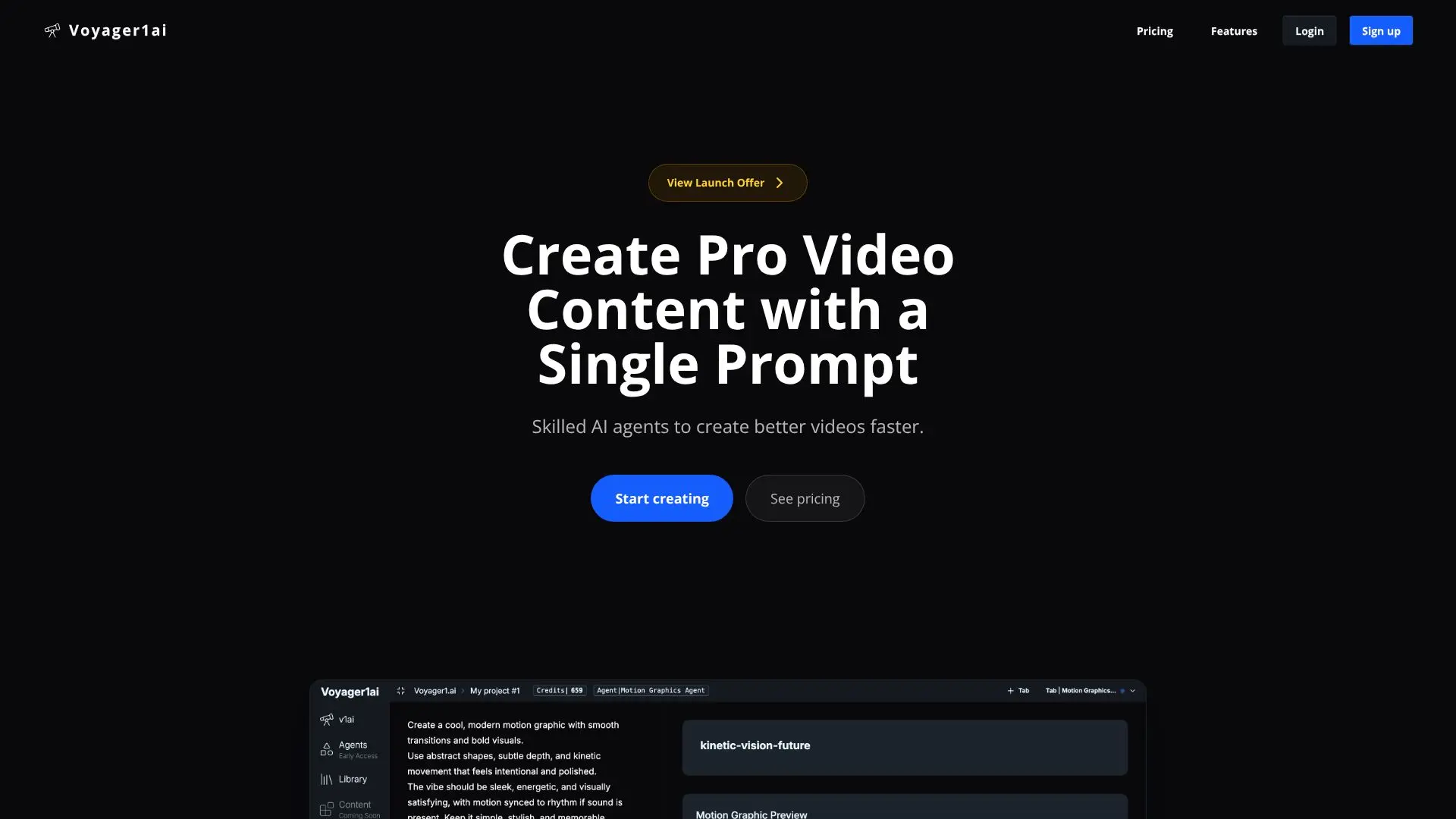
Voyager1.ai, styled as v1ai, positions itself as an AI social media teammate for small businesses that need to post regularly but do not have a content studio. A user briefs it the way they would brief a colleague, in one sentence, and the agent plans, generates, edits and schedules the resulting video, image, carousel or text post across the business's social channels.
Read More
The workflow runs in six steps. A user writes a one-sentence prompt and picks a format; v1ai then proposes a plan, showing the angle, hook, caption, a scene-by-scene storyboard, the voice and music, and the exact credit cost, before anything is generated. The user can revise the plan in plain language, for example asking to change the hook or swap a scene, and their notes carry through later edits. Once approved, v1ai generates the stills, video clips, voiceover, music and word-timed captions and cuts them into one finished piece, checking it frame by frame for problems such as cut-off text or unreadable type before showing it to the user. The user can then ask for further changes in plain language, such as bigger captions or a different closing shot, and v1ai re-edits only the affected part rather than the whole video. Finally, the user or their team approves the piece and schedules it to specific channels and times, or publishes immediately; nothing goes out without that approval.
To generate a video, v1ai reads a business's brand kit, product catalog and any avatars it has been given, along with the stated goal of the piece, and uses that to keep the same faces, products and brand look consistent across a piece. It applies techniques such as kinetic typography, word-timed captions, light leaks, motion blur, counting numbers and color grading based on what suits the brief. Beyond producing individual pieces, v1ai brings comments, direct messages, reviews and leads from the connected channels back into a single inbox, and reports which posts drive reach or leads so a business can turn a well-performing post into a paid ad.
Voyager1.ai is aimed at small businesses and social media teams rather than large in-house creative departments; the site reports it is used by more than 2,400 businesses, with a rating of 4.9. Plans start from $25 a month.
- CategoryAI Video Generators
- Pricing ModelFreemium
- DeploymentCloud
- PlatformsWeb
Voyager1.ai's Core Features
Plans a piece of content (angle, hook, caption, storyboard, voice, music) and shows its cost before generating it
Generates video, images, carousels or text posts from a one-sentence brief
Keeps faces, products and brand look consistent using a brand kit, product catalog and avatars
Edits only the specific part of a finished piece a user asks to change, rather than the whole thing
Automated frame-by-frame review that checks for cut-off text, empty frames or unreadable captions
Schedules and publishes content across multiple social channels
Brings comments, direct messages, reviews and leads from connected channels into one inbox
Reports which posts drive reach or leads, to help decide what to boost into paid ads
Team approval step before anything is published
How to use Voyager1.ai?
Write a one-sentence brief: Tell v1ai what to promote and pick a format: video, image, carousel or text.
Review the plan: Check the proposed angle, hook, storyboard, voice, music and cost before anything is made.
Adjust if needed: Ask for changes to the plan in plain language; your notes carry through the rest of the process.
Let it generate: v1ai creates the stills, video, voiceover, music and captions and cuts them together.
Polish the result: Ask for specific edits, like a bigger caption or a different closing shot.
Approve and schedule: Choose the channels and time, or publish immediately, once your team signs off.
Voyager1.ai's Use Cases
- Branded video generation
- Social scheduling
- Unified engagement inbox
- Performance-driven ads