
Description
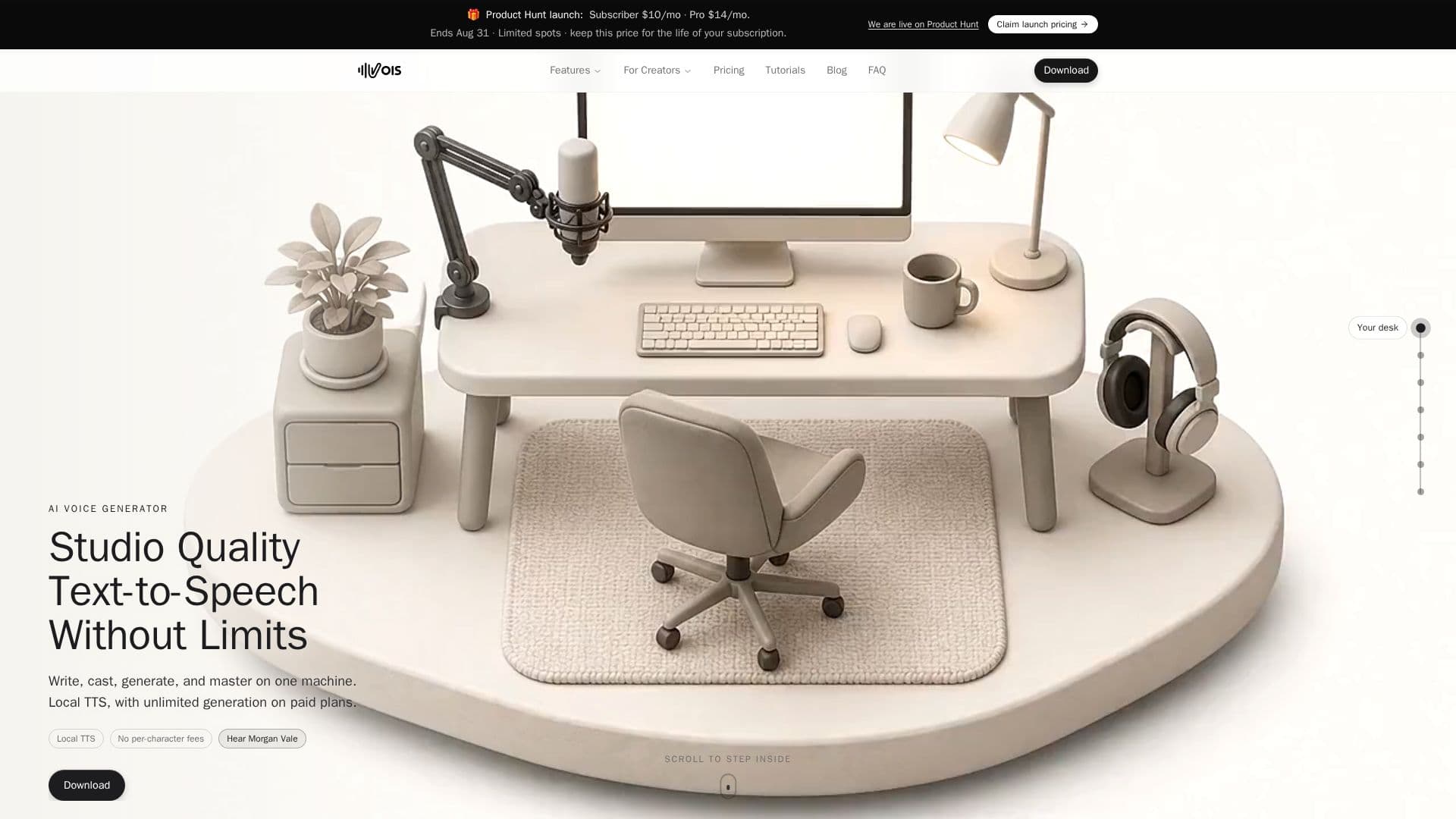
Vois is an AI voice production studio for macOS and Windows that runs text-to-speech and audio processing locally on your computer. It combines a script editor, 100+ studio-quality voices across 21 categories, voice cloning, a multi-track timeline, and a professional mastering pipeline in a single app, so you can write, cast, generate, and master audio without switching tools or exporting to a separate editor.
Read More
Because generation runs on-device, paid plans offer unlimited voice generation with no per-character fees, and scripts and audio are not uploaded for TTS or mastering. You can clone a voice from a 10-to-15-second sample, tag multiple speakers in one script and assign a voice to each, apply a custom pronunciation dictionary, and master output with LUFS normalization, de-essing, EQ, and limiting. One-click export presets hit the loudness targets for ACX audiobooks, Spotify, Apple Podcasts, and YouTube.
Vois includes several TTS engines: Fast for quick English drafts, Expressive for production English, a legacy 23-language Multilingual engine on any plan, and Omni, a Pro engine that covers 600+ languages and powers Voice Design, which builds new voices from attributes such as gender, age, pitch, accent, and style without an audio sample. Cloned and designed voices work across the supported Omni languages. A command-line interface lets AI agents such as Claude, ChatGPT, Gemini, and Cursor orchestrate voice workflows.
A 7-day free trial (10 generations per day, one project, no card) is available, and a free tier can be used with pay-as-you-go export credits that never expire. Paid plans are flat monthly or annual: Subscriber for the core local studio, and Pro adding Omni, 600+ languages, and Voice Design. Internet is needed for setup, model downloads, activation, and periodic license validation, while production runs offline. Vois runs on macOS 12+ (Apple Silicon) and Windows 10/11, with optional GPU acceleration, and Omni requires a compatible graphics card.
- CategoryText to Speech
- Pricing ModelPaid
- DeploymentDesktop app
- PlatformsmacOS, Windows
Vois's Core Features
Local, on-device text-to-speech and audio processing
100+ studio-quality voices across 21 categories
Voice cloning from a 10-to-15-second sample
Pro Voice Design and Omni engine covering 600+ languages
Multi-speaker scripts with per-speaker voice assignment
Multi-track timeline and mastering with LUFS normalization, de-essing, EQ, and limiting
Export presets for ACX, Spotify, Apple Podcasts, and YouTube
Unlimited generation on flat paid plans with no per-character fees
How to use Vois?
Write your script: Use the script editor and tag speakers for multi-voice projects.
Cast voices: Choose from 100+ voices, clone a voice from a short sample, or design one on Pro.
Generate: Produce the narration locally with unlimited generation on paid plans.
Edit and master: Arrange clips on the multi-track timeline and apply mastering.
Export: Render with a one-click preset for your target platform.
Vois's Use Cases
- Audiobook production
- Podcast creation
- Video voiceovers
- Game dialogue
- Multilingual content