Description
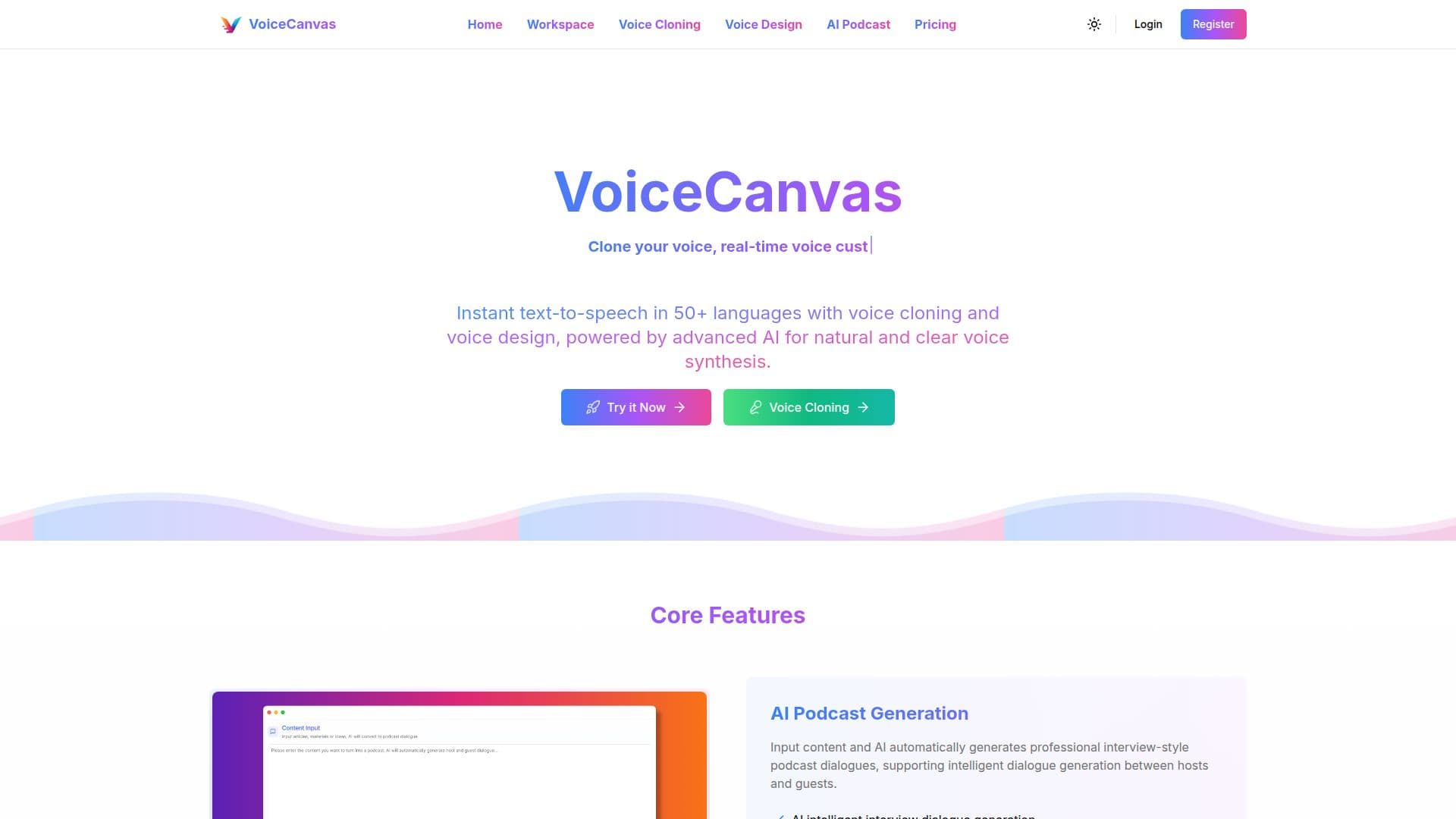
VoiceCanvas is an AI-powered voice synthesis platform that turns text into natural, clear speech and offers voice cloning and voice design. It supports 50+ languages and dialects, with multiple male and female voices per language and regional accent options such as US and UK English, plus human-like intonation.
Read More
Beyond standard text-to-speech, VoiceCanvas includes several AI creation tools. AI Podcast Generation produces interview-style podcast dialogues between hosts and guests from input content. AI Story Voiceover generates stories with customizable themes and characters and converts them into immersive audio with multiple character voices. Voice Design lets you create unique personalized voices from natural-language descriptions with real-time preview, and Voice Cloning replicates a voice from a 10-second sample while preserving its emotions and characteristics, with cross-language support and permanently valid clones.
Advanced controls let you adjust speech speed and tone, visualize audio in real time, enable a word-by-word reading mode for learning, and download audio files with one click. The platform is delivered through a web studio with real-time preview and multi-voice support.
Pricing includes a free trial (a limited number of characters over 7 days) and paid monthly and annual plans with larger character allowances and more features. Voice clone and design packages are sold separately as one-time purchases with lifetime validity in tiers by number of clones, and pay-as-you-go character packs are also available.
- CategoryAI Voice Generators
- Pricing ModelFreemium
- DeploymentCloud
- PlatformsWeb
VoiceCanvas's Core Features
AI text-to-speech in 50+ languages with male and female voices
Voice cloning from a 10-second sample with cross-language support
AI voice design from natural-language descriptions
AI podcast generation with host and guest dialogue
AI story creation with voiceover and multiple character voices
Adjustable speed and tone with real-time audio visualization
Word-by-word reading mode for learning
One-click audio download
How to use VoiceCanvas?
Enter your text: Type or upload the content you want to voice.
Choose a voice: Pick from 50+ languages and voices, or design or clone a custom voice.
Adjust settings: Set speed and tone, and preview the audio in real time.
Generate: Create the speech, podcast, or story voiceover.
Download: Save the finished audio file with one click.
VoiceCanvas's Use Cases
- Voiceovers
- Podcast creation
- Story audio
- Personal voice cloning
- Language learning