Description
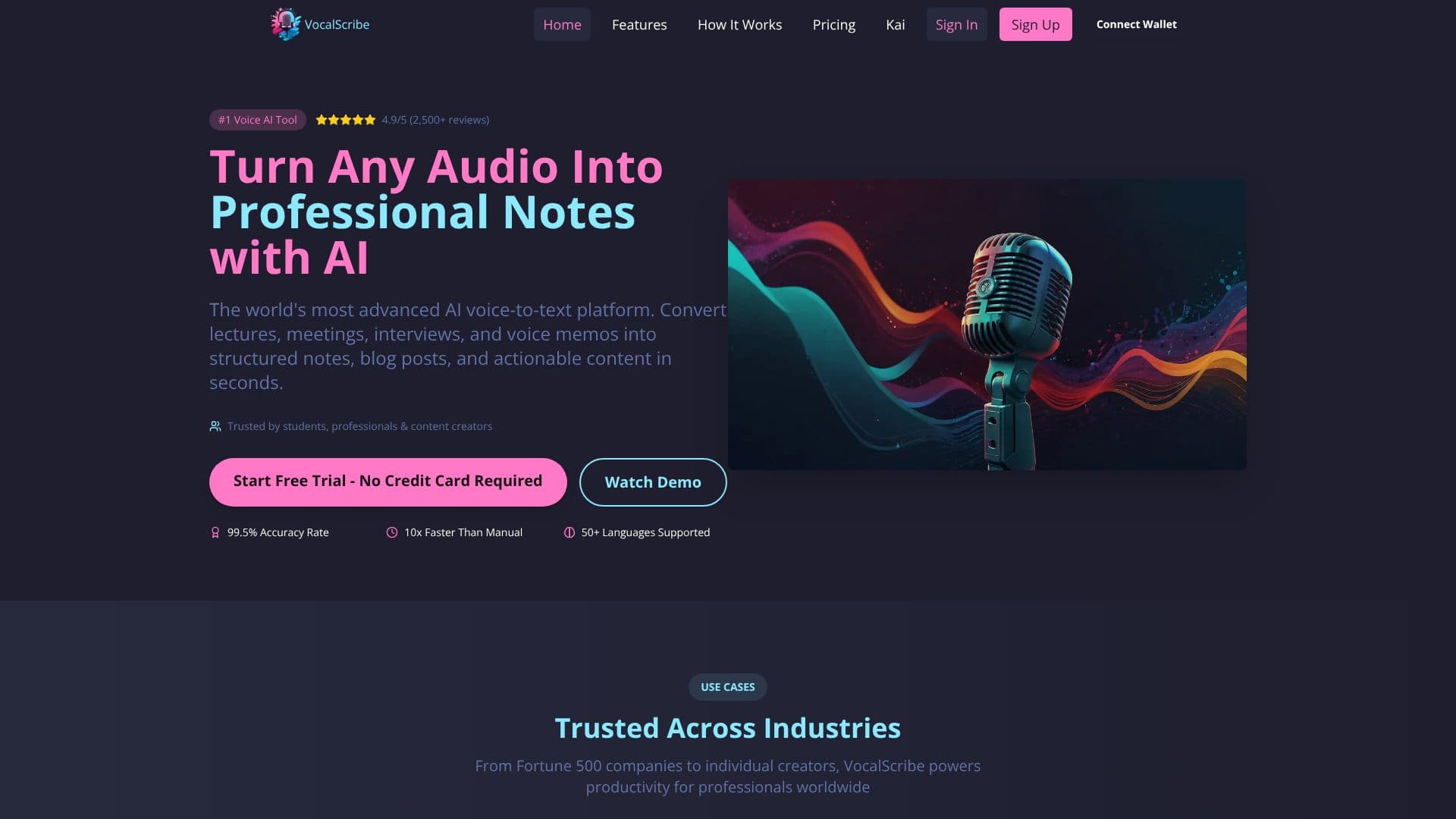
VocalScribe turns a single recorded lecture into a complete study pack. Users capture a lecture live or upload a recording, and VocalScribe produces a transcript, structured notes, flashcards and a practice quiz from that one file.
Read More
The process follows three steps. Capture: record a lecture live, with pause and resume controls, or upload a file you already have. Review: read Cornell-style structured notes alongside the original transcript, which stays available for reference. Practice: work through auto-generated flashcards and a quiz built from the same material to check what you remember.
Recording features include highlight segments for marking key moments, noise reduction for clearer audio, and hands-free voice commands such as 'pause' or 'mark' during a session. Transcription happens in real time as you speak, with an editing interface for quick corrections and a tagging system for organizing study packs. VocalScribe supports more than 50 languages and can record and transcribe offline as well as live.
The Starter plan is free: one complete lecture up to 90 minutes, transcribed with a full study pack and 20 total AI study actions, no credit card required, once per account. VocalScribe Pro costs $99 a year ($8.25 a month billed annually) and adds 500 recording minutes and 100 AI study actions a month, automatic study packages for every lecture, all recording and upload modes, and advanced export and sharing. VocalScribe Premium costs $129.99 a year ($10.83 a month billed annually) and removes the caps: unlimited recording, transcription, study packages and AI edits, plus priority processing.
VocalScribe is built primarily for college students who need to turn class recordings into material they can actually study from, though the same recording and transcription tools are also offered as separate options for creators and teams. Paid plans are billed through Stripe and can be cancelled at any time, with existing data staying accessible afterward.
- CategoryAI Study Tools
- Pricing ModelFreemium
- DeploymentCloud
- PlatformsWeb
VocalScribe's Core Features
Converts a recorded or uploaded lecture, up to 90 minutes on the free plan, into a transcript, notes, flashcards and quiz in one pass
Cornell-style structured notes paired with the original transcript
Auto-generated flashcards and a practice quiz from each lecture
Live recording with pause/resume and the ability to highlight key segments
Noise reduction for clearer audio capture
Hands-free voice commands during recording, such as 'pause' or 'mark'
Real-time transcription as you speak
Support for more than 50 languages, with offline recording available
Tagging system to organize study packs
Advanced export and sharing on paid plans
How to use VocalScribe?
Record or upload: Capture a lecture live or upload an existing recording.
Wait for processing: VocalScribe transcribes the audio and builds the study pack.
Review notes: Read the structured Cornell notes alongside the full transcript.
Study with flashcards: Work through the auto-generated flashcards.
Test yourself: Take the practice quiz built from the same lecture.
Export or share: Download or share the finished study pack.
VocalScribe's Use Cases
- Lecture study packs
- Exam review
- Interview transcription