
Description
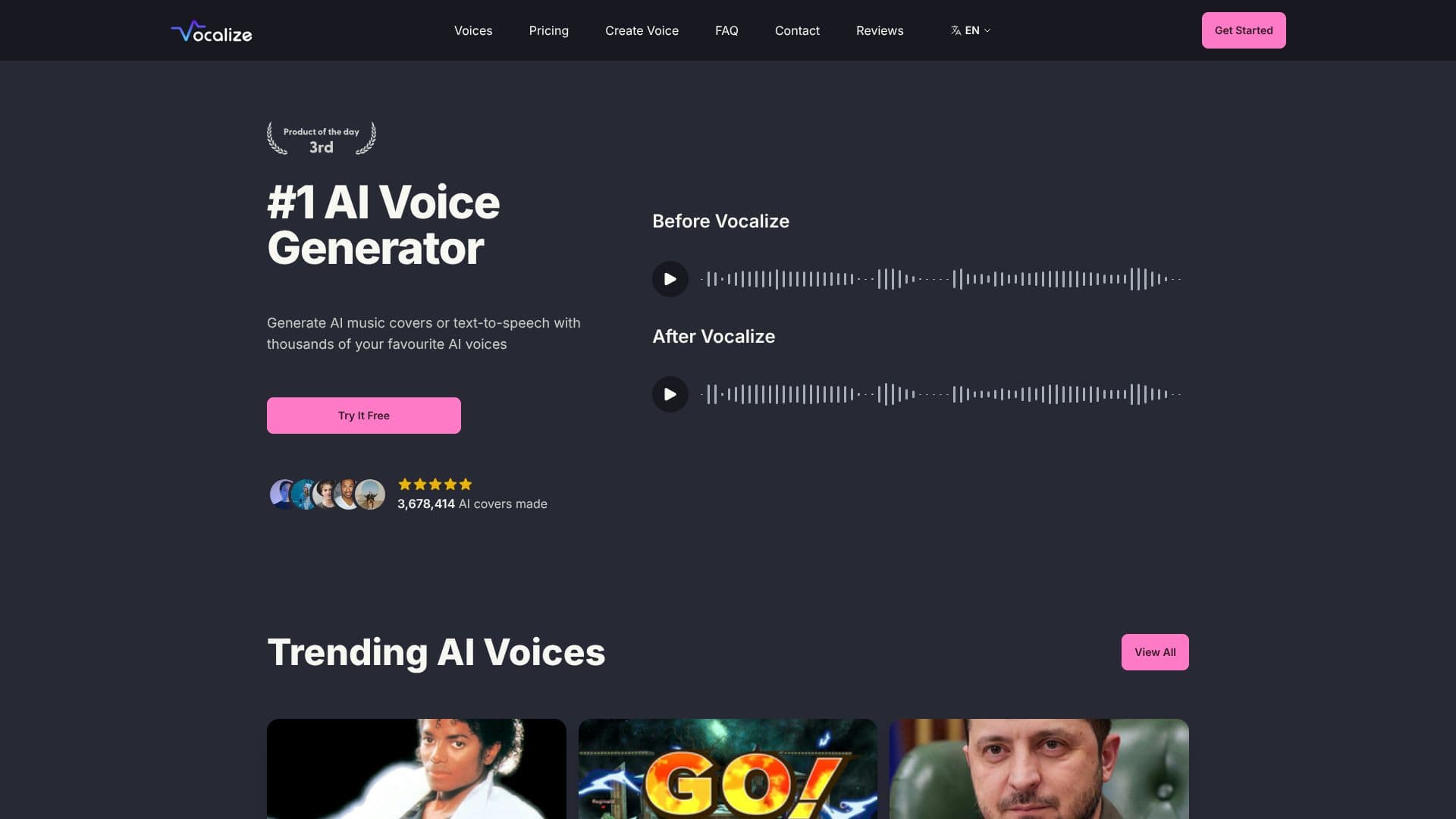
Vocalize is a community-driven platform that empowers users to generate AI cover songs and text-to-speech audio using a vast library of AI voices. The platform boasts thousands of user-uploaded voice models, allowing for unparalleled creative freedom. Users can select from trending AI voices, including popular figures and unique creations, to transform their audio projects.
Read More
Beyond using existing voices, Vocalize enables users to clone their own voice, making it possible to sing any song with their unique vocal signature. This feature is particularly beneficial for musicians looking to experiment with different vocal styles or for content creators needing consistent voiceovers. The process is designed to be straightforward, allowing for quick integration into existing workflows.
The platform is built on a foundation of user-generated content, fostering a collaborative environment where anyone can contribute their AI voice models. This community aspect ensures a constantly expanding and diverse selection of voices. Vocalize aims to simplify the music production and voiceover process, making advanced AI vocal synthesis accessible to a broad audience.
Key capabilities include generating AI music covers, creating text-to-speech with custom voices, and voice cloning. The service is geared towards individuals and professionals in music production, game development, content creation, and anyone looking to explore the possibilities of AI-powered voice synthesis. The value proposition lies in its extensive voice library, ease of use, and the ability to create unique vocal content efficiently.
- CategoryAI Voice Generators
- Pricing ModelSubscription
- DeploymentCloud
- PlatformsWeb
Vocalize AI Voice Generator's Core Features
Generate AI cover songs
Create Text-To-Speech audio
Access thousands of community-uploaded AI voices
Clone your own voice
Use trending AI voices
User-generated voice models
Voice model upload functionality
Fast AI generation for subscribers
Priority generation queue for subscribers
Advanced settings for conversions
High output quality
24/7 live chat support
How to use Vocalize AI Voice Generator?
Select Voice: Browse or search the library for your desired AI voice.
Input Audio/Text: Upload a song for AI cover or type text for TTS.
Configure Settings: Adjust parameters for voice conversion or TTS output.
Generate Audio: Initiate the AI generation process.
Download & Use: Save your AI-generated audio for your projects.
Vocalize AI Voice Generator's Use Cases
- AI Cover Songs
- Text-To-Speech
- Voice Cloning
- Game Development
- Content Creation
- Music Production