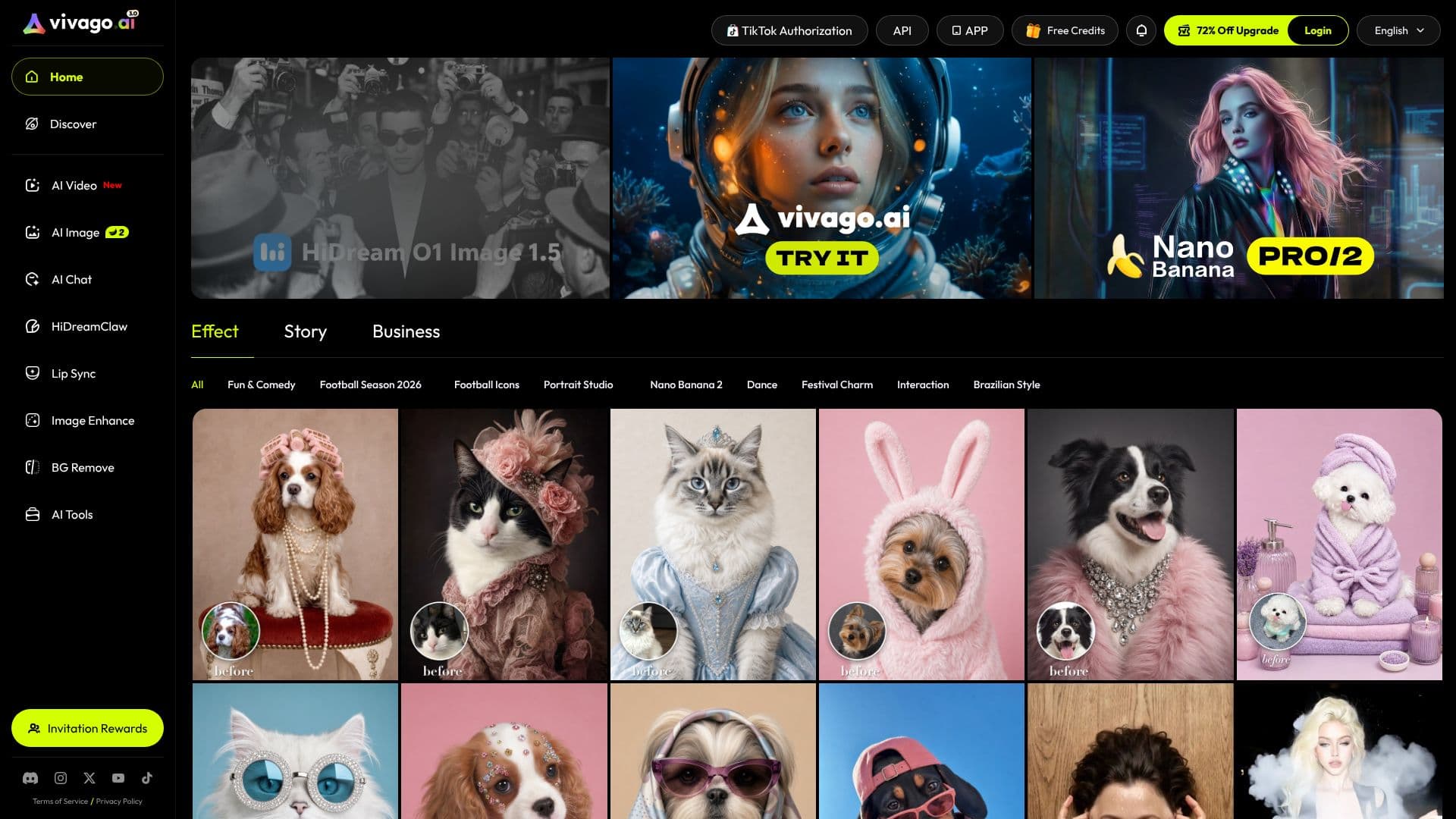
Description
vivago AI Agent is a conversational interface for generating and editing images and video. Instead of separate tools for each model or format, a user types or pastes a request into a single chat window and the agent handles the rest: picking a model, running the generation, and returning the result inline.
Read More
The agent draws on a mix of third-party generation models rather than one of its own, with its listed lineup including Sora 2 and Veo 3.1 for video and Nano Banana and Seedream for images, alongside Kling. A SkillHub lets users browse and invoke specific generation skills directly, and a built-in web-search connector can pull in reference material mid-conversation.
Projects, uploaded assets, and generated files are organized in a sidebar so a session can span multiple images or clips without losing earlier work, and a gallery collects finished output. Results can be built from an uploaded file, an existing photo or video, as well as from a plain text description.
The base agent is free to use; the site also offers a Premium tier through its "Go Premium" option for users who want expanded access, though the homepage doesn't publish specific plan details. The product is listed as a web-based multimedia application, so it runs in the browser rather than as a download.
Because the agent can call several different models for the same kind of request, it also handles prompt optimization on the user's behalf, taking a plain-language description and shaping it into the kind of prompt a given image or video model responds to best, rather than requiring the user to learn each model's own prompting conventions. Connectors and a project history sit alongside the chat, so earlier assets stay accessible while a new generation request is in progress.
vivago AI Agent is built for people creating short-form social video and images who want to move fast across multiple AI models without switching tools for each one. Because generation runs through third-party models, output quality and style depend on whichever model the agent selects, or the user chooses, for a given request. The product sits at vivago.ai, which now redirects visitors straight into the agent rather than a standalone marketing homepage.
- CategoryAI Video Generators
- Pricing ModelFreemium
- DeploymentCloud
- PlatformsWeb
vivago AI Agent's Core Features
Chat-first interface: describe a video or image request in natural language
Access to multiple third-party generation models (Sora 2, Veo 3.1, Kling, Nano Banana, Seedream) from one chat
SkillHub for browsing and invoking specific generation skills directly
Built-in web search connector for pulling reference material into a conversation
Upload an existing image or video as a starting point for generation or editing
Project sidebar keeps assets and generation history organized across a session
Gallery for reviewing and collecting finished output
Free tier plus an optional Premium tier
How to use vivago AI Agent?
Start a project: open a new project and describe what you want to create in chat.
Add references: upload a file or use web search to bring in source material.
Pick a skill: use SkillHub to select a specific generation model or workflow.
Generate: send the request and review the image or video the agent returns.
Iterate: ask for edits or variations in the same conversation.
Collect output: save finished work to the gallery or your assets.
vivago AI Agent's Use Cases
- Conversational image generation
- AI video creation
- Multi-model creative workflow