Description
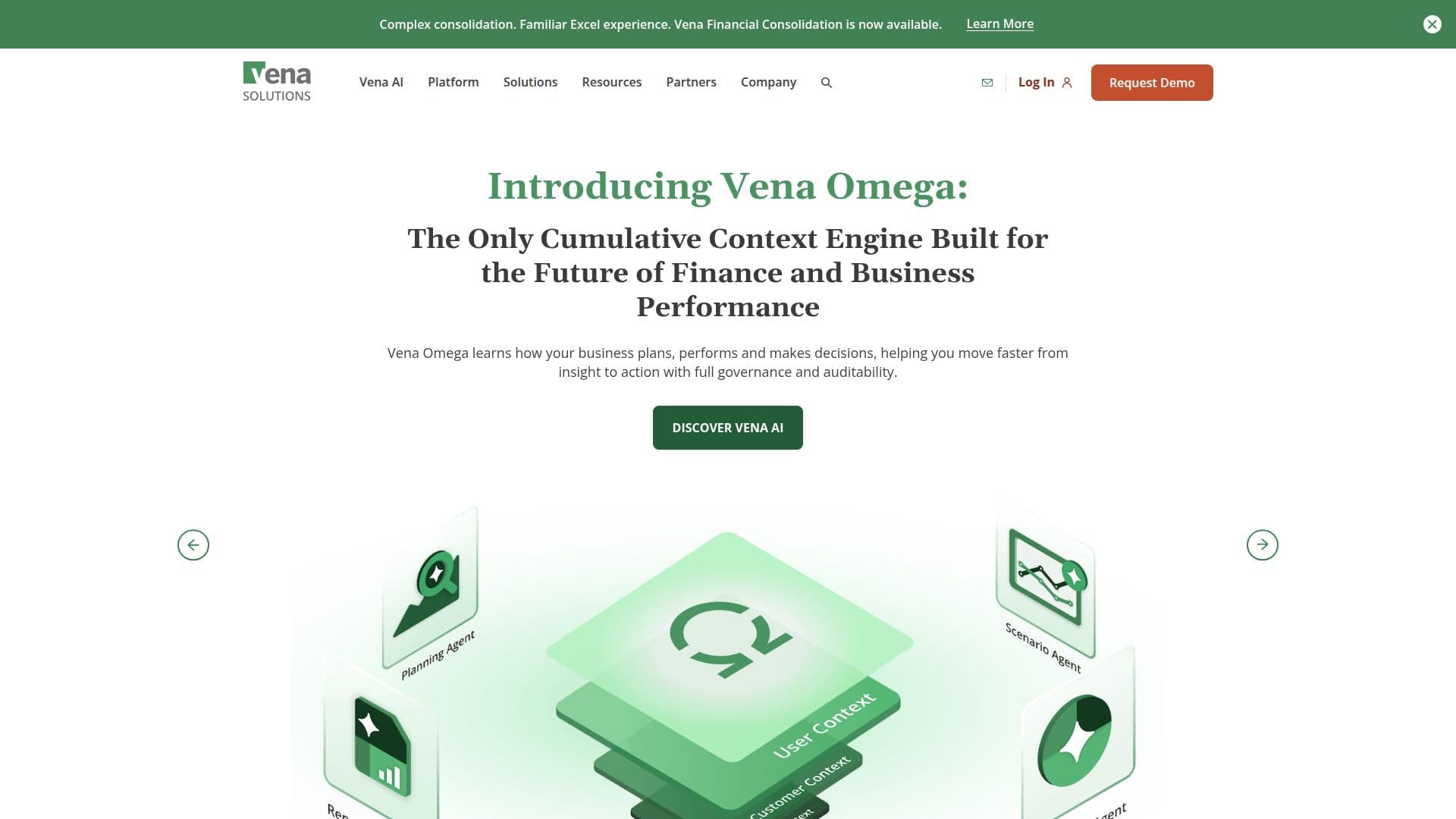
Vena Solutions is a leading Microsoft-native platform designed for financial and operational planning. It empowers organizations by integrating with familiar tools like Excel and Power BI, enabling seamless collaboration and data-driven decision-making. Vena's platform is powered by a cumulative context engine, Vena Omega, which enhances business intelligence with each cycle. This engine helps businesses move swiftly from insight to action, ensuring full governance and auditability.
Vena offers a range of features that streamline financial processes. Users can flex drivers, model unlimited 'what-if' scenarios, and make adjustments within Excel. The platform provides interactive dashboards for KPI tracking and ad-hoc reporting, ensuring quick responses to business queries. Vena also addresses common issues like version control with centralized templates and supports collaboration through co-authoring and live chat.
The platform's integration with Microsoft 365 apps and AI innovations unlocks planning potential. Vena Copilot, an AI agent, transforms finance questions into FP&A insights, while Vena Insights offers advanced analytics and pre-built Power BI dashboards. Vena for PowerPoint allows users to create data-driven presentations, engaging stakeholders with real-time insights.
Vena's pricing plans include the Professional and Complete packages, catering to different organizational needs. The platform supports secure, scalable integrations with ERP, CRM, and HRIS systems, providing a single source of truth for planning and reporting. Vena's mission is to amplify intelligence where business decisions happen, helping organizations plan better and achieve more.
Vena Solutions's Core Features
Microsoft-native integration
Cumulative context engine
Excel and Power BI integration
AI-driven insights
Centralized templates
Interactive dashboards
Scenario modeling
Real-time collaboration
Secure data integration
Governance and auditability
Vena Copilot
Vena Insights
Vena for PowerPoint
Workflow automation
Advanced analytics
How to use Vena Solutions?
Configure: Set up integrations with Microsoft 365 and other systems
Use: Model scenarios and track KPIs in Excel
Collaborate: Share insights and reports with stakeholders
Optimize: Use AI-driven insights for strategic decision-making
Vena Solutions's Use Cases
- Financial Planning
- Operational Planning
- Scenario Modeling
- KPI Tracking
- Collaboration
- Data Integration
- Budgeting
- Reporting