
Description
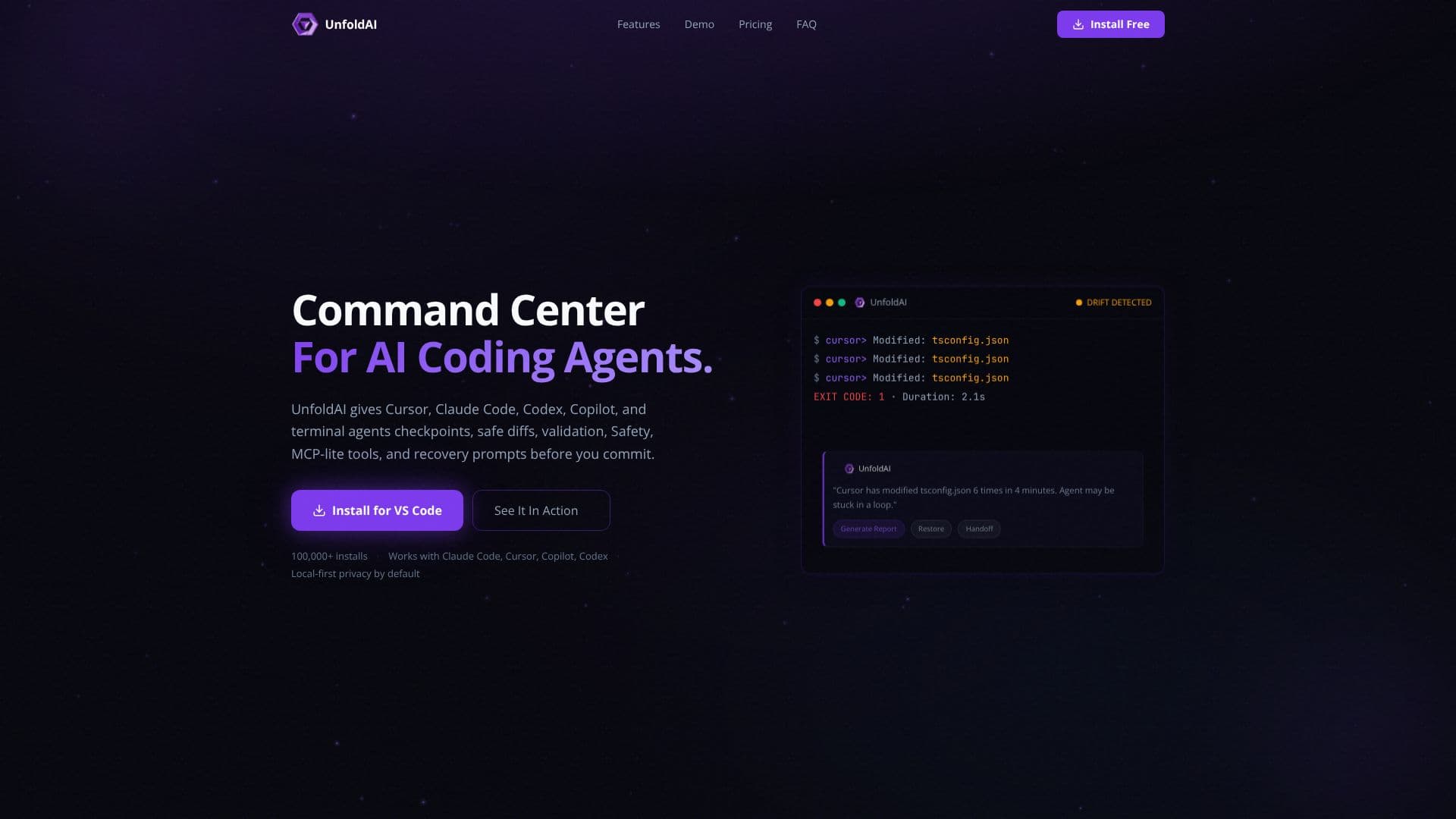
UnfoldAI acts as a supervision infrastructure for AI coding agents, offering a robust Command Center to monitor every AI agent session in your IDE. This tool is designed to catch errors early, streamline the review of agent failures, and ultimately enable developers to ship production code with increased confidence. It integrates with popular AI coding assistants like Cursor, Claude Code, Codex, and GitHub Copilot, as well as terminal agents.
Read More
Key functionalities include providing checkpoints, safe diffs, validation tools, safety features, MCP-lite tools, and recovery prompts before code commits. UnfoldAI's real-time supervision ensures that every agent session is watched, flagging potential issues such as agents getting stuck in loops or making excessive modifications to critical files like `tsconfig.json`. It generates alerts for drift detection and provides risk assessments, offering guided recovery prompts based on checkpoints.
The Command Center is a chat-first interface that allows users to query changes, validate AI sessions, create checkpoints, inspect safety cards, and generate verification or recovery prompts. It operates with local-first privacy by default, meaning sensitive code and diffs are not sent to the cloud unless explicitly configured. This workspace-aware chat surface provides local action cards and surfaces validation findings and safety information directly alongside the composer.
UnfoldAI offers a tiered pricing model, including a Free plan for local Command Center and deterministic safety tools, a Pro plan for cloud AI investigation and unlimited AI chat, and an Ultra plan for early-access features and heavier AI-agent workflows. The tool emphasizes a secure checkout process with introductory offers for paid plans. It is designed for developers who use AI coding agents and need a reliable system to oversee their activity and ensure code quality and stability.
- CategoryAI Code Review & Testing
- Pricing ModelFreemium
- DeploymentRuns locally
- PlatformsWindows, macOS, Linux
UnfoldAI's Core Features
Supervision infrastructure for AI coding agents
Real-time monitoring of agent sessions
Error detection and loop detection
Checkpoints and safe diffs
Validation tools and safety features
Recovery prompts and guidance
Command Center chat interface
Local-first privacy by default
Integration with popular AI coding agents (Cursor, Claude Code, Copilot, Codex)
Risk assessment and evidence-backed cards
Workspace-aware chat with local action cards
Manual checkpoint and pre-commit actions
How to use UnfoldAI?
Install: Install UnfoldAI for VS Code.
Monitor: Observe AI agent sessions in real-time.
Detect: Identify potential issues like loops or excessive file modifications.
Validate: Use the Command Center to validate AI sessions and inspect safety cards.
Checkpoint: Create manual checkpoints or request MCP approval.
Recover: Utilize guided recovery prompts for problematic sessions.
Commit: Ship production code with increased confidence.
UnfoldAI's Use Cases
- AI Agent Supervision
- Error Detection
- Code Review
- Safe Commits
- Agent Recovery
- Privacy-Preserving Development