Description
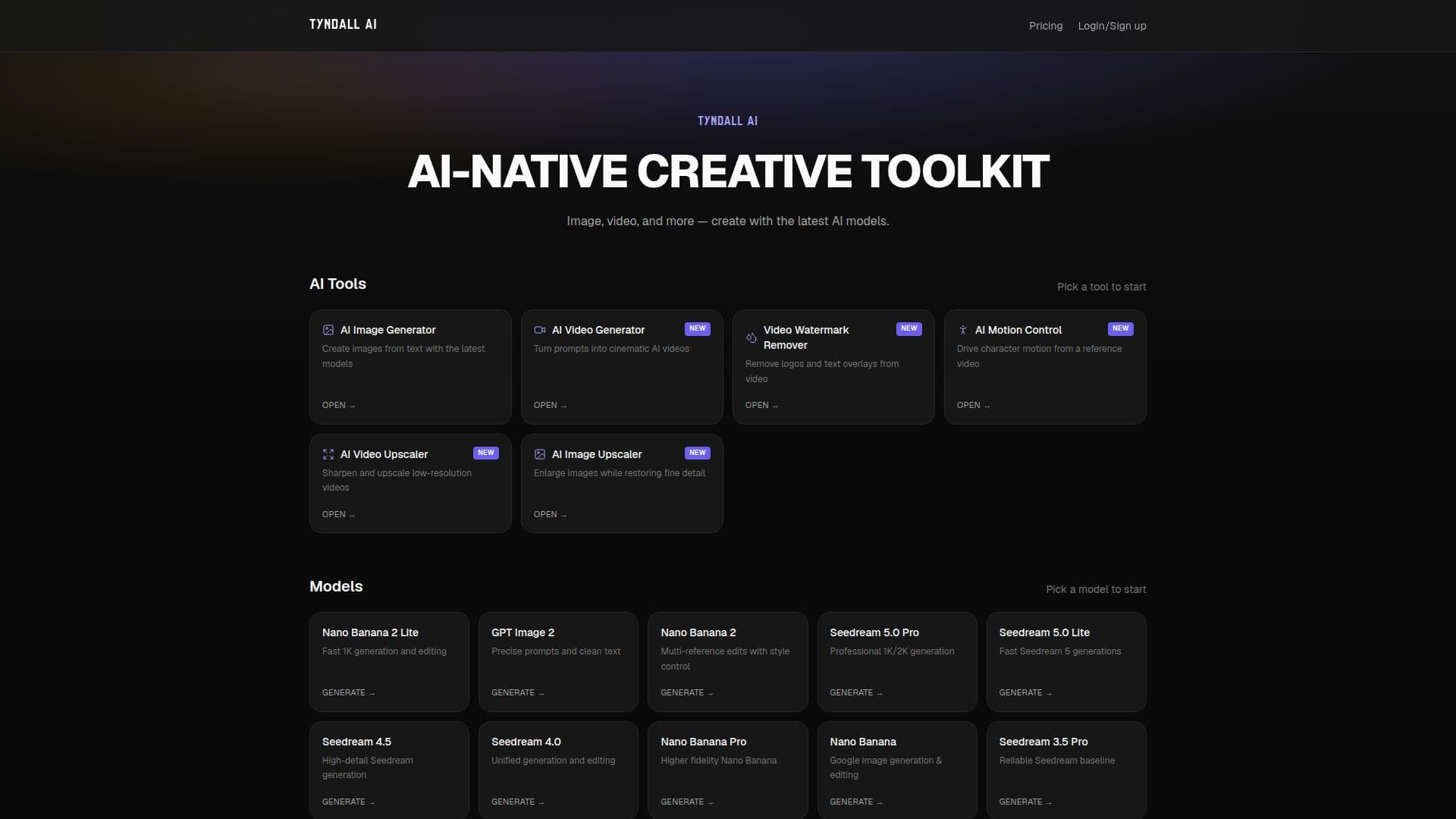
Tyndall AI is an innovative AI-native creative toolkit that specializes in image and video generation. This platform harnesses the power of the latest AI models to enable users to create stunning visuals and videos effortlessly. With a focus on user-friendly design and advanced capabilities, Tyndall AI caters to a wide range of creative needs, from simple image edits to complex video enhancements.
Read More
The toolkit includes various models such as Nano Banana 2 Lite for fast image generation and editing, GPT Image 2 for precise prompts and clean text, and Seedream 5.0 Pro for professional-grade image generation. Users can choose from multiple models based on their specific requirements, ensuring that they have the right tools at their disposal for any project.
Tyndall AI also offers a free AI video upscaler that allows users to enhance low-quality videos to 1080p, 2K, or even 4K resolution. This feature is particularly useful for restoring old footage, improving smartphone clips, and enhancing compressed social media videos without adding watermarks. The upscaling process is straightforward: users upload their videos, select the desired resolution, and download the enhanced clips ready for editing or publishing.
Pricing plans are flexible, with options for different levels of usage. The Pro plan offers 2,000 credits per month for $10, while the Ultimate plan provides 5,000 credits for $20. For those needing extensive resources, the Max plan includes 10,000 credits for $40. Each plan allows users to generate a specified number of fast images and basic videos, making it easy to choose a plan that fits their creative needs.
Overall, Tyndall AI is designed for content creators, marketers, and anyone looking to elevate their visual media production. With its powerful AI tools and user-friendly interface, it stands out as a valuable resource for generating high-quality images and videos efficiently.
- CategoryAI Video Generators
- Pricing ModelSubscription
- DeploymentCloud
- PlatformsWeb
Tyndall AI's Core Features
Image Generation
Video Generation
AI Video Upscaler
Multiple AI Models
No Watermark on Outputs
Flexible Pricing Plans
High-Resolution Output
User-Friendly Interface
How to use Tyndall AI?
Upload your video: Drop old footage, smartphone recordings, or screen captures.
Choose resolution: Select from 1080p, 2K, or 4K based on your needs.
Preview your video: Check the enhanced video on the page before downloading.
Download enhanced video: Get your high-resolution clip ready for editing or publishing.
Tyndall AI's Use Cases
- Social Media Content
- Marketing Campaigns
- Video Restoration
- Content Creation
- Professional Editing