Description
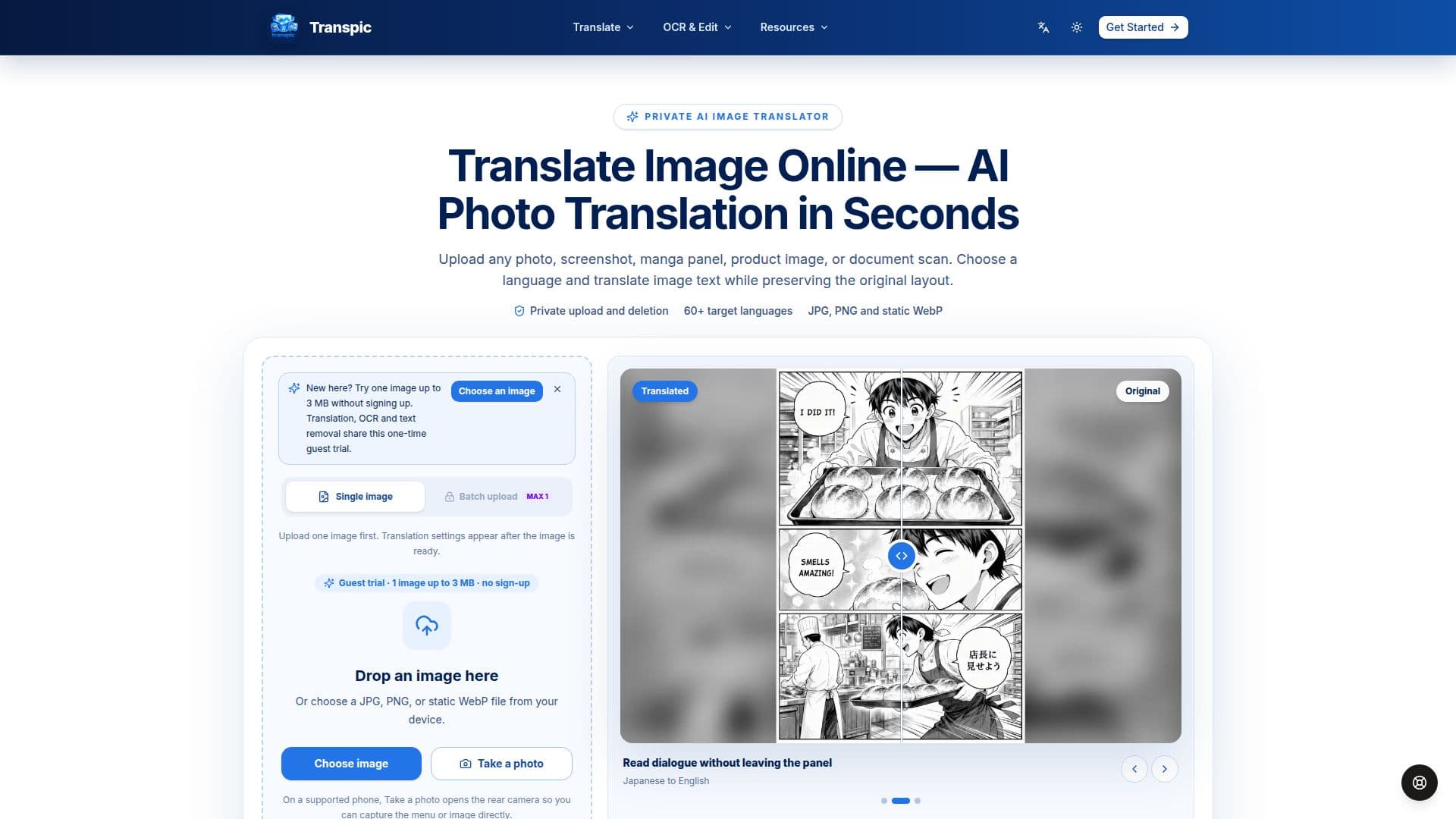
Transpic is an advanced AI-powered image translation tool designed to streamline the process of translating text within images. It caters to a wide range of users, including individuals, creators, marketers, e-commerce sellers, localization teams, and global businesses. The tool allows users to upload various types of images, such as photos, screenshots, product graphics, manga pages, posters, menus, or scanned documents, and translate the text into over 60 languages.
Read More
Unlike traditional OCR tools that merely extract text, Transpic detects text regions and maintains the original layout by keeping translated phrases connected to their visual positions. This feature ensures that product features remain beside their icons, menu prices stay next to the correct dishes, manga dialogue remains inside speech bubbles, and document labels stay aligned with their original rows and columns.
Transpic offers a free plan with limited features, allowing users to try the service with 30 signup credits and daily 10-credit grants. Paid plans provide additional benefits such as watermark-free exports, commercial rights, and higher batch processing limits. The tool supports various modes, including general, e-commerce, manga, and document modes, to cater to specific use cases.
The platform emphasizes privacy, with private server-side image processing and short-lived access URLs. Users can edit translated text blocks, adjust size, color, and position, and export the final image at the original dimensions. Transpic is particularly beneficial for e-commerce teams adapting product graphics for new markets, manga translators, educators, and travelers translating menus and signs.
- CategoryAI Translators
- Pricing ModelFreemium
- DeploymentCloud
- PlatformsWeb
Transpic's Core Features
AI-powered image translation
Preserves original layout
Supports 60+ languages
Editable translated text blocks
Batch processing capabilities
Private server-side image processing
Multiple translation modes
Watermark-free exports on paid plans
How to use Transpic?
Upload: Choose a JPG, PNG, or static WebP image.
Select Language: Pick a target language and mode.
Translate: The tool detects and translates text regions.
Edit and Export: Review, adjust, and download the translated image.
Transpic's Use Cases
- E-commerce Graphics
- Manga Translation
- Menu Translation
- Document Localization
- Travel Signage