Description
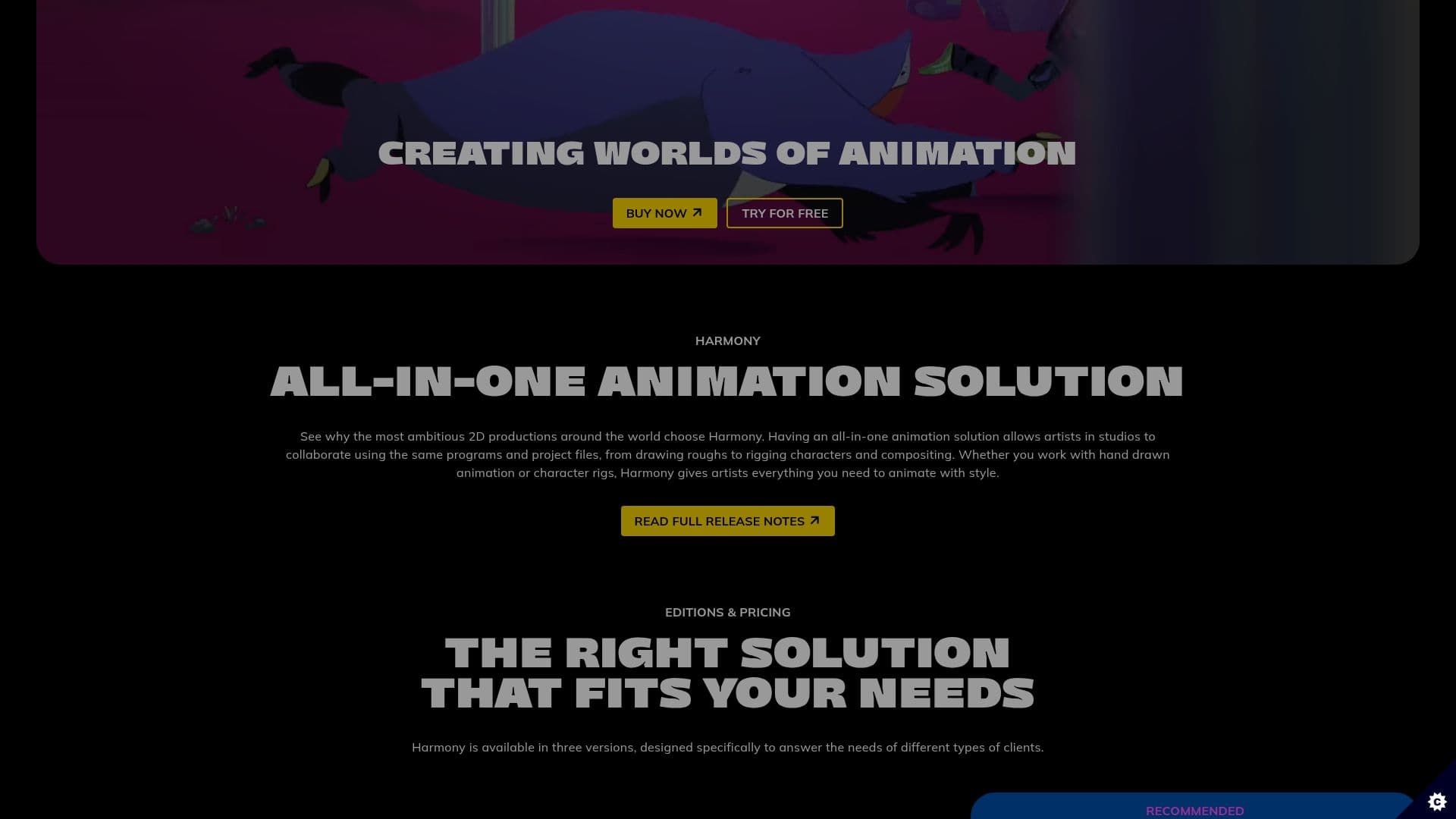
Toon Boom Harmony is a leading 2D animation software used by top studios globally. It provides a powerful end-to-end solution for animators, allowing them to create art in every style. Harmony is available in three versions: Essentials, Advanced, and Premium, catering to enthusiasts, students, and professionals respectively. Essentials offers fundamental tools for drawing and painting, while Advanced supports traditional and cut-out animation styles. Premium is designed for professional studios, offering sophisticated rigging and realistic character movement.
Read More
Harmony integrates seamlessly into studio workflows, enabling collaboration with shared project files. It includes AI tools like Toon Boom Ember, which assist teams in focusing on creativity by reducing interruptions. Harmony also features advanced controller nodes, selection lock nodes, and mirror reference views, enhancing the animation process.
The software is compatible with Windows and macOS, requiring specific hardware and software configurations for optimal performance. Users can try Harmony for free for 14 days. With a legacy of over 30 years, Toon Boom Animation continues to lead the industry, serving clients in over 140 countries.
- CategoryAI Animation Tools
- Pricing ModelFreemium
- DeploymentCloud
- PlatformsWindows, macOS
Toon Boom Harmony's Core Features
End-to-end animation solution
Three versions: Essentials, Advanced, Premium
AI tools for creative focus
Advanced controller nodes
Selection lock node
Mirror reference view
Compatible with Windows and macOS
14-day free trial
How to use Toon Boom Harmony?
Install: Download and set up Harmony on your system
Configure: Choose your version and set preferences
Create: Start animating using drawing and rigging tools
Collaborate: Share projects and collaborate with teams
Optimize: Use AI tools to enhance workflow
Toon Boom Harmony's Use Cases
- Traditional Animation
- Cut-out Animation
- Studio Collaboration
- AI-assisted Workflow
- Educational Use