
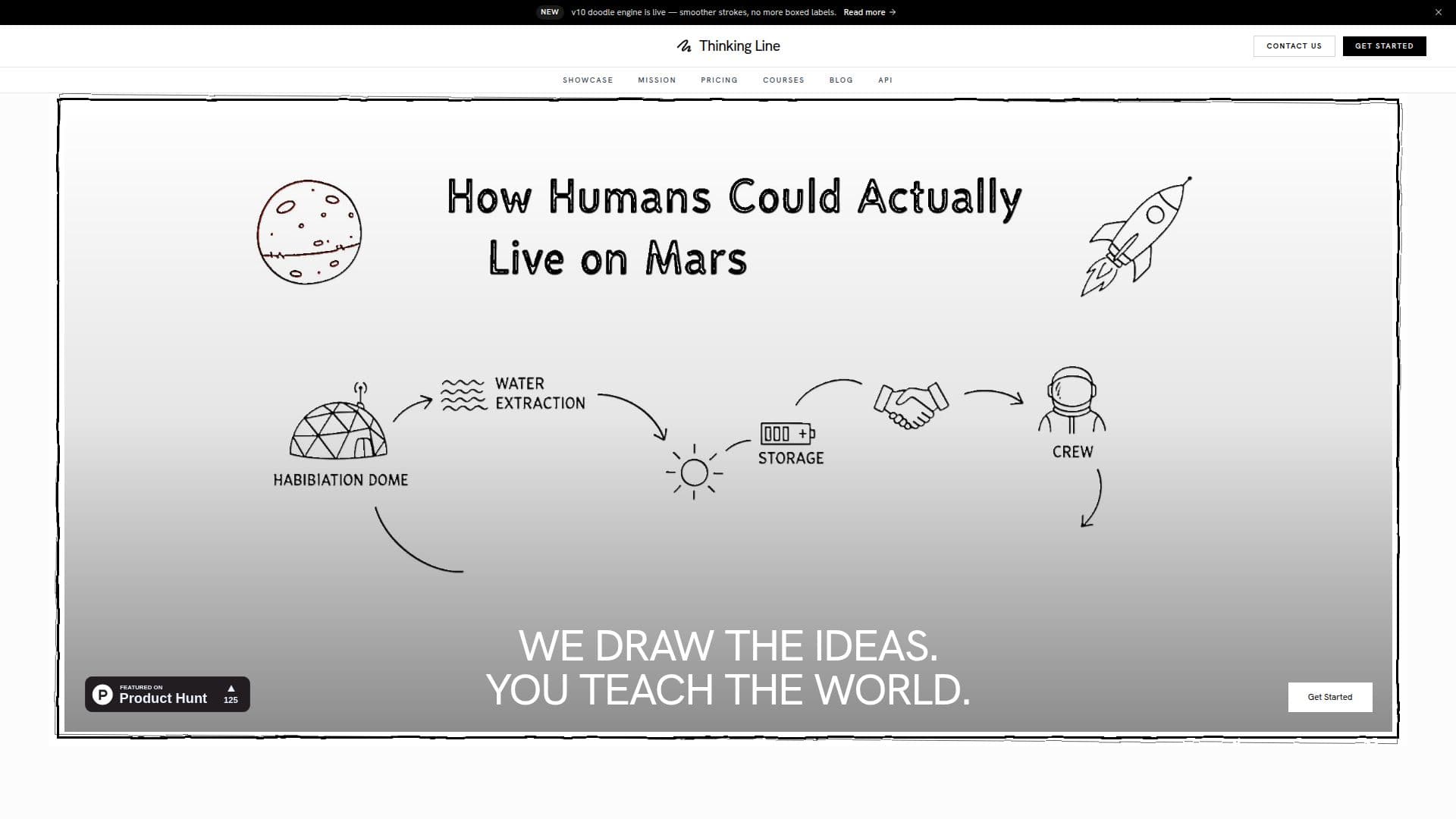
Description
Thinking Line is an AI-powered studio for creating hand-drawn whiteboard explainer videos and editable SVG vector graphics. From a single prompt, it produces a narrated, multi-scene doodle video or a scalable vector icon in under three minutes, so anyone with an idea can explain it clearly without spending weeks on production.
Read More
For video, the AI writes a beat-by-beat script, generates illustrations for each scene, creates hand-drawn doodle animations, and narrates with a choice of 50+ voices across multiple languages. Videos support normal, industrial, and cartoon modes, and native animated scenes such as bar charts, pie charts, graphs, and cycles that draw themselves inside lessons. Generation and editing happen in one studio so users can iterate the moment an idea strikes.
For vectors, Thinking Line generates clean SVG illustrations from text prompts in colored, monochrome, sketch, pencil, or infographic styles. Vectors are scalable and editable, can be refined with natural-language AI edits, animated with CSS or SMIL, and exported as SVG or PNG.
Developers can build on Thinking Line programmatically through a REST Public API and WebSocket endpoints, using API keys that deduct from a credit balance (videos cost 5 credits per beat, vectors 5 credits each). The platform also publishes free AI-generated courses across math, physics, chemistry, biology, and computer science. Plans range from a free tier with 4 videos per month to Pro with premium voices, 4K export, and commercial rights, and an Enterprise tier with API access and SSO.
- CategoryAI Animation Tools
- Pricing ModelFreemium
- DeploymentCloud
- PlatformsWeb
Thinking Line's Core Features
AI hand-drawn whiteboard explainer videos from a single prompt
AI-generated editable SVG vector graphics from text prompts
50+ narration voices across multiple languages
Normal, industrial, and cartoon video styles
Self-drawing animated charts, graphs, and cycles
Natural-language SVG editing plus CSS/SMIL animation
REST and WebSocket API with API keys and a credit system
Export up to 4K video and SVG or PNG vectors
How to use Thinking Line?
Enter a topic: Type any idea or topic you want to explain or illustrate.
Choose options: Pick a video style, voice, and length, or a vector style and aspect ratio.
Generate: The AI writes the script, creates illustrations, and produces a narrated doodle video or an editable SVG in minutes.
Edit and export: Refine the result in the studio or with natural-language AI edits, then export video up to 4K or vectors as SVG or PNG.
Thinking Line's Use Cases
- Educational lessons
- Corporate training
- Content creation
- Vector graphics
- Programmatic video at scale