Description
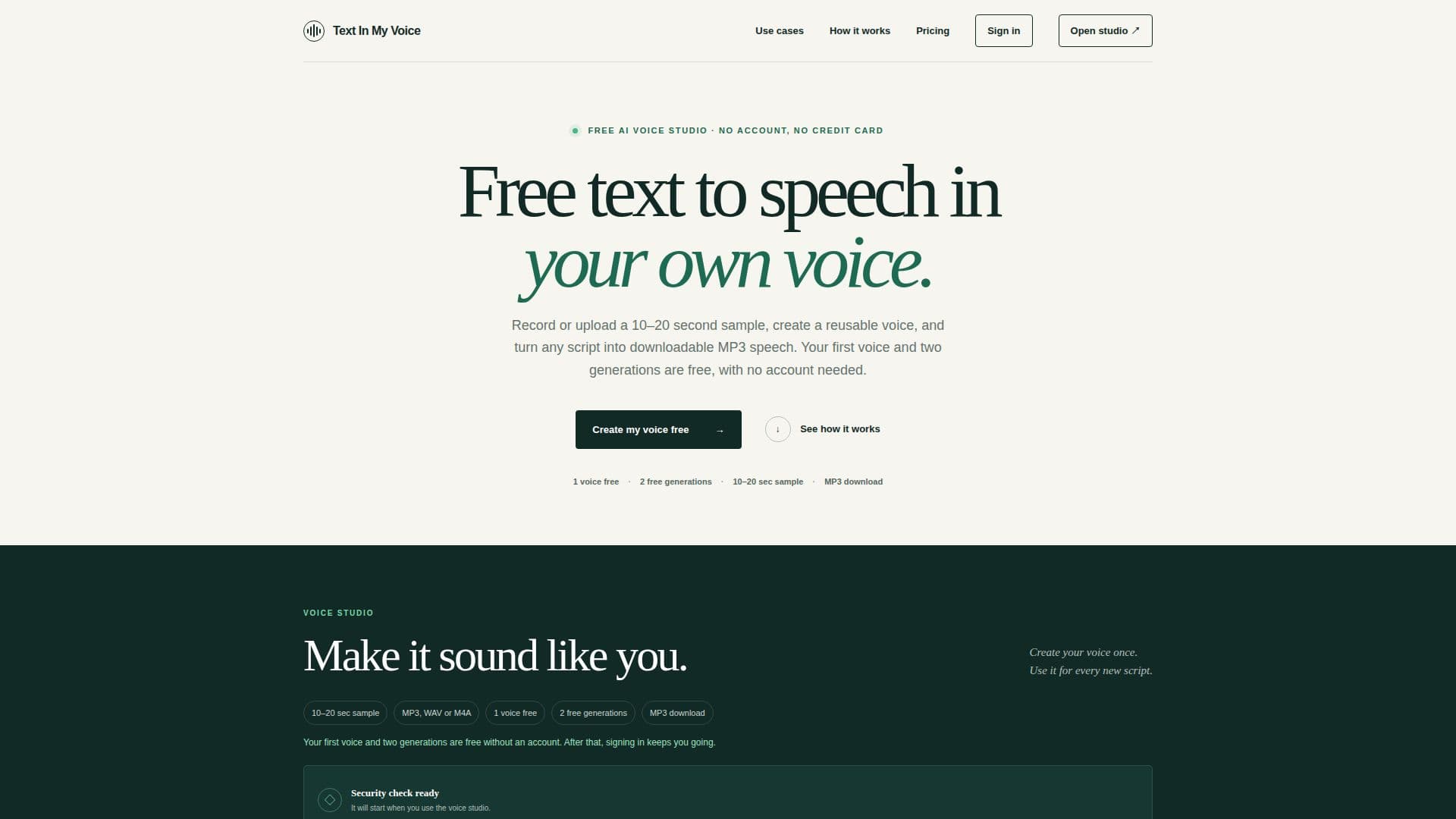
TextInMyVoice is an innovative tool that enables users to clone their voice from a 10–20 second audio sample and convert any text into speech using their own voice. This service is free to start, requiring no account or credit card, and allows users to download the generated speech as an MP3 file. The platform is designed to be user-friendly, offering a straightforward process where users can record or upload a sample, type their desired text, and generate a natural-sounding speech output.
Read More
The free tier of TextInMyVoice includes one saved voice and allows for three voice creations each month, with a monthly allowance of 5,000 characters. This equates to approximately five minutes of speech. Users can generate up to 1,000 characters per request and enjoy standard rendering queues for personal projects. For those needing more, TextInMyVoice offers paid plans such as the Creator plan, which supports 10 saved voices and 100,000 characters per month, and the Pro plan, which offers 50 saved voices and 400,000 characters per month.
TextInMyVoice emphasizes privacy and security, ensuring that uploaded samples are stored temporarily and deleted after processing. The tool is ideal for personal projects, voiceovers, and content creation, providing a practical solution for generating speech without the need for extensive recording sessions. Users are advised to provide clean audio samples for the best results, and the platform supports various audio formats including MP3, WAV, and M4A.
The tool is particularly useful for creating YouTube voiceovers, educational content, and other applications where personalized voice output is beneficial. TextInMyVoice also offers practical guides and tips for achieving optimal results, such as recording in a quiet environment and using phonetic spelling for unusual names. Overall, TextInMyVoice provides a convenient and accessible way to leverage voice cloning technology for a variety of use cases.
- CategoryAI Voice Generators
- Pricing ModelFreemium
- DeploymentCloud
- PlatformsWeb
TextInMyVoice's Core Features
Voice cloning from 10–20 second audio samples
Text-to-speech conversion in user's own voice
Free tier with no account required
MP3 download of generated speech
Supports MP3, WAV, and M4A formats
Monthly character allowance
Standard and priority rendering queues
Privacy-focused with temporary sample storage
How to use TextInMyVoice?
Record or upload: Provide a 10–20 second audio sample
Create voice: Generate a reusable voice from the sample
Type text: Enter the script or message to convert
Generate & download: Produce speech and download as MP3
TextInMyVoice's Use Cases
- YouTube Voiceovers
- Educational Content
- Podcast Narration
- Client Presentations
- Audiobook Creation