
Description
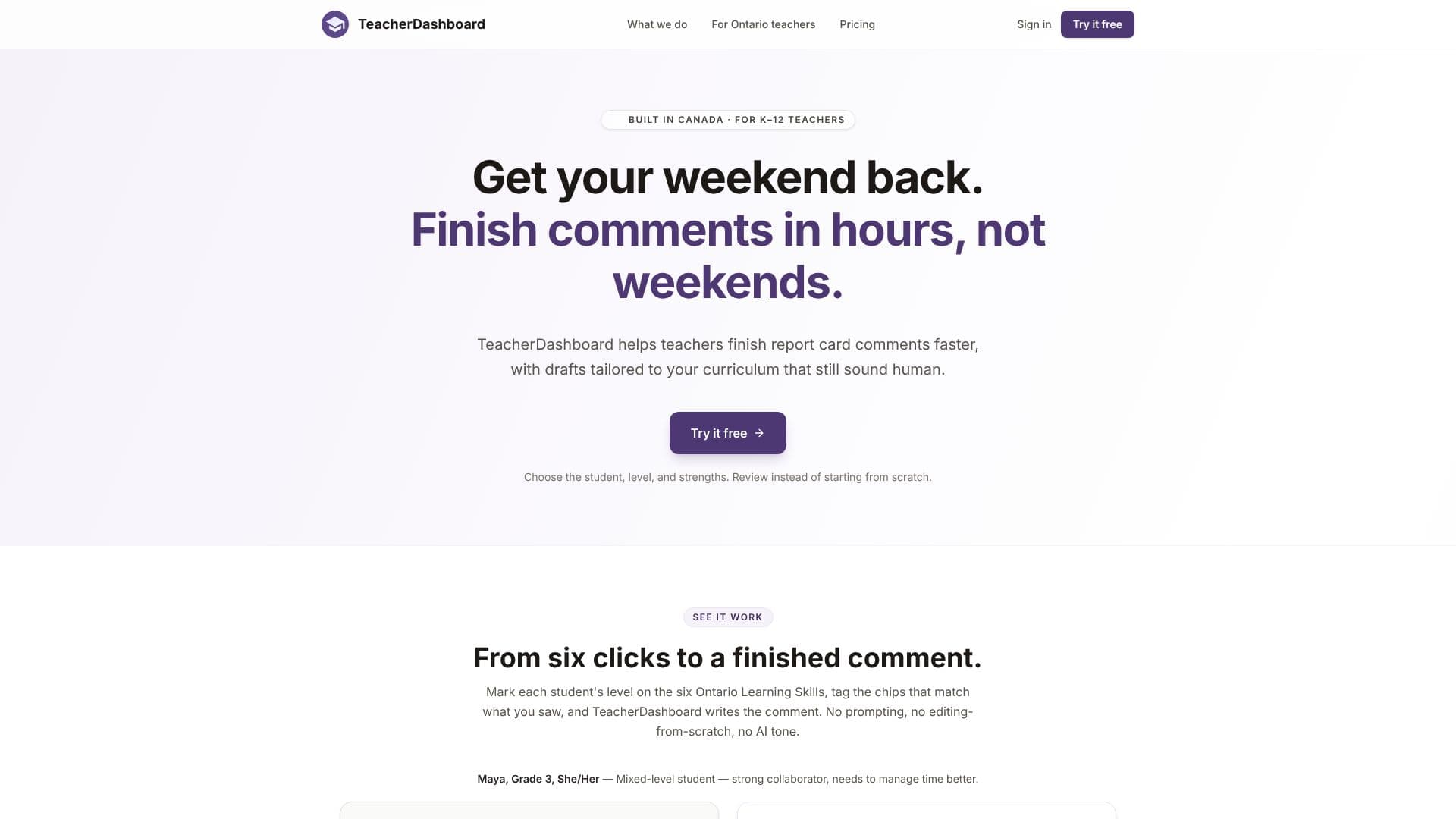
TeacherDashboard is an AI-powered tool designed to significantly reduce the time K-12 teachers spend on report card comments and rubric creation. It aims to give teachers their weekends back by automating the drafting process, ensuring that the generated content sounds authentic and personal, rather than robotic.
Read More
The platform works by allowing teachers to select a student, their grade level, and specific strengths or areas for improvement. Based on these inputs and regional educational frameworks, TeacherDashboard generates a draft comment in seconds. This approach shifts the teacher's role from starting from scratch to reviewing and refining a pre-written, contextually relevant draft, drastically cutting down on writing time.
Key capabilities include generating report card comments that are tailored to specific curricula and educational standards. It offers deep support for various regional frameworks, such as Ontario's Learning Skills (using the E/G/S/N scale), British Columbia's Proficiency Scale, and Manitoba's Learning Behaviours (C/U/S/R). The tool also assists in creating rubrics by allowing teachers to paste assignment details and select a grade and subject, producing an editable rubric that can be used, revised, or exported.
TeacherDashboard is built for the entire report card workflow. It pre-configures student details, reporting scales, and curriculum language, streamlining the process. Teachers can save drafts and access an editable history, providing flexibility and a safety net against "report-card brain fog." The tool is accessible to any classroom, with a free trial available to allow educators to experience its benefits firsthand.
The value proposition is clear: reclaim valuable personal time without sacrificing the quality or personal touch of report card communication. By handling the heavy lifting of drafting, TeacherDashboard empowers educators to focus on teaching and student engagement, while still delivering comprehensive and personalized feedback.
- CategoryAI Course Creators
- Pricing ModelSubscription
- DeploymentCloud
- PlatformsWeb
TeacherDashboard's Core Features
AI-generated report card comments
Personalized comment drafting in teacher's voice
Automated rubric generation from assignment details
Support for Ontario Learning Skills (E/G/S/N)
Support for BC Proficiency Scale
Support for Manitoba Learning Behaviours (C/U/S/R)
Region-specific curriculum language integration
Saved drafts and editable history
Review-focused workflow, not from-scratch editing
Fast comment generation (approx. 9 seconds)
Free trial available
Yearly and quarterly subscription options
How to use TeacherDashboard?
Configure: Select student, grade, and strengths/weaknesses.
Generate: TeacherDashboard drafts a comment or rubric based on inputs.
Review: Edit the generated draft in place for personalization.
Export: Copy or export the final comment or rubric.
Save: Store drafts for later access and revision.
TeacherDashboard's Use Cases
- Report Card Comments
- Rubric Creation
- Time Saving
- Personalized Feedback
- Curriculum Alignment
- Framework Compliance