
Description
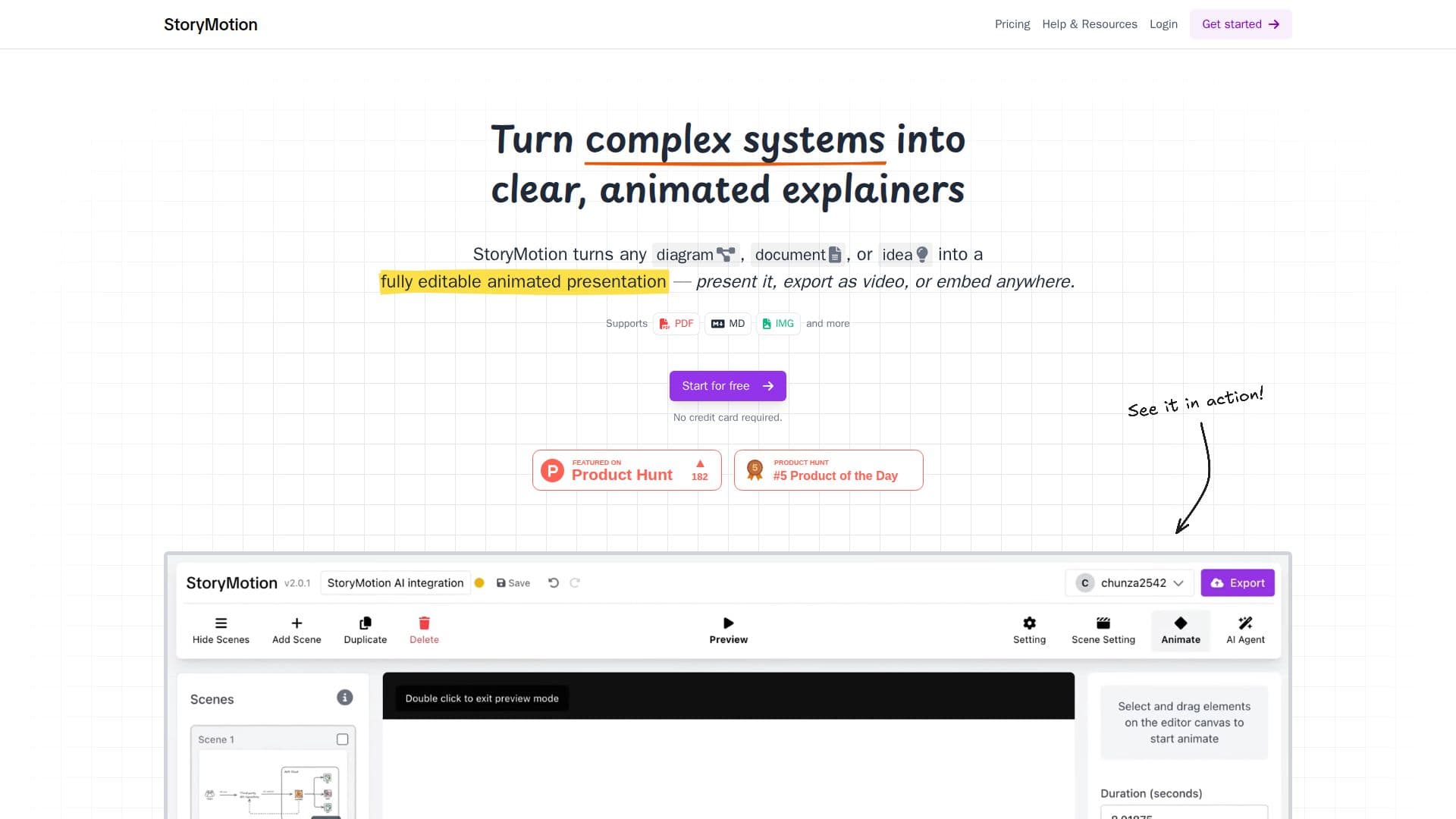
StoryMotion is an AI-powered tool for creating animated presentations that simplify complex systems. Built for technical teams, it helps explain architecture, diagrams, data flows, and any complex idea step by step, turning what used to take hours of manual diagram animation into a process that takes minutes.
Read More
The workflow gets you most of the way quickly: drop in PDFs, docs, diagrams, or ideas and the AI generates visuals that match your brand, then you refine the rest to make it yours. A whiteboard-style editor (powered by Excalidraw) lets you sketch arrows, shapes, and hand-drawn diagrams, draw from thousands of ready-made components and icons, and control every element, effect, and motion timing.
Finished animations can be used anywhere: presented live in presentation mode for pitch decks, technical training, and talks; exported as video up to 4K at 60fps for courses, YouTube, and social clips; or embedded as an iframe in docs, blogs, and internal wikis. A showcase of animated explainers, from AWS architecture diagrams to customer journeys, illustrates what is possible.
StoryMotion offers a free plan with 15 AI credits per month, AI PDF uploads up to 5 pages, and watermarked video exports, plus Creator and Pro plans that add more credits, larger PDF uploads, watermark-free 4K exports, transparent backgrounds, and more cloud storage. A custom done-for-you option is available for businesses.
- CategoryAI Presentation Makers
- Pricing ModelFreemium
- DeploymentCloud
- PlatformsWeb
StoryMotion's Core Features
AI-generated visuals from PDFs, docs, diagrams, or ideas
Brand-matched visuals refined to your needs
Whiteboard-style sketching with arrows, shapes, and hand-drawn diagrams
Thousands of ready-made components and icons
Full control over every element, effect, and motion timing
Live presentation mode
Video export up to 4K at 60fps
Embed as an iframe in docs, blogs, and wikis
How to use StoryMotion?
Provide your source: Drop in PDFs, docs, diagrams, or ideas so the AI can generate matching visuals.
Sketch and assign effects: Refine the visuals on the whiteboard editor, adding shapes, components, and motion timing.
Refine the details: Adjust every element and effect to make the animation your own.
Share it: Present live, export as video up to 4K, or embed the animation as an iframe.
StoryMotion's Use Cases
- Technical architecture explainers
- Pitch decks and live talks
- Course and video content
- Embedded documentation
- Turning docs into visuals