Description
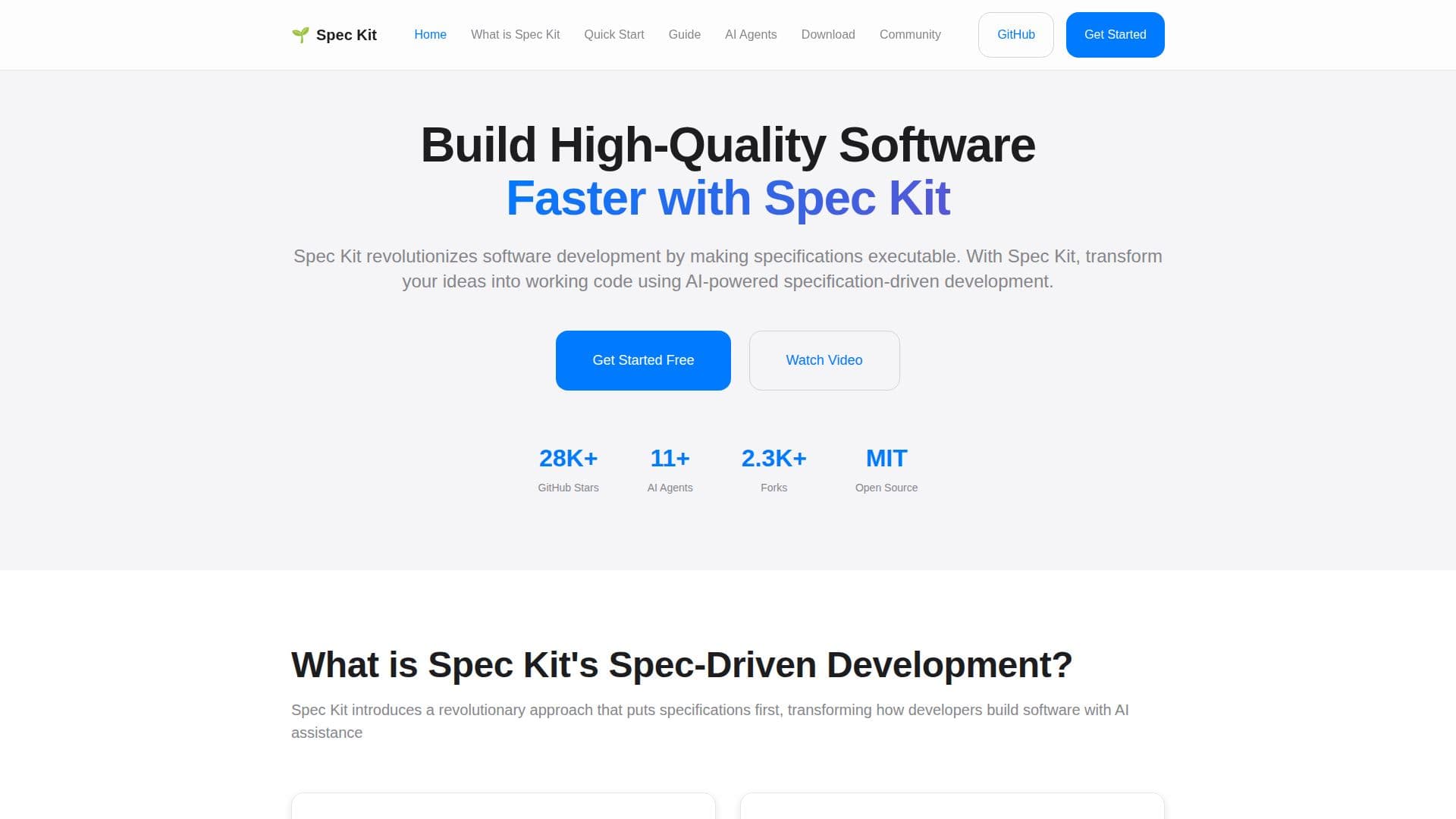
Spec Kit is an innovative toolkit designed to revolutionize software development by making specifications executable. It leverages AI-powered specification-driven development to transform ideas into working code. Traditionally, specifications were often seen as mere scaffolding, discarded once coding began. This approach led to miscommunication and technical debt. Spec Kit changes this by making specifications the core of the development process, directly generating working implementations.
The core philosophy of Spec Kit is to focus on what you want to build and why, rather than the technical implementation details. This allows organizations to concentrate on product scenarios, reducing development time by eliminating the gap between specification and implementation. Spec Kit achieves this through AI-powered specification execution, leveraging AI agents to automatically transform specifications into working code.
Getting started with Spec Kit is straightforward. Developers can install the Specify CLI tool using their preferred package manager, initialize a new project with AI agent integration, and use the /specify command to describe what they want to build. Spec Kit then generates technical plans and implements the specifications automatically.
Spec Kit supports a variety of AI coding assistants, including Claude Code, GitHub Copilot, and Cursor, among others. These agents integrate seamlessly with Spec Kit's specification-driven approach, offering features like real-time collaboration and intelligent code generation. Spec Kit is maintained by GitHub engineers with deep expertise in AI-assisted development, ensuring a robust and reliable tool for developers.
The toolkit also provides a comprehensive usage guide, complete with documentation, examples, and troubleshooting tips. Developers can join the growing Spec Kit community to share experiences and get support. With its focus on specification-driven development, Spec Kit offers a powerful solution for developers looking to build high-quality software efficiently.
Spec Kit's Core Features
AI-powered specification execution
Executable specifications
Focus on product scenarios
Automatic code generation
Integration with AI coding assistants
Comprehensive usage guide
Community support
Quick start with Specify CLI
How to use Spec Kit?
Install: Use your preferred package manager to install Specify CLI
Initialize: Create a new project with AI agent integration
Specify: Use /specify command to describe your project
Implement: Generate and execute technical plans automatically
Spec Kit's Use Cases
- Team Productivity Platform
- Photo Album Organizer
- Real-time Collaboration
- Specification Execution
- AI Agent Integration