
Description
Spaice offers a dedicated environment for designing and refining AI behavior instructions. This platform empowers users to meticulously define how artificial intelligence models should process information, generate text, and interact with users. By creating custom instruction sets, users can tailor AI responses to specific needs, ensuring consistency and desired outcomes.
Read More
The core functionality revolves around the "Instruction Designer," where users can name their instruction sets, assign categories for organization, and either write their own AI instructions from scratch or utilize an auto-generation feature based on the instruction set's name. This provides a flexible approach, catering to both experienced AI developers and those new to prompt engineering.
Spaice facilitates collaboration and sharing. Users can invite others to their "spaces" with different permission levels (Editor, Viewer) and share specific instruction sets via email. The platform also supports local agent integration, allowing for temporary, graph-scoped tokens for tools like Claude Code. This enables seamless interaction between local AI agents and the Spaice environment.
Key features include AI provider and model selection, with options like Google's Gemini and Gemma models. Users can configure parameters such as response mode, enable web search capabilities (including X/Twitter searches), and utilize tools like a code interpreter and image generation. The platform also offers "Extended Thinking" to show chain-of-thought processes and adjustable reasoning levels for more complex tasks.
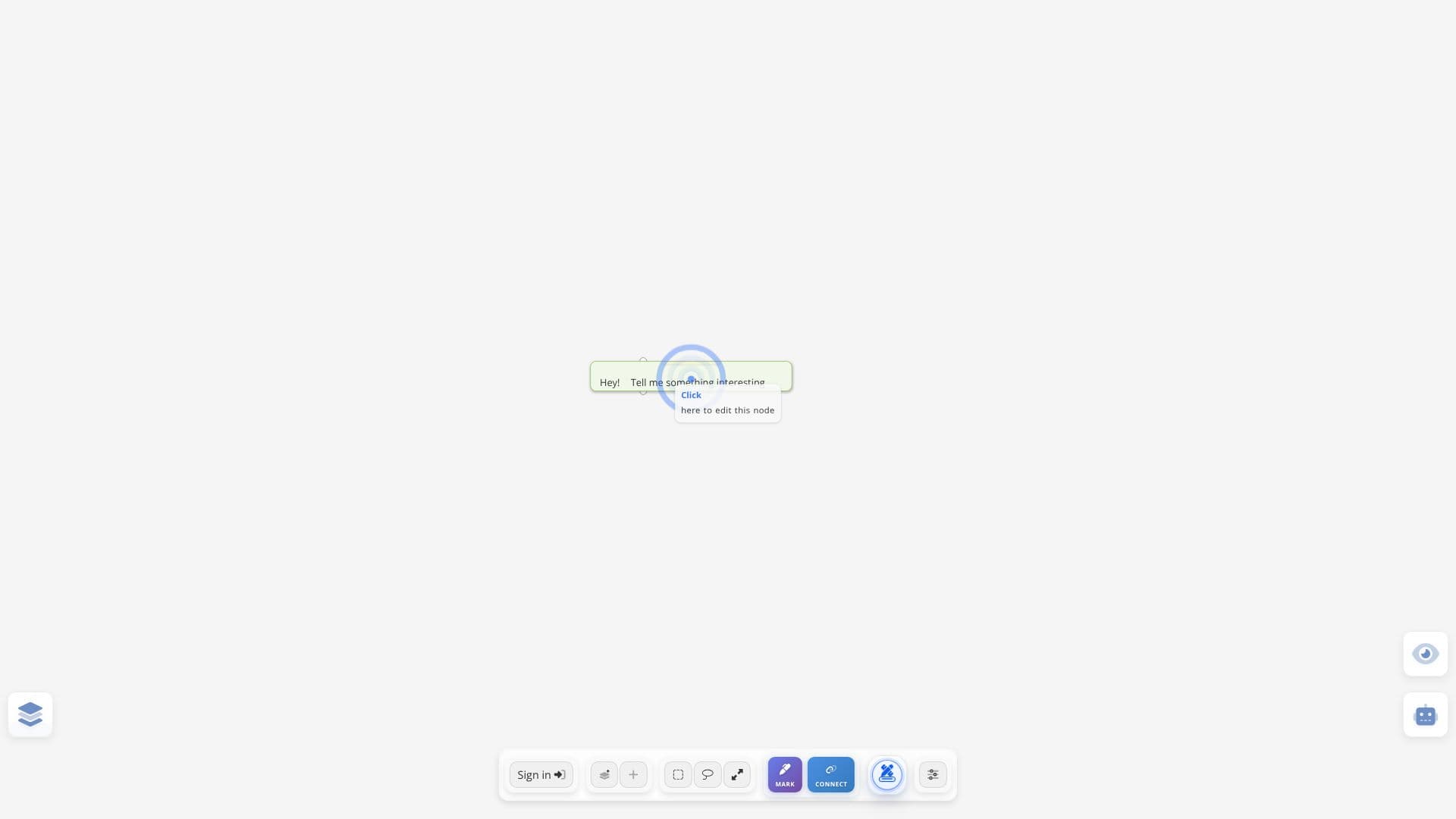
For users focused on visual organization and idea mapping, Spaice incorporates "Mindmap mode," which transforms handwriting into connected structures. This mode includes grouping, connection guidance, and various drawing tools. The platform also supports voice interaction, with options for a tutor to speak responses aloud and display user words. Spaice aims to be a comprehensive tool for anyone looking to deeply control and manage AI behavior for various applications.
- CategoryPrompt Engineering Tools
- DeploymentCloud
- PlatformsWeb
Spaice's Core Features
AI Behavior Instruction Design
Customizable AI Response Shaping
Instruction Set Management and Organization
AI Model and Provider Selection
Web Search and Deep Research Integration
Code Interpreter for AI Execution
Image Generation Capabilities
Mindmap Mode for Visual Organization
Collaboration and Sharing Features
Local Agent Integration
Voice Interaction for AI Tutor
Parameter and Tool Configuration
Chain-of-Thought Visualization
How to use Spaice?
Configure: Access the Instruction Designer to create or auto-generate AI behavior instructions.
Organize: Name your instruction sets and assign categories for easy management.
Select AI: Choose your preferred AI provider and model from the available options.
Enable Tools: Configure parameters, web search, code interpreter, and image generation tools.
Collaborate: Share your spaces and instruction sets with others via email.
Integrate: Connect local agents using generated graph-scoped tokens.
Visualize: Utilize Mindmap mode for organizing ideas and concepts visually.
Interact: Engage with the AI using voice commands or text input.
Spaice's Use Cases
- AI Prompt Engineering
- Custom AI Agent Development
- Knowledge Management
- Collaborative AI Design
- AI Behavior Testing
- Educational AI Tools
- Content Generation Control