Description
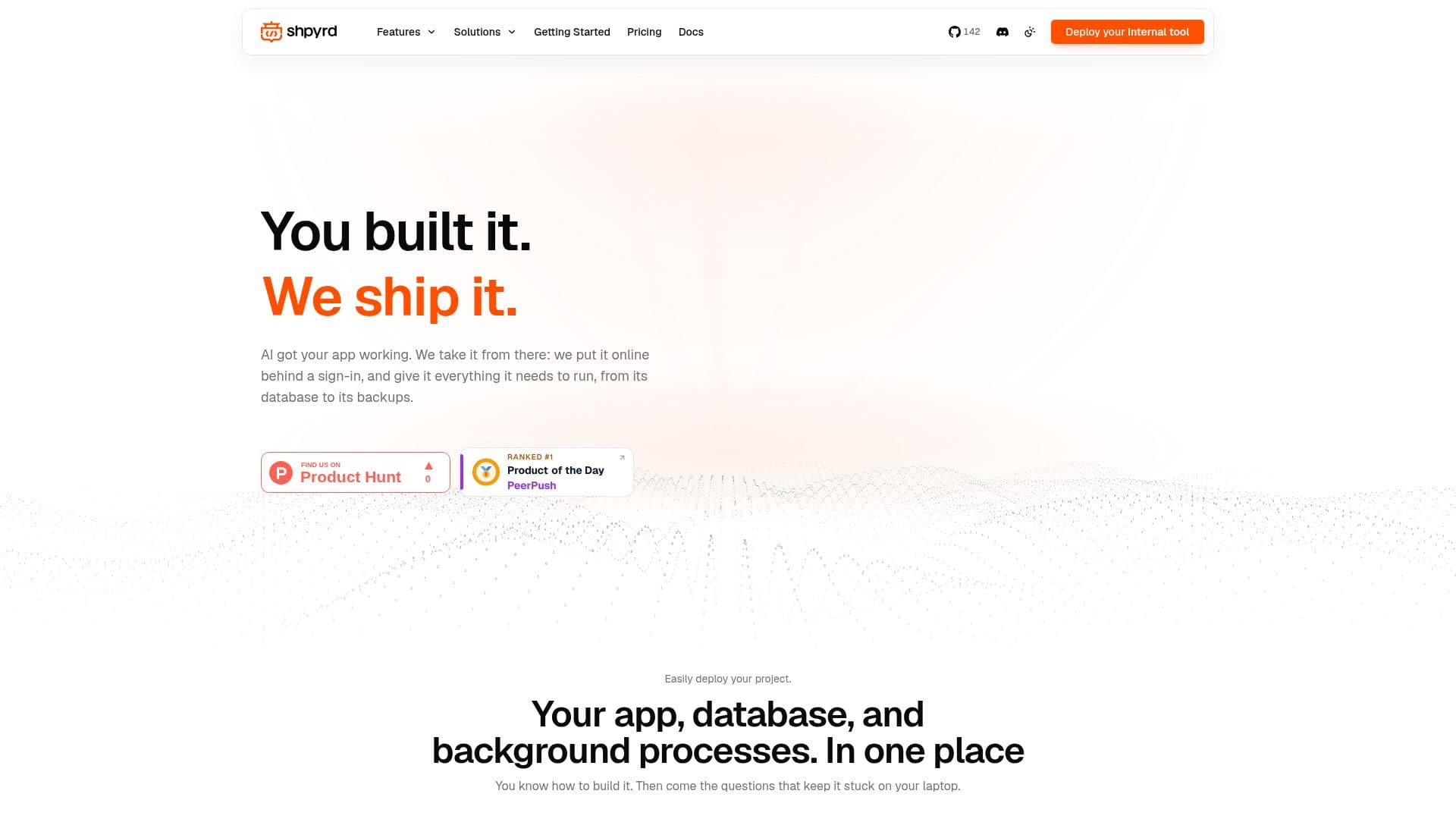
Shpyrd is a comprehensive platform designed to assist developers in deploying their AI-built applications online. It offers a seamless transition from development to deployment, providing each app with its own address and sign-in system. Shpyrd supports integration with AI agents like Claude Code, Codex, and Cursor, allowing developers to connect their workspace and deploy applications with ease.
Read More
The platform is open source under the MPL-2.0 license, enabling developers to run it on their own infrastructure or on Shpyrd's cloud. Shpyrd's pricing model is usage-based, starting with a free tier for the first app and scaling costs based on actual resource consumption. This ensures that apps not in use incur no costs, making it a cost-effective solution for businesses of all sizes.
Shpyrd provides robust access management features, allowing apps to be made public or restricted to specific teams or individuals. This ensures that only authorized users can access sensitive applications. The platform also supports continuous updates, with each deployment recorded as a release, allowing for easy rollbacks if necessary.
Ideal for businesses where multiple teams are building their own tools, Shpyrd centralizes app management, providing a single sign-in for all company apps. It supports various deployment methods, including from local project folders, Git repositories, or container images, making it versatile for different development workflows.
- CategoryMLOps & Model Deployment
- Pricing ModelUsage-Based
- DeploymentCloud, On-Premise
- PlatformsKubernetes
Shpyrd's Core Features
Open Source under MPL-2.0
Usage-Based Pricing
Built-in App Access Management
Continuous Deployment and Rollback
Integration with AI Agents
Supports Multiple Deployment Methods
Centralized App Management
Secure Sign-In System
How to use Shpyrd?
Install: Download and install Shpyrd CLI
Connect: Link your AI agent to Shpyrd
Deploy: Use the CLI to deploy your app
Manage: Control access and updates via Shpyrd
Shpyrd's Use Cases
- App Deployment
- Access Management
- Continuous Updates
- Cost Management
- Team Collaboration