Description
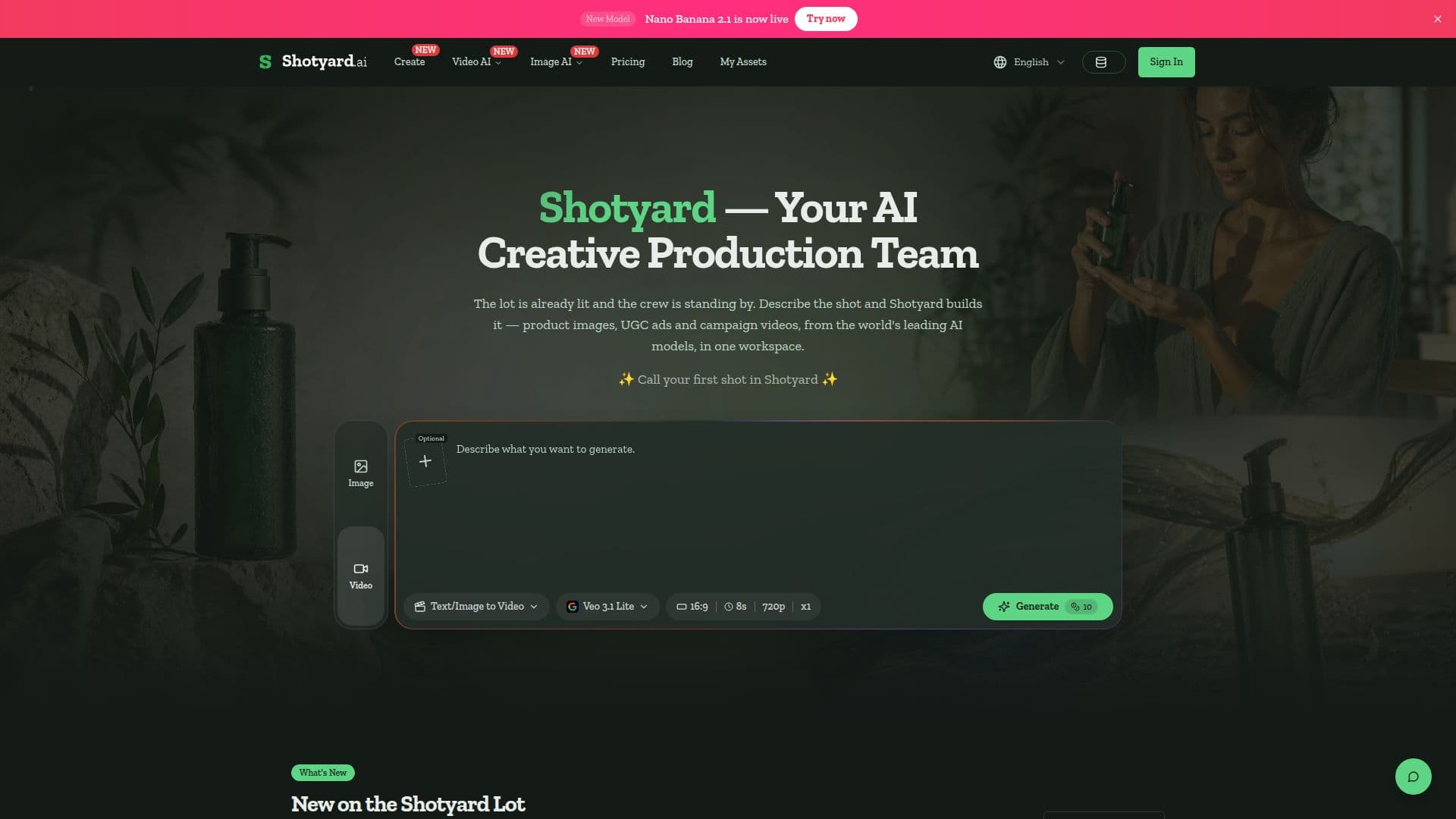
Shotyard is an innovative AI creative production platform designed to simplify the process of generating high-quality product images, UGC ads, and campaign videos. By integrating leading AI models such as Nano Banana Pro, GPT Image 2, Veo 3.1, and Seedance, Shotyard offers a comprehensive workspace for text, image, and reference-based generation.
Read More
The platform allows users to create visual content by simply describing the desired shot and selecting the appropriate AI model. Users can generate multiple takes simultaneously, ensuring a variety of options to choose from. Shotyard supports images up to 4K resolution and videos ranging from 4 to 15 seconds, complete with native audio.
Shotyard is particularly beneficial for Shopify sellers, performance marketers, indie makers, agency producers, and DTC brand owners who require consistent and high-quality visual content. The platform's freemium model provides 10 signup credits, with paid plans starting at $15 per month.
With features like product consistency, cast continuity, and sound integration, Shotyard ensures that the generated content maintains the integrity of the original product or reference. The platform is independent and not affiliated with the AI model providers, allowing it to add or retire models based on real-world performance.
Shotyard's pricing model is credit-based, with various subscription plans available to suit different needs. Users can upgrade, downgrade, or cancel their subscriptions at any time, and unused credits do not roll over to the next month. The platform also offers add-on credits that do not expire, providing flexibility for users with varying content production demands.
- CategoryImage Generation & Editing
- Pricing ModelFreemium
- DeploymentCloud
- PlatformsWeb
Shotyard's Core Features
AI image and video generation
Freemium model with paid plans
Supports up to 4K image resolution
Video lengths from 4 to 15 seconds
Multiple AI models integrated
Product and cast consistency
Native audio generation
Credit-based pricing model
How to use Shotyard?
Brief the crew: Write the shot in plain words and add a product photo or reference clip.
Pick the model: Choose the engine that suits the job and generate several takes.
Take it away: Keep the take that works, re-shoot the rest, and download it web-ready.
Optimize: Use the generated content for listings, ads, and campaigns.
Shotyard's Use Cases
- Product Photography
- UGC Ads
- Campaign Videos
- Image to Video
- Creative Testing