Description
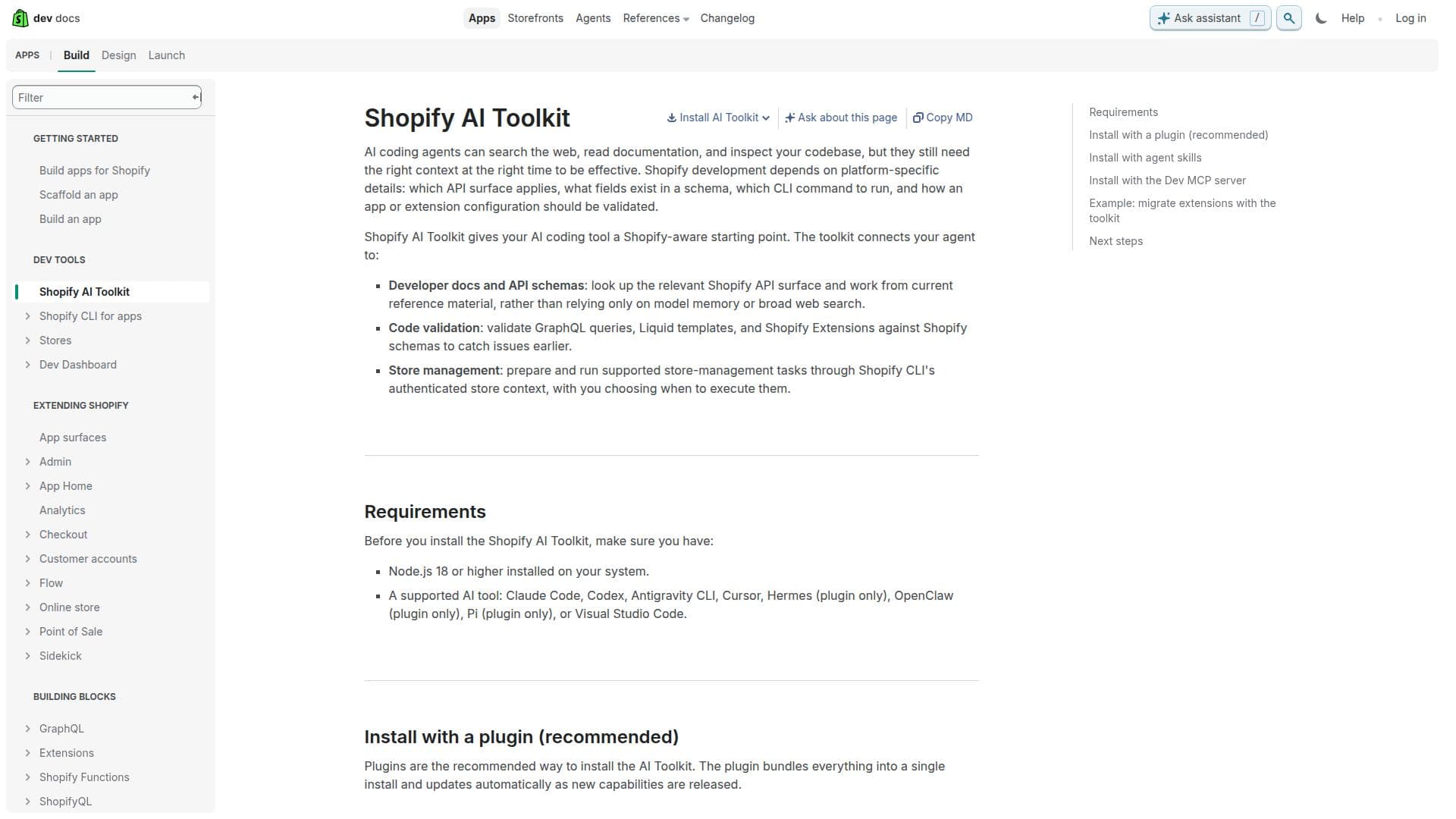
Shopify Flow AI Toolkit is designed to integrate AI coding tools with Shopify's comprehensive developer resources. This toolkit provides a Shopify-aware starting point for AI agents, allowing them to access developer documentation, API schemas, and CLI store management. By connecting AI tools to these resources, developers can ensure more accurate app development, focusing on platform-specific details such as API surfaces, schema fields, and CLI commands.
The toolkit supports a variety of AI tools, including Claude Code, Codex, Antigravity CLI, Cursor, Hermes, OpenClaw, Pi, and Visual Studio Code. It facilitates code validation by allowing AI tools to validate GraphQL queries, Liquid templates, and Shopify Extensions against Shopify schemas. This early issue detection helps streamline the development process.
Additionally, the toolkit enables store management by preparing and executing supported tasks through Shopify CLI's authenticated store context. This feature allows developers to choose when to execute tasks, providing flexibility and control over store operations.
Installation is recommended via plugins, which bundle everything into a single install and update automatically. Developers can also manually add individual agent skills or connect to Shopify's developer resources through the Dev MCP server.
The toolkit is particularly useful for tasks such as migrating extensions, where it automates repetitive work like updating API versions and converting code, allowing developers to focus on validation and preparation for release. Overall, Shopify Flow AI Toolkit is a valuable resource for developers looking to enhance their AI tools with Shopify-specific capabilities.
Shopify Flow AI Toolkit's Core Features
Connects AI tools to Shopify developer resources
Supports multiple AI tools including Claude Code and Codex
Validates GraphQL queries and Liquid templates
Facilitates store management through Shopify CLI
Provides a Shopify-aware starting point for AI agents
Automates extension migration tasks
Offers plugin-based installation for ease of use
Supports manual addition of agent skills
How to use Shopify Flow AI Toolkit?
Install: Use plugins for a single install
Configure: Connect AI tools to Shopify resources
Validate: Use schemas for code validation
Manage: Execute store tasks via CLI
Shopify Flow AI Toolkit's Use Cases
- Code Validation
- Store Management
- Extension Migration
- API Integration
- Development Automation