Description
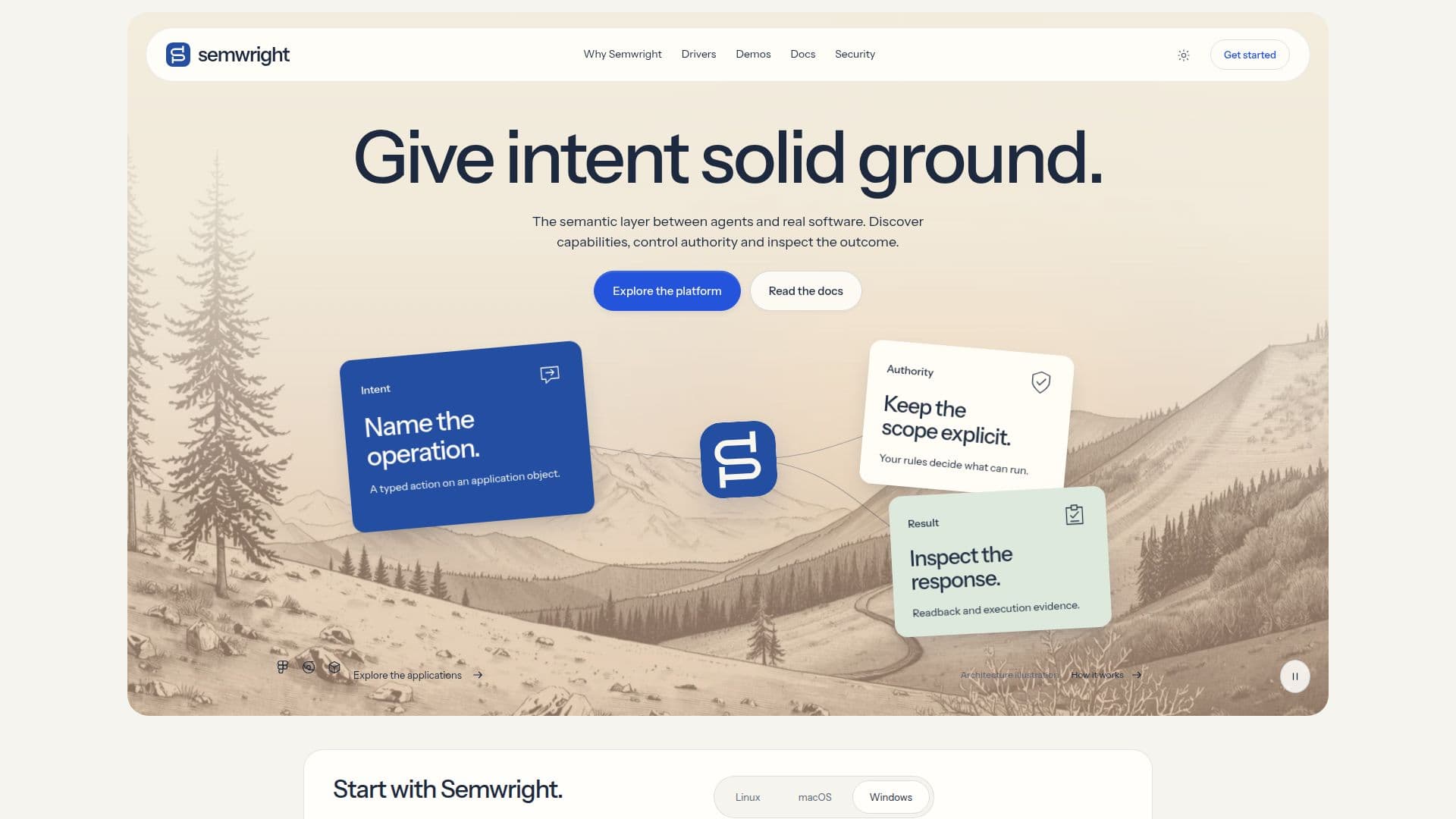
Semwright is an open-source tool designed to provide a semantic interface for agents to interact with computer applications. It acts as a broker, facilitating typed application operations with explicit permissions and verifiable results. By creating a semantic layer between agents and software, Semwright allows users to discover capabilities, control authority, and inspect outcomes.
Read More
The tool supports Linux, macOS, and Windows platforms, offering native bundles for each. Users can install Semwright, connect their existing agents, and begin making requests. The installation process is straightforward, with platform-specific commands provided for ease of setup.
Semwright is not an AI agent itself but serves as an interface that agents call upon. It exposes capabilities and mediates execution, allowing users to bring their own agents and applications. The tool emphasizes security, with independent security reviews and explicit boundaries for operations.
Key features include semantic objects, policy boundaries, and observable results. Users can work with application-native drivers in tools like Blender and Godot, addressing objects within a session and inspecting session-bound jobs. Semwright ensures that discovering a capability does not automatically grant execution authority, maintaining a clear separation between discovery and action.
The tool also supports workflow distillation, allowing users to turn successful procedures into reusable capabilities. This process involves recording tasks, compiling them into Recipe candidates, and verifying them before promotion. Semwright's architecture ensures that each execution remains within a defined boundary, preserving security and control.
- CategoryAI Agent Builders
- Pricing ModelOpen Source
- DeploymentLocal
- PlatformsLinux, macOS, Windows
Semwright's Core Features
Semantic interface for agents
Typed application operations
Explicit permissions
Verifiable results
Cross-platform support
Open source
Workflow distillation
Security-focused architecture
How to use Semwright?
Install: Set up Semwright on your platform
Connect: Link your existing agent
Discover: Explore available operations
Request: Make changes with explicit permissions
Semwright's Use Cases
- Application Integration
- Security Management
- Workflow Automation
- Semantic Operations
- Cross-Platform Support