Description
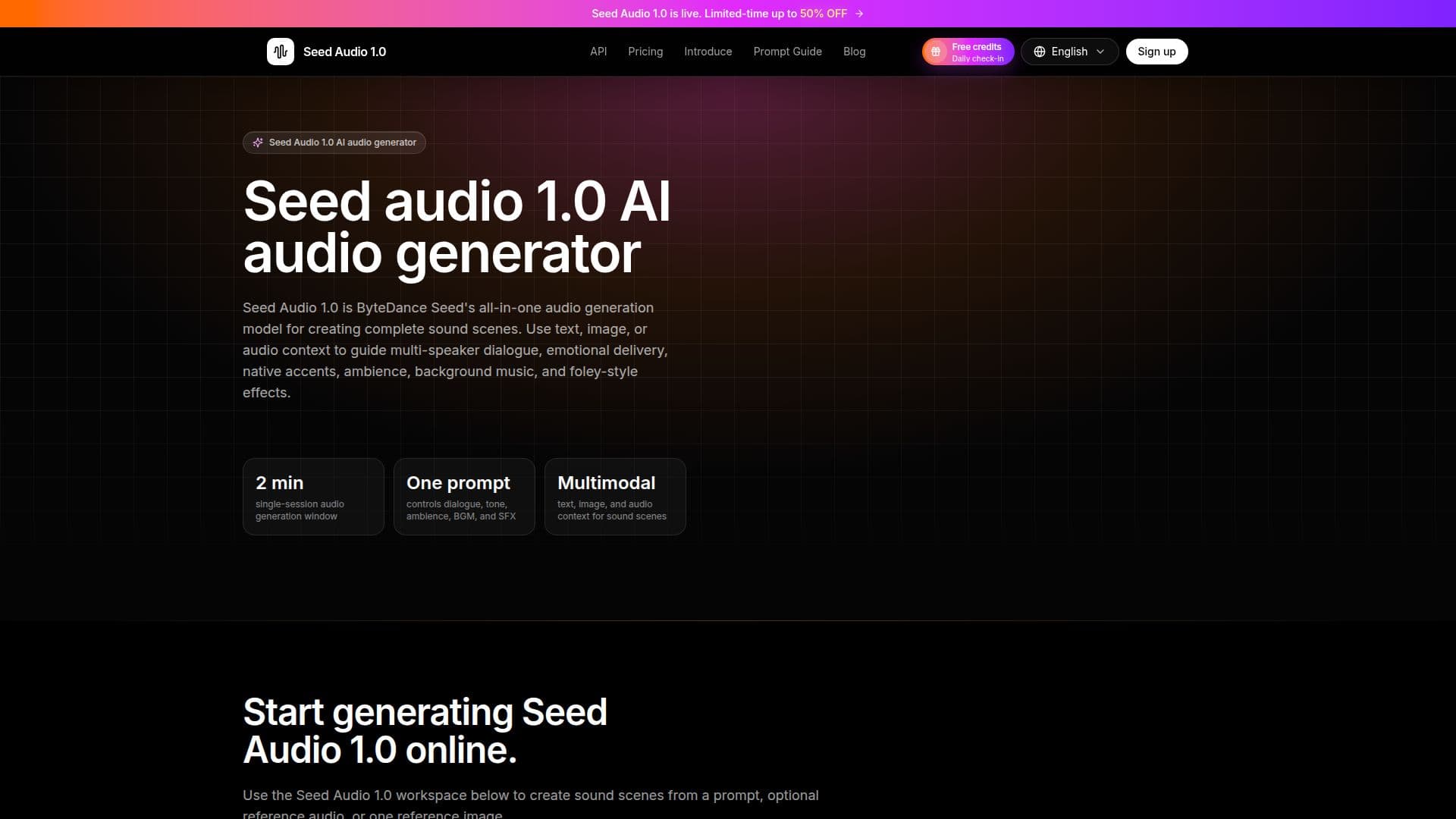
Seed Audio 1.0 is an advanced AI audio generator developed by ByteDance Seed, designed to create comprehensive sound scenes. It allows users to generate dialogue, expressive voices, ambience, music, and sound effects from text, image, or audio prompts. The tool is particularly useful for projects that require more than simple narration, such as audio dramas, short-form dubbing, ads, game audio, and podcast cold opens.
Read More
The platform supports multi-speaker dialogue generation with emotion, tone, and accent control, enabling users to create native-sounding delivery and emotional depth. Users can guide the audio generation process using text, image, or audio context, making it versatile for various creative formats. Seed Audio 1.0 also offers features like background music direction and foley-style sound effect planning, which are essential for creating immersive audio experiences.
Seed Audio 1.0 offers a straightforward workflow, allowing users to move from a sound idea to a complete scene direction. By defining characters, emotion, location, dialogue, music, ambience, and effects in one prompt, users can synthesize multiple sound layers at once. This reduces the need for post-production mixing, making it a time-efficient solution for audio content creators.
Pricing for Seed Audio 1.0 includes various plans to suit different needs, from light testing to high-volume production. Users can choose between monthly or annual subscriptions, or opt for one-time credit packs. The platform also provides API access, enabling integration into existing workflows for seamless audio generation.
Overall, Seed Audio 1.0 is a powerful tool for creators looking to produce rich, layered audio content quickly and efficiently. Its ability to handle complex audio scenes makes it a valuable asset for industries such as film, advertising, gaming, and education.
- CategoryAI Voice Generators
- Pricing ModelFreemium
- DeploymentCloud
- PlatformsWeb
Seed Audio 1.0's Core Features
Multi-speaker dialogue generation
Emotion, tone, and accent control
Ambience and spatial sound generation
Background music direction
Foley-style sound effect planning
Text, image, and audio context guidance
Complete sound-scene prompt workflows
API access for integration
How to use Seed Audio 1.0?
Write a sound-scene prompt: Describe characters, language, emotion, location, dialogue, ambience, music direction, and sound events.
Add optional references: Use up to three audio references or one image reference.
Choose output settings: Pick voice behavior, output format, sample rate, speed, volume, pitch, and a max credit cap.
Generate and review: Run a short draft, listen for clarity and balance, then copy, download, or revise.
Seed Audio 1.0's Use Cases
- Audio Drama
- Short-form Dubbing
- Game Audio
- Podcast Cold Opens
- Video Narration