Description
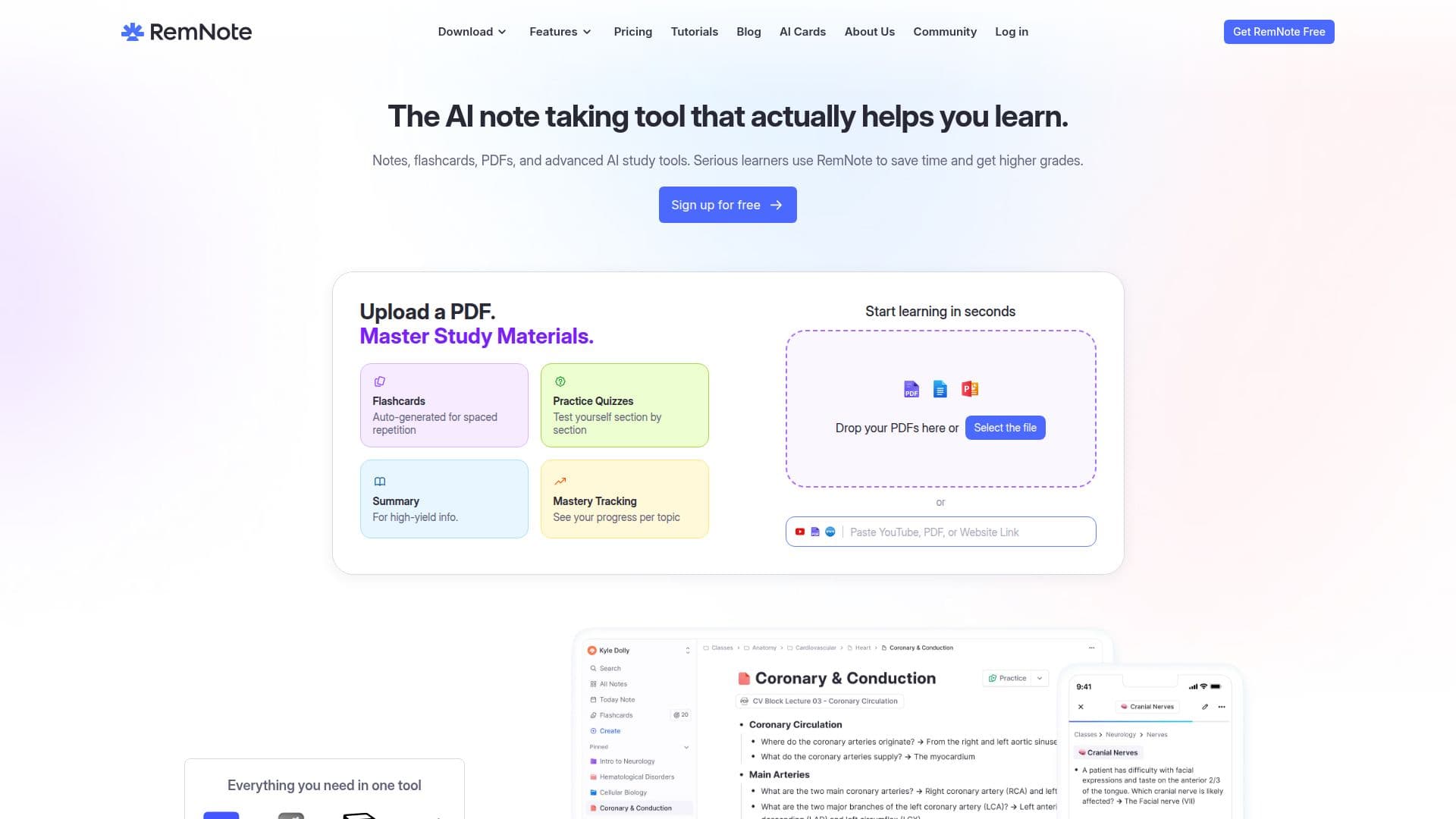
RemNote is designed to enhance the learning experience for students, lifelong learners, and professionals by combining note-taking, PDF annotation, and flashcard creation in one powerful application. Users can upload PDFs, videos, or notes and instantly generate AI flashcards, quizzes, summaries, and explanations, allowing them to study smarter.
Read More
One of the standout features of RemNote is its ability to automatically generate flashcards from your notes, lecture transcripts, or PDFs. This eliminates the need for manual card creation, making the study process more efficient. Users can refine or customize these flashcards with tags, images, and formatting to suit their individual learning styles. By integrating flashcard creation directly into the note-taking process, RemNote helps users build understanding while they study.
The application employs spaced repetition, a scientifically-backed memory technique that reminds users of concepts right before they are likely to forget them. This method significantly increases long-term retention, making it ideal for exam preparation, whether for finals, the MCAT, or language exams. Additionally, RemNote offers offline access and mobile applications for both iOS and Android, ensuring that notes and flashcards are always available, even in areas without Wi-Fi.
RemNote is free to use, providing a robust plan that includes core features such as note-taking, flashcards, spaced repetition, and PDF annotation. For power users, there are options to upgrade for advanced AI tools, backups, and customizations. With over a million users, RemNote is committed to empowering learners and thinkers by continually improving its platform based on user feedback and research in neuroscience and psychology.
- CategoryAI Study Tools
- Pricing ModelFreemium
- DeploymentCloud
- PlatformsiOS, Android, Web
RemNote's Core Features
AI Flashcards Generation
Spaced Repetition
PDF Annotation
Mobile Apps for iOS and Android
Offline Access
Customizable Flashcards
Integrated Note-Taking
Exam Scheduler
Handwritten Notes Support
Image Occlusion
How to use RemNote?
Upload: Add your PDFs, videos, or notes to RemNote.
Generate: Use the AI to create flashcards and quizzes from your content.
Customize: Refine your flashcards with tags, images, and formatting.
Study: Utilize the spaced repetition feature to enhance retention.
Access: Use the mobile app for studying on the go.
Review: Track your progress and adjust your study schedule as needed.
RemNote's Use Cases
- Exam Preparation
- Note-Taking
- PDF Annotation
- Lifelong Learning
- Mobile Study