Description
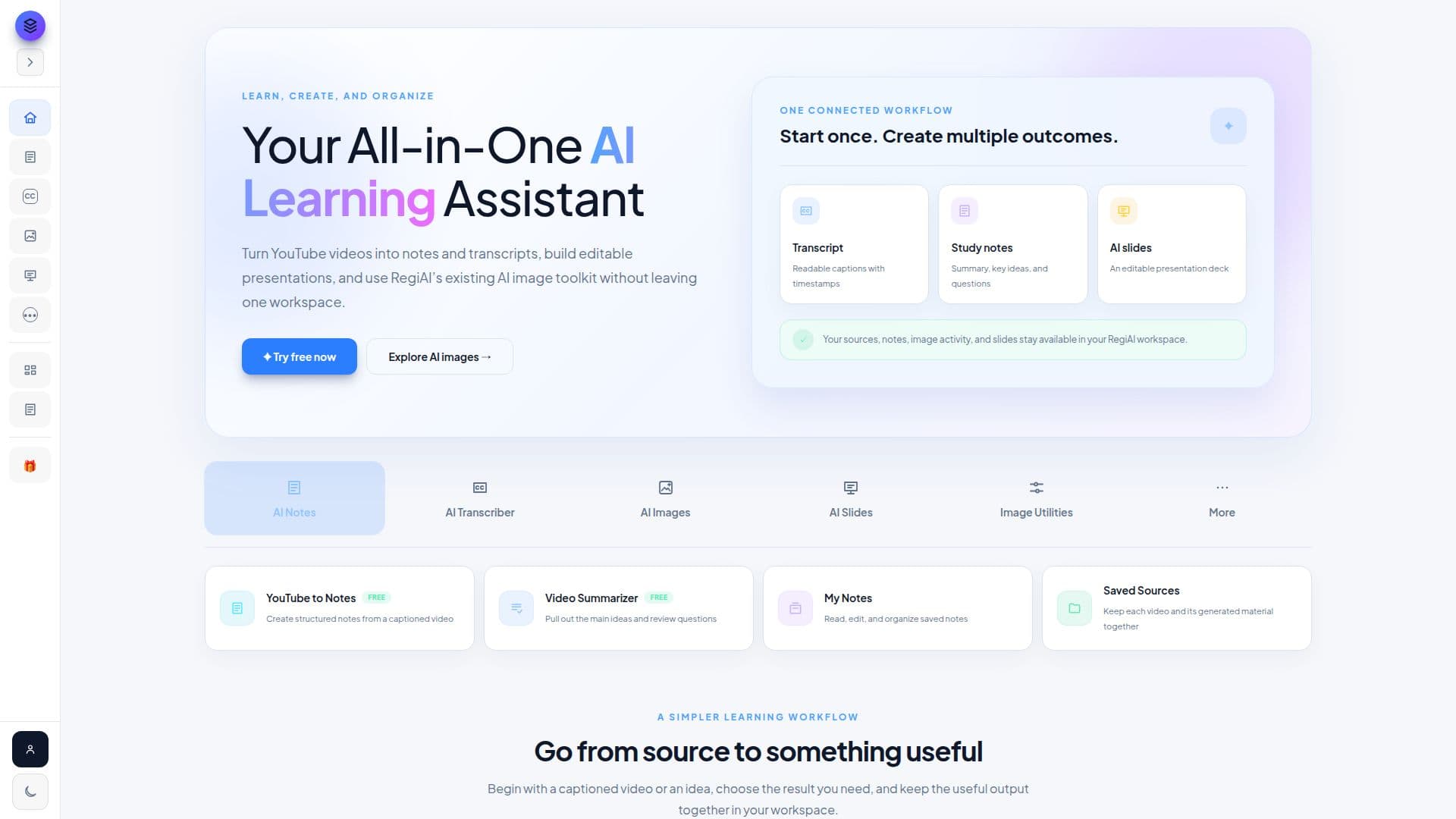
RegiAI is an all-in-one AI workspace that spans video, image, audio, and study tools rather than specializing in one medium. The homepage leads with video and image generation, though the site grew out of a study-notes tool and still keeps that YouTube-to-notes flow.
Read More
The video toolkit covers text-and-image-to-video generation, script-to-video with captions, talking photos, lip sync, face swap, video upscaling, colorizing, and subtitle generation. A gallery of example clips on the homepage shows the kind of output the video and image tools aim at: fashion films, product ads, cinematic portraits, and travel reels built from a single prompt. The image toolkit runs 12 text-to-image models plus prompt-based editing, face swap, a clothes changer, headshot generation, and Google's Nano Banana model for editing, alongside utilities like background removal, watermark removal, and photo restoration. The audio toolkit adds voice generation, voice cloning, music generation, voice changing, and translation into 18 languages. The Notes & Slides section turns a YouTube video into timestamped transcripts, structured study notes, and an editable, exportable presentation; if a video has no captions available, RegiAI says so rather than inventing a transcript. Free utilities like image format conversion, resizing, and compression sit alongside the paid AI tools. Developers can call the same tools through a REST API or an MCP server, or teach an AI coding agent to use RegiAI through a published skill file.
RegiAI runs on prepaid credits rather than a subscription: credits are bought once, starting at $10, and don't expire. A 5-second AI video costs $0.50, an image edit costs $0.03, and one free generation on tools priced up to $0.10 is available daily. Credit bundles run from a $10 Starter pack up to a $100 Studio pack, each with a bonus percentage of extra credits added on top.
It suits people who want to try many AI generation tools without committing to a monthly plan, from students needing lecture notes to creators needing quick video or image edits. Heavier or more specialized workflows may still favor a tool built around a single medium.
- CategoryAI Video Generators
- Pricing ModelUsage-based
- DeploymentCloud
- PlatformsWeb
RegiAI's Core Features
AI video generator: text or image to video
AI script-to-video with captions and sound
Face swap, lip sync, and talking-photo tools for video and images
12 text-to-image models plus prompt-based image editing
AI voice generation, voice cloning, and music generation
YouTube-to-notes: timestamped transcripts and structured study notes
AI presentation maker that builds an editable, exportable deck from a topic or video
REST API and MCP server for use inside coding assistants
Free image utilities: format conversion, resizing, compression, background removal
How to use RegiAI?
Pick a tool: Choose from AI Video, AI Image, AI Audio, or Notes & Slides.
Give it input: Enter a prompt, upload an image, or paste a YouTube link.
Generate: Review the price shown for that tool, then run it.
Refine or extend: Edit, upscale, or convert the result with a related tool.
Top up credits: Buy a credit pack when your balance runs low.
Connect to code: Use the REST API or MCP server to call tools from an agent or script.
RegiAI's Use Cases
- Study notes from video
- Social video editing
- Marketing images
- Agent-integrated media tools