Description
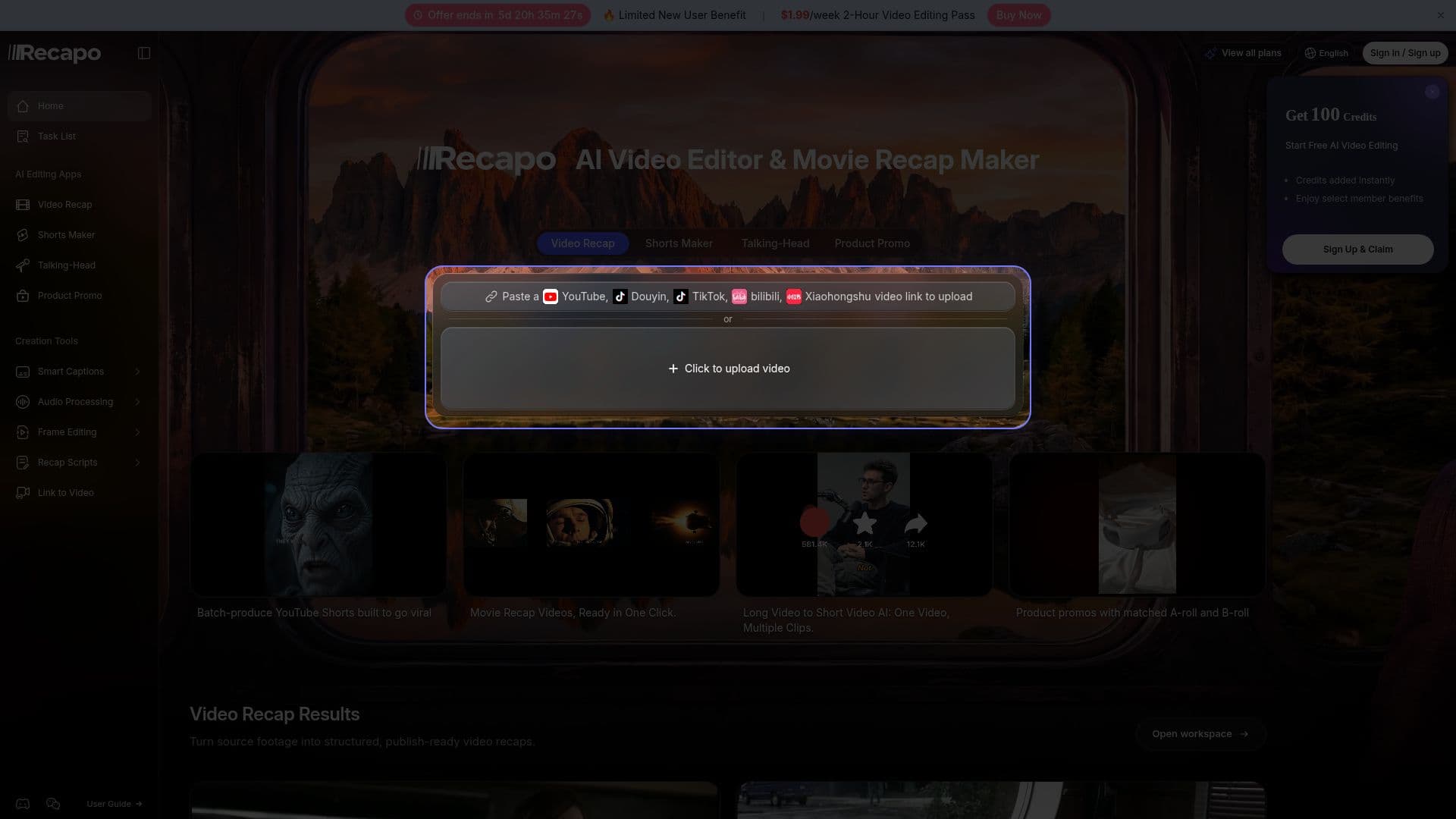
Recapo (recapo.ai) is an all-in-one AI video workspace for turning source footage into summaries, recap scripts, captions, voiceovers, highlight clips, vertical versions, covers, and export-ready videos. Rather than starting with an empty timeline, it organizes work around an outcome — summarize a source, write a recap, find highlights, or prepare a short-form export.
Read More
It is best suited to creators who repurpose long footage: movie recap makers, livestream clippers, course repurposers, talking-head editors, and faceless commentary channels. Users upload supported footage or paste an authorized video link, choose a workflow, and describe the desired output; Recapo analyzes the source and moves through configuration, script or candidate review, captions, voiceover, reframing, and export, with the user reviewing key decisions before publishing.
The platform supports common video formats (MP4, MOV, MKV, MPEG, MPG, 3GPP) and authorized links from YouTube, TikTok, and others, offers 9:16, 1:1, and 4:3 crops alongside horizontal workflows, and exposes output- and subtitle-language choices. Live preview and trimming run in the browser while rendering happens in the cloud. Pricing spans Starter, Basic, Pro, and Ultimate tiers with monthly credits and export resolutions up to 720p, 1080p, or 4K depending on tier.
- CategoryAI Short Video Makers
- Pricing ModelFreemium
- DeploymentCloud
- PlatformsWeb
Recapo's Core Features
Outcome-based workflows: summary, recap script, highlights, captions, export
AI recap scripts and commentary generation from long footage
AI voiceover and editable subtitles/captions
Highlight clipping and long-video-to-short conversion
Vertical, square, and 4:3 reframing for social platforms
Import from files or authorized YouTube/TikTok links
Browser-based preview and trimming with cloud rendering
Multi-language output and subtitle options
How to use Recapo?
Upload or link footage: add supported video files or paste an authorized video link.
Choose a workflow: pick summary, recap, highlights, captions, or short-form export.
Describe the output: tell Recapo what you want the result to be.
Review key steps: confirm the script, clip boundaries, and captions.
Export: render the finished video or short in your chosen format and resolution.
Recapo's Use Cases
- Movie and film recaps
- Faceless commentary
- Livestream clipping
- Content repurposing