
Description
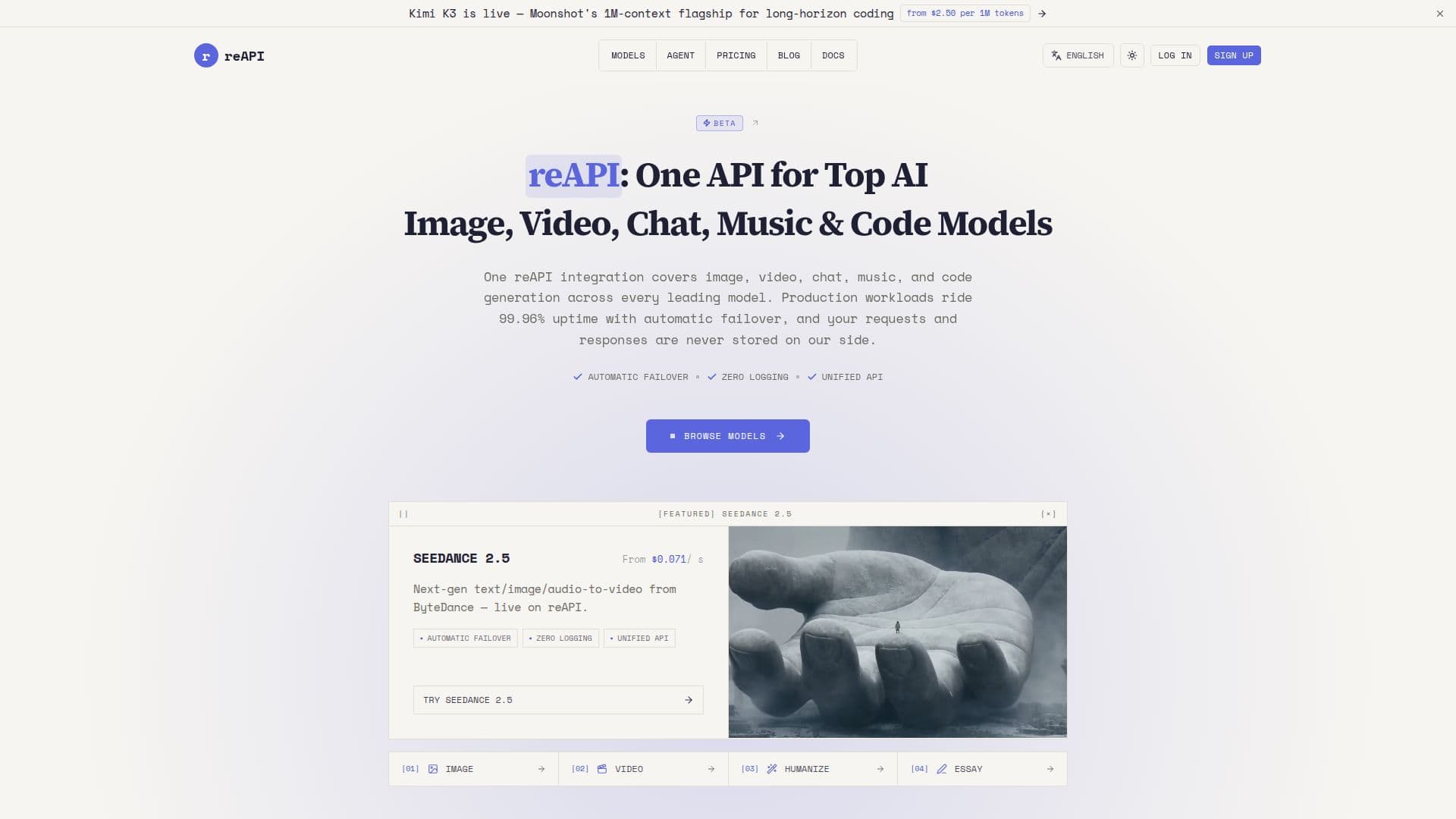
reAPI serves as a single unified endpoint for accessing a wide range of AI generation models, including those for image, video, chat, music, and code. With a commitment to 99.96% uptime, reAPI ensures that users experience minimal disruptions. The platform employs automatic failover, meaning that if one vendor's service degrades, traffic is seamlessly rerouted to another vendor, ensuring that applications remain operational without any noticeable failures.
Read More
One of the standout features of reAPI is its zero request logging policy. This means that while request bodies and model outputs are processed through the API aggregator, they are never stored. Only essential metadata such as model name, token counts, latency, status codes, and key identifiers are retained, aligning with industry standards for compliance and privacy.
Developers can easily integrate reAPI into their applications without significant changes to their existing code. By simply setting the base URL to https://reapi.ai/api/v1 and using a single API key, users can access over 100 models across various domains. This eliminates the need for multiple API keys from different providers, simplifying the development process.
Pricing is straightforward and based on a pay-as-you-go model, where users purchase credits that never expire. This allows for flexibility and cost control, as users only pay for the AI API calls they make. Additionally, failed generations are automatically refunded, providing further assurance to users.
Overall, reAPI is designed for developers looking for a reliable, efficient, and user-friendly solution for integrating AI capabilities into their applications. Its comprehensive support for various AI models, combined with its robust uptime and privacy policies, makes it an attractive option for businesses and developers alike.
- CategoryAI DevOps & Cloud Tools
- Pricing ModelPay-as-you-go
- DeploymentCloud
- PlatformsWeb
reAPI's Core Features
99.96% uptime
Automatic failover
Zero request logging
Pay-as-you-go pricing
Single API key for all models
Supports 100+ AI models
Free credits for new accounts
Seamless integration with existing SDKs
How to use reAPI?
Set the base URL: Point your existing OpenAI client to https://reapi.ai/api/v1.
Generate an API key: Sign up and create a key in the dashboard.
Use the API key: Pass the key as a Bearer token in the Authorization header.
Call any model: Set the model field to your desired model ID and make requests.
reAPI's Use Cases
- Image Generation
- Video Generation
- Chatbot Integration
- Music Creation
- Code Generation