Description
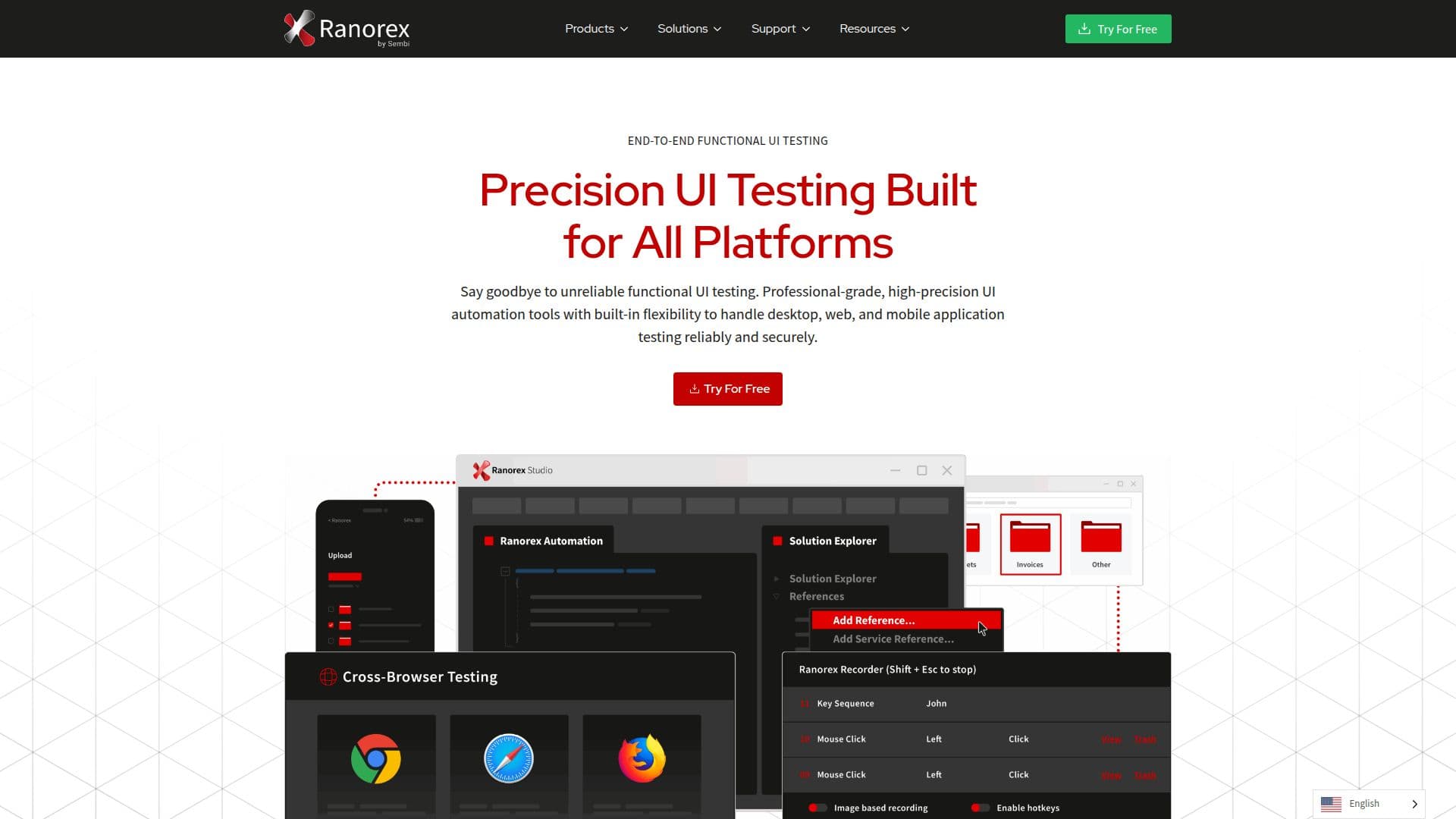
Ranorex provides a robust platform for test automation, catering to desktop, web, and mobile applications. It is designed to deliver reliable GUI testing with advanced object recognition and enterprise-ready tools. Over 14,000 users globally rely on Ranorex to ensure high-quality software delivery. The platform supports a wide range of technologies, making it suitable for both legacy systems and modern frameworks. Ranorex Studio integrates seamlessly with CI/CD tools like Jenkins and Azure DevOps, and test management systems such as Jira and TestRail, facilitating smooth collaboration across the software development lifecycle.
Read More
Ranorex Studio is built to accommodate both technical and non-technical users. It allows non-technical users to create tests without coding, while developers can leverage C# or VB.NET for custom logic. This hybrid model ensures scalability and collaboration across teams. The platform's advanced features include role-based access controls, encrypted test data, and world-class support, making it ideal for business-critical environments.
Ranorex's DesignWise tool enhances test case optimization using AI, enabling QA teams to design better tests and eliminate redundancy. It supports Gherkin-ready test cases, which can be executed across desktop, mobile, and web applications. Ranorex also offers parallel testing capabilities, reducing test execution time and improving efficiency.
The platform's flexibility extends to its integration capabilities, supporting tools like Git, SVN, and TFS for version control. Ranorex's comprehensive reporting features provide insights into test failures, integrating with Jira and TestRail for improved visibility and issue tracking. With its global presence and a strong network of partners, Ranorex continues to empower teams to automate with confidence, ensuring faster releases and higher-quality software.
- CategoryAI Code Review & Testing
- Pricing ModelFreemium
- DeploymentCloud
- PlatformsDesktop, Web, Mobile
Ranorex Test Automation's Core Features
Advanced object recognition
Cross-platform support
No-code test creation
C# and VB.NET support
Seamless CI/CD integration
AI-powered test optimization
Parallel testing
Comprehensive reporting
How to use Ranorex Test Automation?
Configure: Set up your testing environment
Use: Create and execute test cases
Integrate: Connect with CI/CD and test management tools
Optimize: Use AI tools for test case optimization
Ranorex Test Automation's Use Cases
- Cross-platform testing
- CI/CD integration
- AI test optimization
- Non-technical test creation
- Business-critical testing