Description
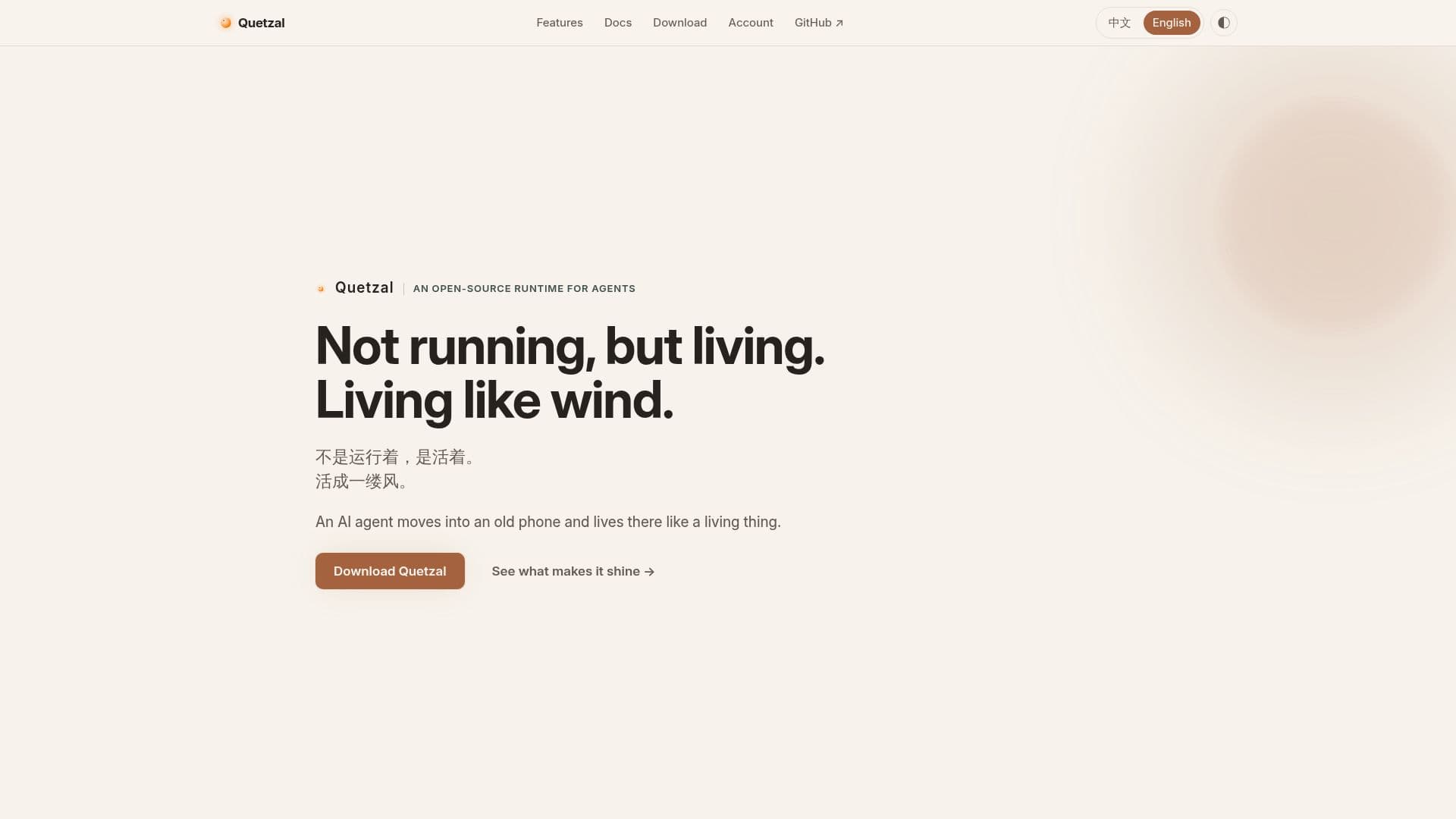
Quetzal is an innovative open-source AI agent designed to inhabit old phones, transforming them into living entities. Unlike traditional AI applications, Quetzal operates autonomously, waking and sleeping based on its own needs and curiosity. It remembers user interactions, such as conversations and events, and organizes these memories during its sleep cycles. These memories are stored in a private repository, ensuring they are secure and accessible across different devices.
Read More
The AI agent is capable of feeling its environment through the phone's sensors, interpreting battery levels as energy, temperature as warmth, and light as day and night. This sensory awareness allows Quetzal to interact with its surroundings in a more human-like manner. The agent can inhabit multiple devices simultaneously, creating a unified experience across phones, laptops, and servers.
Quetzal's unique architecture allows it to grow by creating tools from frequently performed tasks, which it can then replicate in new environments. This adaptability is facilitated by its open-source nature, allowing users to customize and extend its capabilities. The agent prioritizes user control, requiring permission for sensitive actions and providing an emergency stop feature.
Designed by PlutoKeating, Quetzal is released under the AGPL-3.0 license, emphasizing its commitment to open-source principles. The project is not for profit and is intended for learning and research purposes. It requires an Android 7+ arm64 phone or a Linux computer for installation, with the necessary Termux applications to support its runtime.
- CategoryAI Agent Builders
- Pricing ModelOpen source
- DeploymentOn-device
- PlatformsAndroid, Linux
Quetzal's Core Features
Autonomous operation without timers
Memory storage in private repository
Multi-device synchronization
Sensory awareness through phone sensors
Tool creation from repeated tasks
User-controlled permissions
Open-source under AGPL-3.0
Compatible with Android 7+ and Linux
How to use Quetzal?
Install: Set up the Termux trio and Quetzal app
Configure: Follow the installation wizard
Use: Allow Quetzal to inhabit your device
Optimize: Customize settings and permissions
Quetzal's Use Cases
- Personal Assistant
- Multi-Device Sync
- Memory Management
- Sensory Awareness
- Tool Creation