
Description
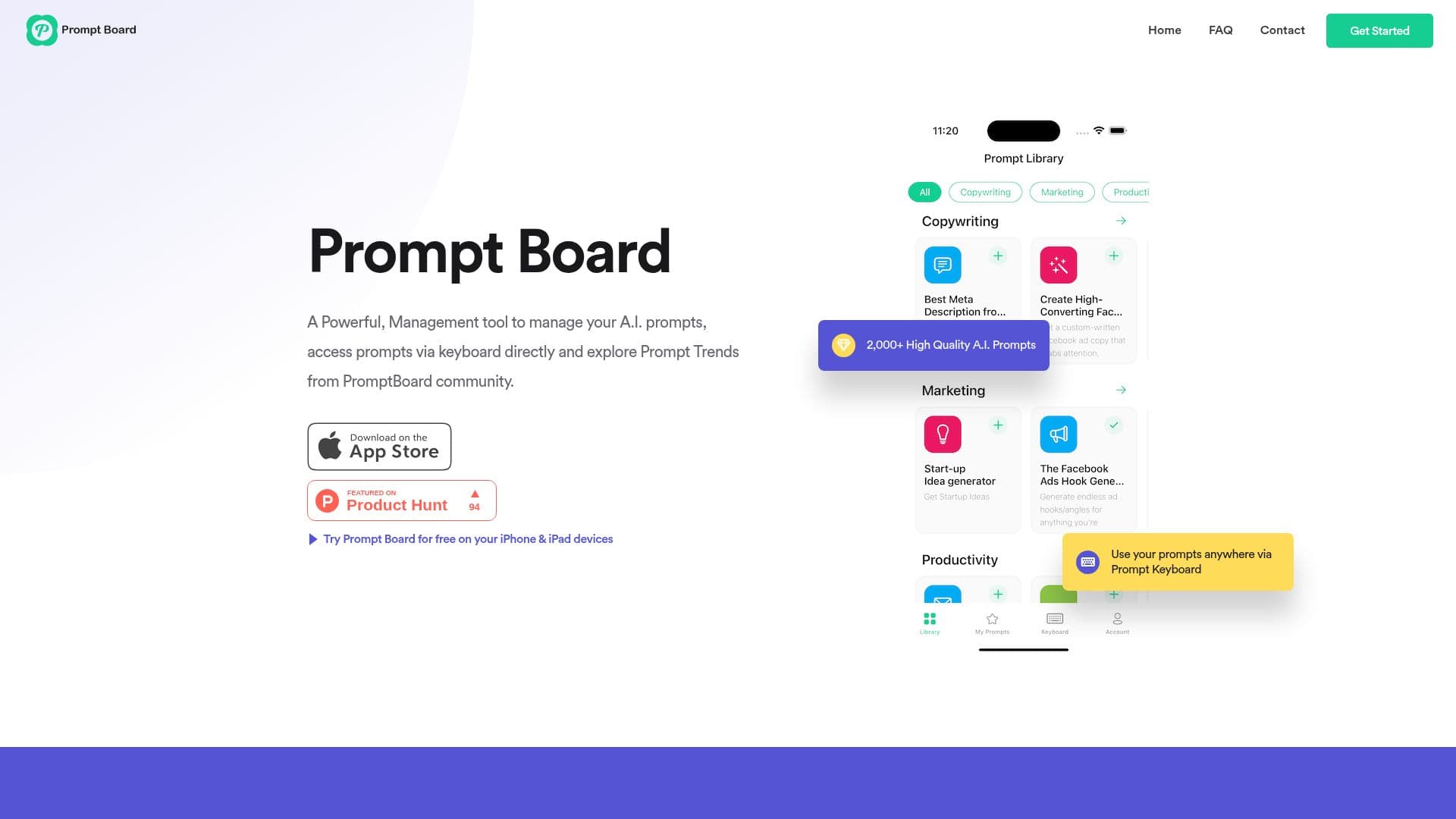
Prompt Board is an innovative tool designed to streamline the management of AI prompts. With over 2,000 high-quality prompts available, users can explore trending topics and save their favorites for future use. The tool's standout feature is the Prompt Keyboard, which allows users to access their prompts directly from the keyboard without leaving their apps, making it ideal for on-the-go inspiration.
The platform supports seamless integration with popular AI models like ChatGPT, Gemini, and Claude, enabling users to share prompts across different platforms effortlessly. Users can organize their growing prompt collections with ease, thanks to features like easy editing, sorting, and iCloud synchronization, which ensures data is accessible across all Apple devices.
Prompt Board is designed to enhance the creative workflow by allowing users to jot down ideas as they occur and refine them over time. The tool is offline-ready and offers a custom output style, providing flexibility in how prompts are used and shared.
While the tool offers a free tier, some advanced features are available only to Pro/Plus subscribers. Users can enjoy free updates regardless of their subscription status, and priority support is available for Pro/Plus tier subscribers. The tool is available for download on the App Store, with a trial period that includes free cancellation.
Prompt Board's Core Features
Over 2,000 high-quality AI prompts
Prompt Keyboard for direct access
Integration with ChatGPT, Gemini, Claude
Easy editing and sorting of prompts
iCloud synchronization
Offline-ready functionality
Custom output style
Free updates for all users
How to use Prompt Board?
Download: Get Prompt Board from the App Store
Install: Set up the app on your iOS device
Configure: Sync with iCloud for data access
Use: Access prompts via the Prompt Keyboard
Organize: Edit and sort your prompt collection
Share: Use prompts across AI models
Optimize: Customize output styles
Prompt Board's Use Cases
- Creative Writing
- AI Model Training
- Brainstorming
- Content Creation
- Educational Tools