
Description
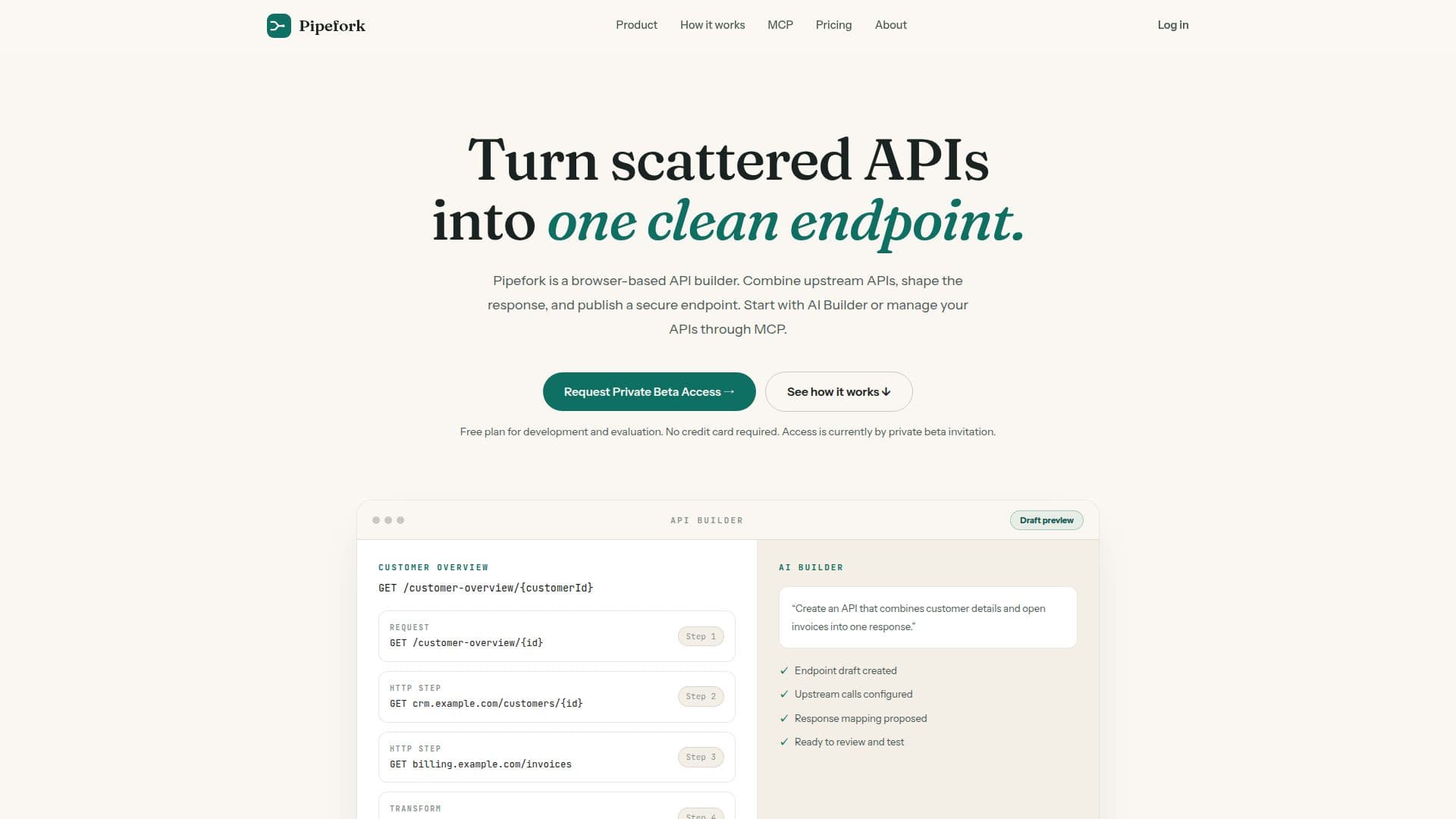
Pipefork is a comprehensive browser-based API builder designed to streamline the process of creating secure API endpoints. It offers a unique combination of AI Builder and Model Context Protocol (MCP) integration, enabling developers to efficiently draft, manage, and deploy APIs. The AI Builder assists in creating endpoint drafts by configuring upstream calls and proposing response mappings, making it easier for developers to start from an idea and move to a deployed endpoint.
Read More
The platform allows users to compose responses by calling multiple HTTP APIs and shaping their results into a single JSON response. Developers can describe an endpoint and review the draft created by the AI Builder, ensuring that the final product meets their needs. Additionally, Pipefork supports secure releases by protecting endpoints with API keys and promoting versions through development, testing, and production environments.
Pipefork's integration with MCP allows authorized AI clients to manage projects, drafts, and deployments, providing a seamless experience for developers. The platform is particularly useful for developers and small teams building frontend backends, partner integrations, internal tools, and AI agent workflows. It offers a free plan for evaluation and development, with no credit card required, and access is currently available through private beta invitation.
The platform's flexibility and ease of use make it an ideal choice for those looking to turn scattered APIs into one clean endpoint. With features like API key protection, request logs, and basic usage limits, Pipefork provides a robust solution for API management. As the platform evolves, paid plans will offer additional features such as higher project and request limits, more API keys, and extended log retention.
- CategoryAI App Builders
- Pricing ModelFreemium
- DeploymentCloud
- PlatformsBrowser
Pipefork's Core Features
Browser-based API builder
AI Builder for endpoint drafts
Model Context Protocol (MCP) integration
API key protection
Free plan for development
Compose JSON responses
Secure releases through Dev, Test, Prod
Connect AI tools with MCP
How to use Pipefork?
Start: Describe or design the endpoint
Add: Connect the HTTP APIs needed
Shape: Return necessary fields while protecting credentials
Release: Test and deploy to Dev, Test, and Prod
Pipefork's Use Cases
- Frontend Backends
- Partner Integrations
- Internal Tools
- AI Agent Workflows
- API Management