Description
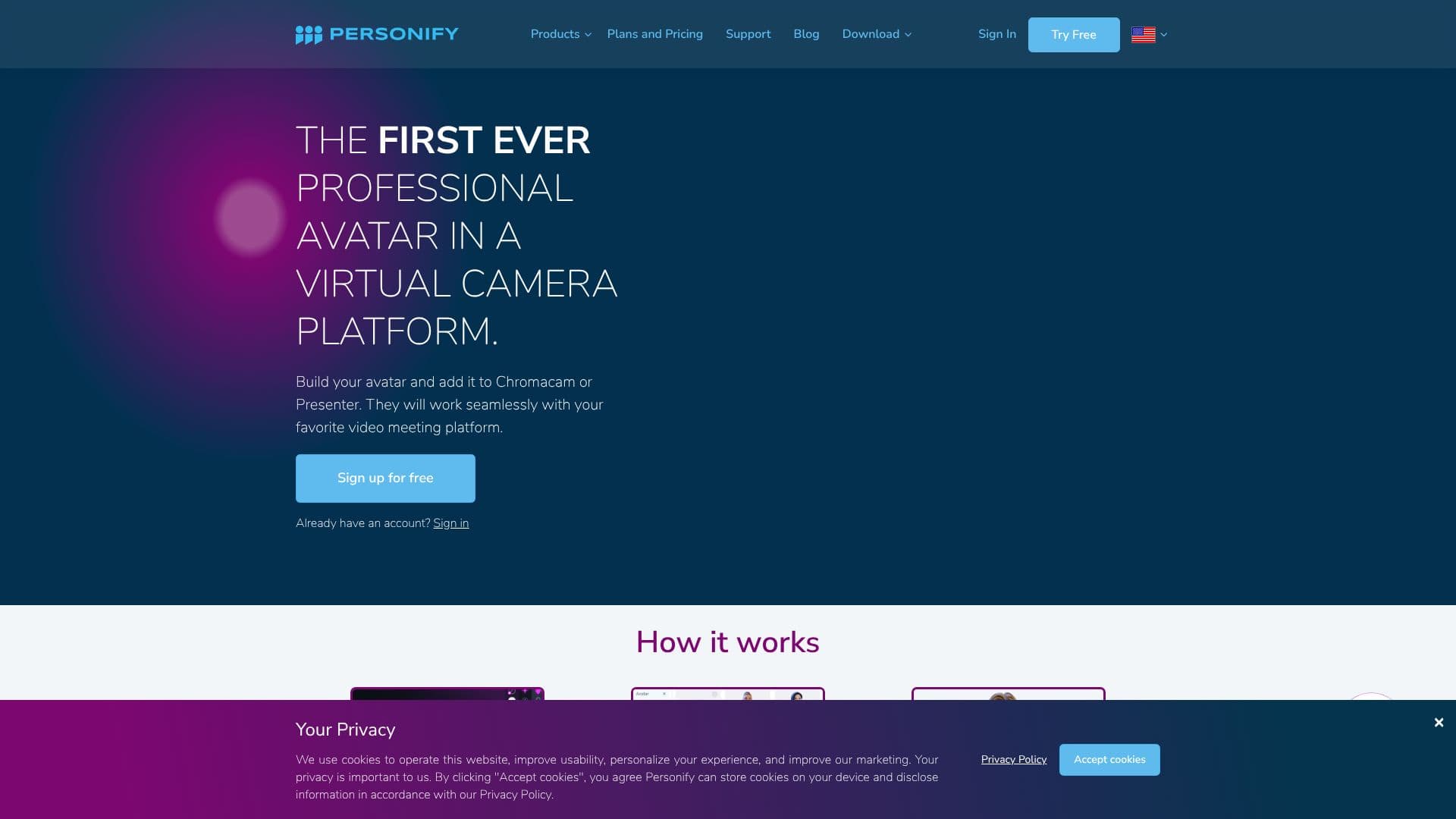
Personify introduces the first professional avatar for virtual camera platforms, allowing users to create and utilize personalized 3D avatars in their video calls and presentations. The platform seamlessly integrates with tools like ChromaCam and Presenter, which then work with popular video conferencing software such as Zoom, WebEx, Teams, and Google Meet.
Read More
Users can build their avatars using VRoid Studio and then import them into ChromaCam or Presenter. This enables them to join meetings with their avatar, offering a unique and engaging way to connect remotely. Personify aims to transform virtual interactions by making them more personal and immersive, akin to a 'virtual face-to-face' experience.
Personify Presenter is an all-in-one media creation environment available directly in the browser, eliminating the need for installation. It offers multiplatform formatting for social media and includes AI image generation for presentations. The Personify SDK is also available for integration into third-party software, providing features like background replacement, avatar user extraction, and blur effects.
ChromaCam is a remote video call essential that allows users to replace their background with custom images or videos, apply blurring filters for privacy and focus, or use their avatar to make meetings more dynamic. The platform is SOC2 Certified, ensuring a safe and verified partner for application requirements.
Personify offers various plans, including ChromaCam Lite (Free), ChromaCam Pro ($24.99 annually), Personify Presenter ($16.66 per month), and Presenter Ultimate ($224.99 annually). The company's testimonials highlight its transformative impact on remote learning, corporate training, and general presentation quality, emphasizing increased engagement and professionalism.
- CategoryAI Video Editors
- Pricing ModelTiered
- DeploymentCloud
- PlatformsWeb, Desktop Integration
Personify's Core Features
Professional avatar creation for virtual cameras
Seamless integration with ChromaCam and Presenter
Compatibility with major video conferencing platforms
VRoid Studio avatar import
Presenter for Web browser-based media creation
Multiplatform formatting for social media
AI image generation for presentations
Personify SDK for software integration
Background replacement and blur effects
Avatar user extraction
SOC2 Certified for security
Customizable virtual backgrounds
Enhanced remote presentation capabilities
How to use Personify?
Build your avatar: Use VRoidStudio to create your personalized 3D avatar.
Import your avatar: Upload your avatar to ChromaCam or Personify Presenter.
Configure your virtual camera: Set up ChromaCam or Presenter within your video conferencing software.
Join your meeting: Use your avatar for an engaging and immersive remote interaction.
Create presentations: Utilize Personify Presenter for multimedia content creation.
Integrate SDK: Incorporate Personify features into your own software applications.
Personify's Use Cases
- Virtual Meetings
- Online Presentations
- Remote Learning
- Corporate Training
- Content Creation
- Software Integration
- Privacy and Focus