
Description
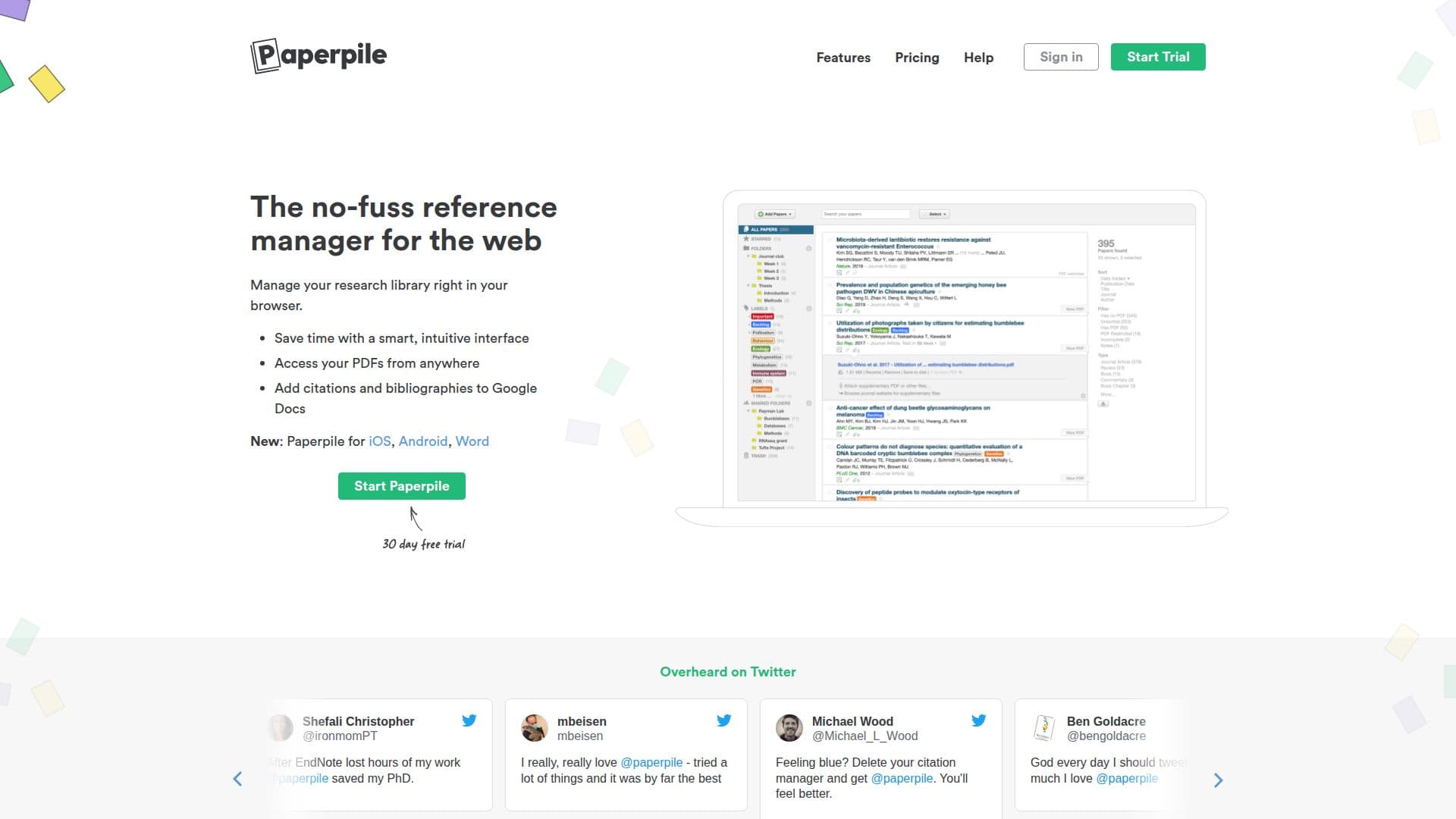
Paperpile is a web-based reference manager designed to simplify the process of collecting, organizing, and citing research papers. With its intuitive interface, users can manage their research library directly in their browser, making it easy to save time and stay organized.
Read More
One of the key features of Paperpile is its integration with Google Drive, allowing users to access their PDFs from anywhere. The platform securely authenticates with Google Accounts, ensuring that users' passwords are never stored or accessed by Paperpile's servers. This level of security extends to users' personal data, as Paperpile only interacts with files uploaded through its service.
Paperpile's functionality includes the ability to add citations and bibliographies directly to Google Docs, which streamlines the writing process for students and researchers. The platform also supports mobile access through its iOS and Android applications, making it convenient for users to manage their references on the go.
The reference manager is built for efficiency, allowing users to organize their papers with folders, labels, and stars. It offers real-time search capabilities, enabling users to quickly find papers by keywords, authors, or publication years. Additionally, Paperpile automatically fixes incomplete references and cleans up duplicates, ensuring that libraries remain organized and accurate.
For those who collaborate with colleagues, Paperpile facilitates sharing through shared folders and private links, making it easy to build a library together. The platform supports a wide range of reference types, accommodating journal articles, books, conference papers, and more, with over 30 reference types and 86 subtypes available.
Overall, Paperpile is designed to meet the needs of researchers and students looking for a reliable and efficient way to manage their academic writing and research processes. Its focus on simplicity and integration with Google services makes it a valuable tool for anyone involved in academic work.
- CategoryAcademic Writing & Citations
- Pricing ModelFreemium
- DeploymentCloud
- PlatformsWeb, iOS, Android
Paperpile Reference Manager's Core Features
Google Drive Integration
Mobile Apps for iOS and Android
Real-time Search
Automatic Reference Fixing
PDF Highlighting and Annotation
Shared Folders for Collaboration
Supports Over 30 Reference Types
Keyboard Shortcuts for Efficiency
How to use Paperpile Reference Manager?
Access Paperpile: Open the Paperpile website in your browser.
Connect Google Account: Sign in using your Google Account for secure access.
Import References: Use the Chrome extension to collect references from various sources.
Organize Library: Create folders and labels to categorize your research papers.
Annotate PDFs: Download and annotate your PDFs directly within Paperpile.
Cite in Google Docs: Add citations and bibliographies to your documents seamlessly.
Share with Colleagues: Create shared folders to collaborate on research with others.
Paperpile Reference Manager's Use Cases
- Academic Research
- Thesis Writing
- Collaborative Projects
- Literature Reviews
- PDF Management