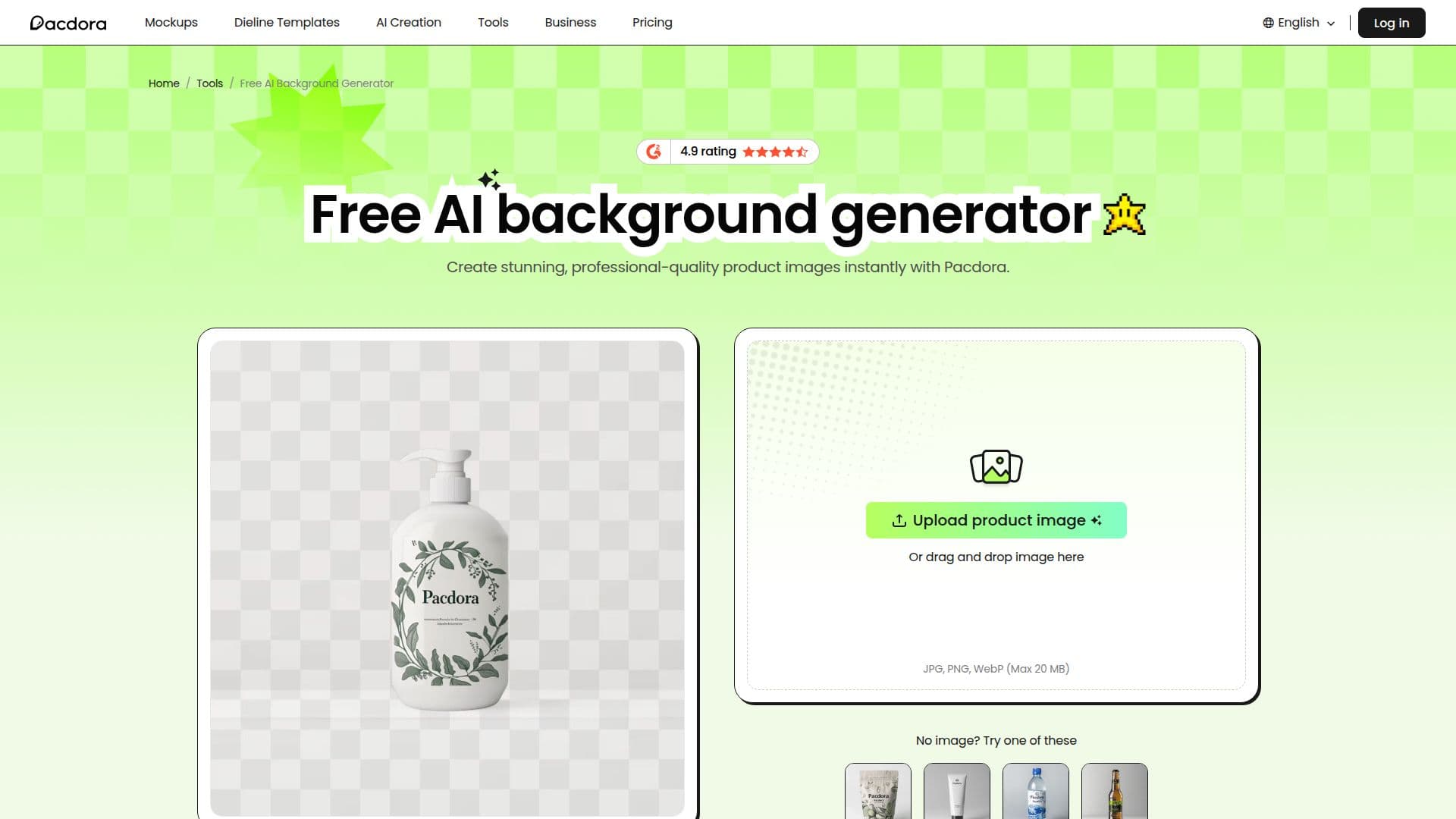
Description
The Pacdora AI Background Generator is an online tool that turns plain product photos into professional, studio-quality images by automatically removing the original background and generating new, realistic scenes. Users upload a product image in PNG, JPG, or WebP format, browse personalized background recommendations matched to the product, pick a style, and export the finished image in minutes, with no manual background removal or design expertise required.
Read More
The tool uses Pacdora's advanced 3D rendering technology to match the product's display angle, lighting type, and shadows, and to adjust the size proportion between the product and the scene, producing results that look like a professional studio shoot. It offers a vast library of popular styles and endless personalized backgrounds, letting users experiment with different themes and settings inexpensively compared with traditional photoshoots.
The background generator is part of Pacdora, a broader packaging design platform that also provides dielines, 3D mockups, and rendering tools for designers and brands. Pacdora reports over 4 million users and offers additional AI tools such as AI Design, AI Video, and AI Logo.
Pacdora offers a free plan for personal use, with AI features powered by credits. Paid subscriptions (Lite, Pro at $29/month, and Business at $99/month) add higher render speeds, larger monthly AI credit allowances, higher-resolution exports, and commercial use rights. Free-plan background generation is available, and subscribers receive monthly credits.
- CategoryAI Product Photography
- Pricing ModelFreemium
- DeploymentCloud
- PlatformsWeb
Pacdora AI Background Generator's Core Features
AI background generation for product images
Automatic removal of the original background
Personalized scene recommendations matched to the product
3D rendering that matches angle, lighting, and shadows
Vast library of popular background styles
Support for PNG, JPG, and WebP uploads
No design skills or manual adjustments needed
Part of the wider Pacdora packaging design platform
How to use Pacdora AI Background Generator?
Upload your product image: Drag or upload a PNG, JPG, or WebP product photo.
Select a style: Browse the AI's personalized background recommendations and pick one.
Let the AI render: The tool removes the background and blends the product into the new scene with matched lighting and shadows.
Export your image: Download the finished, studio-quality product image.
Pacdora AI Background Generator's Use Cases
- Ecommerce product images
- Marketing visuals
- Background replacement
- Rapid concept testing
- Packaging presentation