
Description
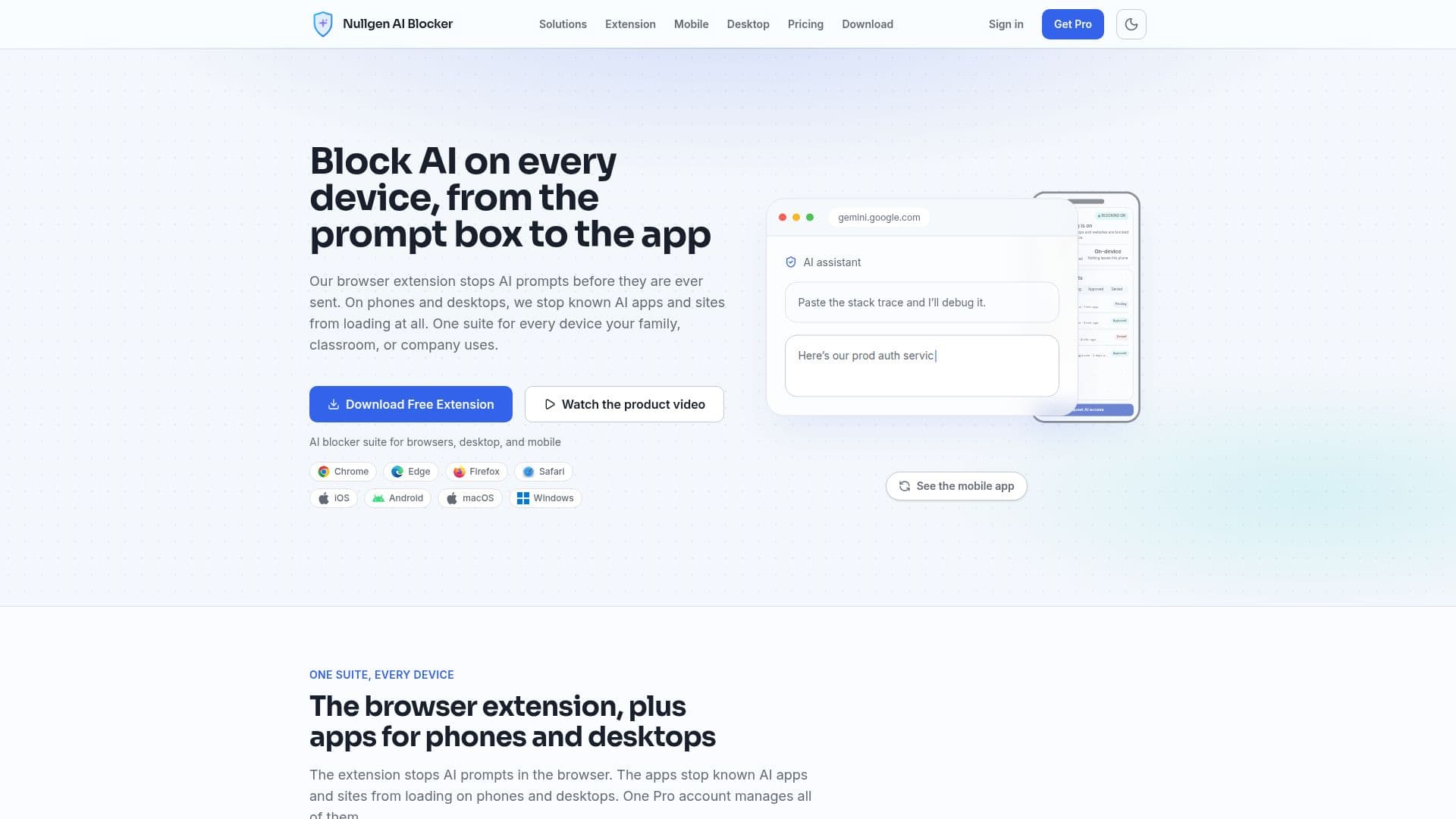
Nullgen AI Blocker is designed to prevent AI prompts and applications from functioning across various devices. The tool offers a free browser extension that blocks AI prompts on websites, ensuring that typing and pasting into AI prompt boxes are stopped before they are sent. This extension is compatible with major browsers such as Chrome, Edge, Firefox, and Safari.
Read More
For more comprehensive coverage, Nullgen provides Pro plans that include mobile and desktop applications. These apps block known AI applications and websites from loading on devices, including iOS, Android, macOS, and Windows. The mobile app functions as a VPN configuration to filter AI destinations without routing traffic to Nullgen servers, ensuring on-device privacy.
Nullgen AI Blocker is particularly beneficial for families, educators, and IT teams. Parents can maintain homework integrity by preventing AI assistance, while educators can enforce academic integrity on school devices. IT teams can use the tool to prevent data leaks to public AI models and manage AI access across organizations.
The pricing structure includes a free forever browser extension and Pro plans for families and enterprises. The Family plan costs $5.99 per month, allowing up to four children and two parents to manage AI access. The Enterprise plan is priced at $10 per seat per month, offering advanced management features and integration with tools like Intune and Jamf.
Nullgen AI Blocker operates with a strong focus on privacy and security. It does not collect or transmit prompt text, keystrokes, or browsing history, ensuring user data remains confidential. The tool is continuously updated to cover new AI tools, providing a robust solution for managing AI interactions.
- CategoryAI Privacy Tools
- Pricing ModelFreemium
- DeploymentOn-device
- PlatformsChrome, Edge, Firefox, Safari, iOS, Android, macOS, Windows
Nullgen AI Blocker's Core Features
Free browser extension
Pro mobile and desktop apps
Blocks AI prompts on websites
Blocks known AI apps on devices
On-device detection
Centralized management dashboard
Real-time policy sync
Zero-touch provisioning
How to use Nullgen AI Blocker?
Install: Download and install the browser extension
Configure: Set up blocking preferences in the dashboard
Use: Block AI prompts and apps across devices
Manage: Use the dashboard for centralized control
Nullgen AI Blocker's Use Cases
- Family Control
- Educational Integrity
- IT Management
- Device Security
- Privacy Protection