
Description
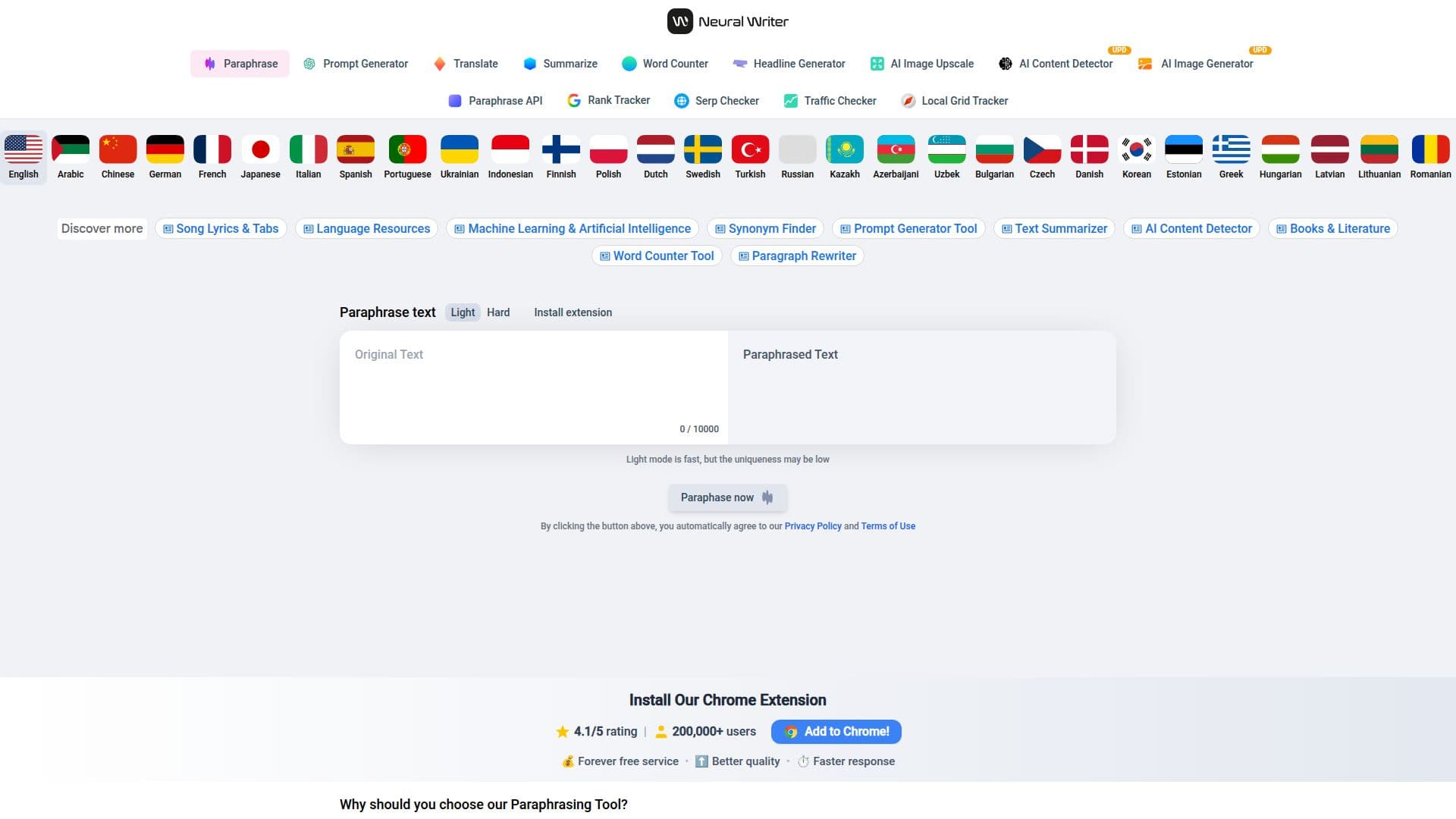
NeuralWriter.com is a powerful AI-driven paraphrasing tool designed to help users rewrite and rephrase text while preserving its original meaning. This tool is particularly useful for students, writers, and professionals who need to enhance the uniqueness of their content. With support for over 30 languages, including English, Spanish, and Chinese, NeuralWriter.com caters to a global audience.
The tool offers three distinct AI modes: Light, Medium, and Hard. The Light mode makes slight changes to the text, ensuring the original meaning is fully preserved. Medium mode significantly increases text uniqueness by rewriting some sentences, while the Hard mode extensively rewrites the text, using synonyms to achieve high uniqueness. These modes help users avoid plagiarism and ensure their content is recognized as original by various plagiarism checkers.
NeuralWriter.com is accessible without registration and is completely free to use. It features a character limit of up to 10,000 per request, allowing users to process large amounts of text efficiently. The tool also includes a diff checker to compare original and paraphrased text, ensuring that the core message remains intact.
For developers, NeuralWriter.com offers a high-performance paraphrasing API that supports the same multilingual capabilities and AI modes. This API can handle large requests quickly and is available with a demo plan for free. The API is ideal for integrating paraphrasing capabilities into other applications, enhancing content creation workflows.
Overall, NeuralWriter.com provides a comprehensive solution for anyone looking to improve the originality and quality of their written content, making it a valuable tool for a wide range of users.
NeuralWriter.com Paraphrasing Tool's Core Features
Free online access
No sign-up required
Supports 30+ languages
Three AI paraphrasing modes
Character limit up to 10,000
Diff checker included
Multilingual API available
Demo plan for API
How to use NeuralWriter.com Paraphrasing Tool?
Access: Visit NeuralWriter.com
Choose Mode: Select AI mode (Light, Medium, Hard)
Input Text: Enter text to paraphrase
Review: Check paraphrased text with diff checker
Optimize: Adjust mode for desired uniqueness
NeuralWriter.com Paraphrasing Tool's Use Cases
- Academic Writing
- Content Creation
- Multilingual Support
- Plagiarism Avoidance
- API Integration