Description
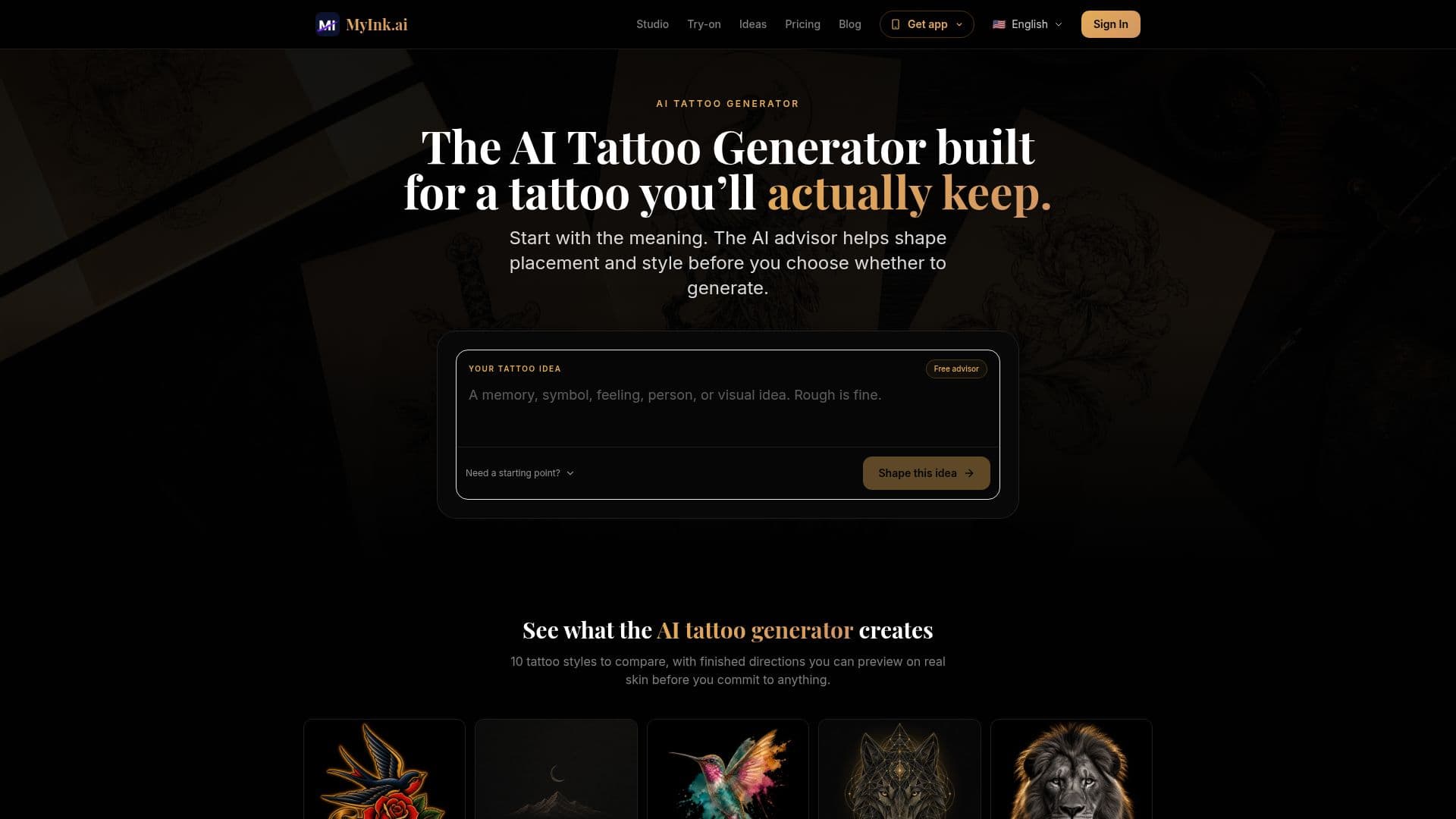
MyInk.ai is an AI tattoo planning tool that turns a single idea into four genuinely different visual directions. Users describe one tattoo idea, compare the four directions, choose the closest one, then branch or refine it, using whole-design polish or a single selected-area edit, with a saved version history for the project.
Read More
The tool offers ten curated tattoo styles, including Traditional, Minimalist, Watercolor, Geometric, Realistic, Japanese, Tribal, Dotwork, Blackwork, and Neo-Traditional. Beyond generation, it includes a virtual try-on that overlays a chosen direction on a body photo to explore placement and scale, and an aging simulator that shows how a tattoo may look from day one to year twenty, accounting for fine-line drift, color fade, and skin softening. New users start with free credits that cover two full four-direction rounds.
MyInk is positioned as a planning system rather than just a generator: after a favorite result, outcome Packs (Design, Meaning, and Cover-up) deliver a print-grade file, a stencil layer, a one-page artist brief, and a consultation script for the appointment. Credits are one-time purchases and Pro+ is optional for recurring credits, 4K options, and no-watermark saves, with a refund window on purchases. Every Pack recommends bringing the file to a professional tattoo artist.
- CategoryAI Graphic Design Tools
- Pricing ModelFreemium
- DeploymentCloud
- PlatformsWeb
MyInk.ai's Core Features
Four different tattoo directions from one idea
Branching and whole-design or selected-area refinement
Ten curated tattoo styles
Virtual try-on on a body photo
Aging simulator from day one to year twenty
Outcome Packs with print-grade file, stencil, and artist brief
Free starting credits with one-time credit packs
Optional Pro+ for recurring credits and no-watermark saves
How to use MyInk.ai?
Describe your idea: Enter one tattoo idea to start.
Compare directions: Review four genuinely different directions and choose the closest one.
Branch or refine: Polish the whole design or edit a selected area, keeping the version history.
Preview and age it: Try the design on a body photo and check the aging simulator.
Get a Pack: Turn a chosen direction into a Pack with a print-grade file, stencil, and artist brief.
MyInk.ai's Use Cases
- Tattoo direction exploration
- Body preview and aging check
- Artist consultation prep
- Cover-up planning