Description
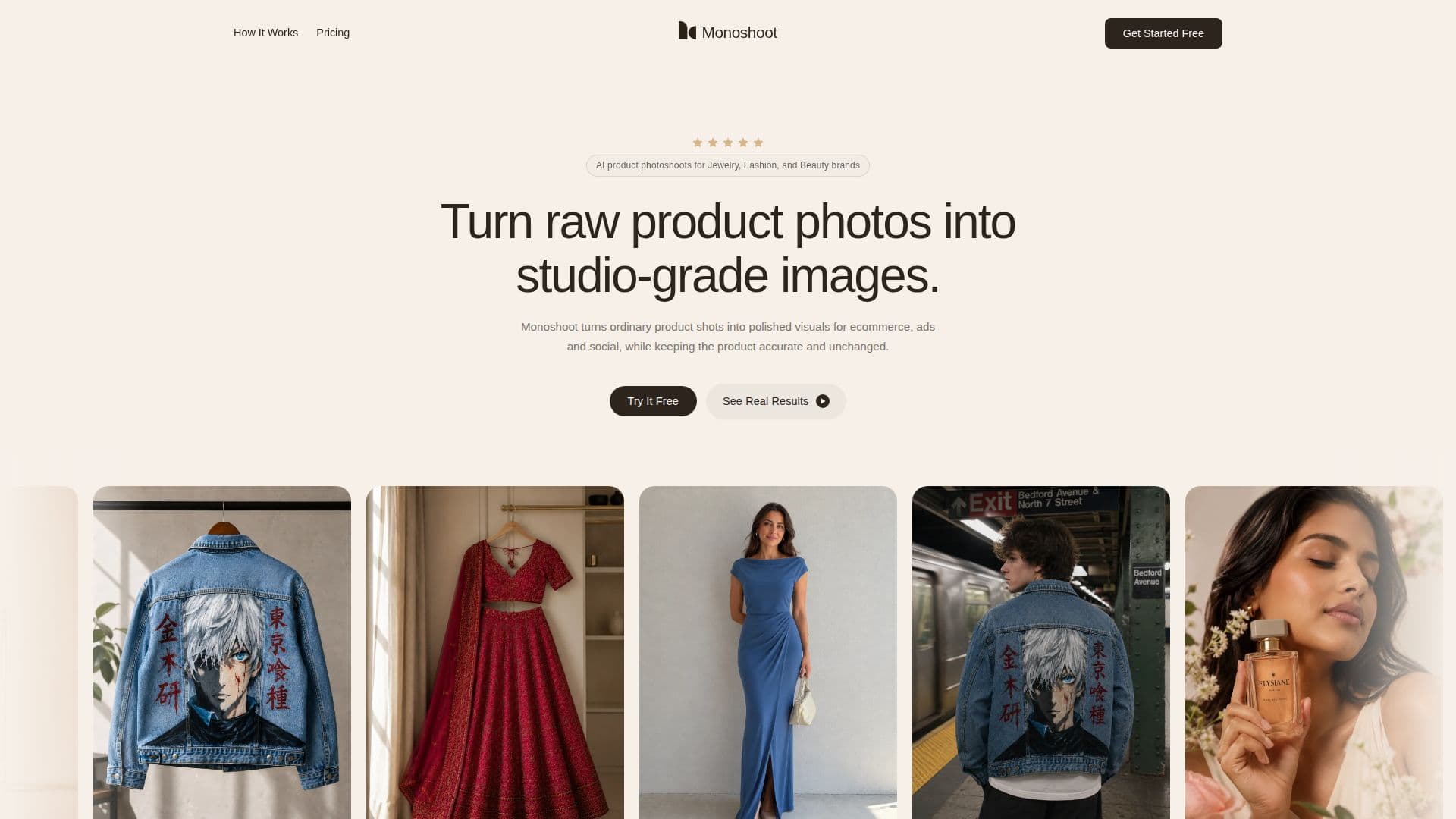
Monoshoot is an AI product photography studio that transforms raw phone photos into studio-grade commercial images for jewelry, fashion, and cosmetics brands. It rebuilds the background, lighting, composition, model context, and scene around a product while treating the product itself, including its shape, color, stones, stitching, packaging, and labels, as protected and accurate.
Read More
The platform is organized around three verticals, each with its own scene options, model controls, and prompt logic: Jewellery and Accessories, Clothing and Fashion, and Cosmetics and Wellness. It uses category-specific computer vision with generative studio models to preserve details that generic AI often distorts, such as specular glare and gemstone facets on jewelry, fabric drape on garments, and viscous liquid textures on cosmetics. Users can save preferred scenes, backgrounds, lighting, and settings as repeatable brand presets so future product drops look consistent.
Monoshoot works from the imperfect photos brands already have, including phone shots, supplier images, and quick tabletop photos, and no studio setup is required. It follows a three-step flow of upload, choose the outcome, and generate, with export-ready images for storefronts, marketplaces, ads, and social. It uses a credit model where one image generation equals one credit, with tiers offering higher quality, no watermark, high-resolution downloads, and rolled-over unused credits.
- CategoryAI Product Photography
- Pricing ModelFreemium
- DeploymentCloud
- PlatformsWeb
Monoshoot's Core Features
Studio-grade images from raw phone photos
Category studios for jewelry, fashion, and cosmetics
Product fidelity that preserves shape, color, and details
Specular glare and gemstone facet control for jewelry
Fabric drape preservation for fashion
Viscous liquid rendering for cosmetics
Repeatable brand presets for consistent output
Commerce-ready exports for Shopify, Amazon, and social
How to use Monoshoot?
Upload the raw photo: Add your product photo however you captured it.
Tell Monoshoot what you need: Choose category studio, scene mood, lighting, or model direction.
Generate: Create a studio image with full product fidelity in one click.
Save presets: Store scenes and settings to keep future drops consistent.
Export: Download commerce-ready images for your channels.
Monoshoot's Use Cases
- Jewelry photography
- Fashion photoshoots
- Cosmetics visuals
- Marketplace listings