
Description
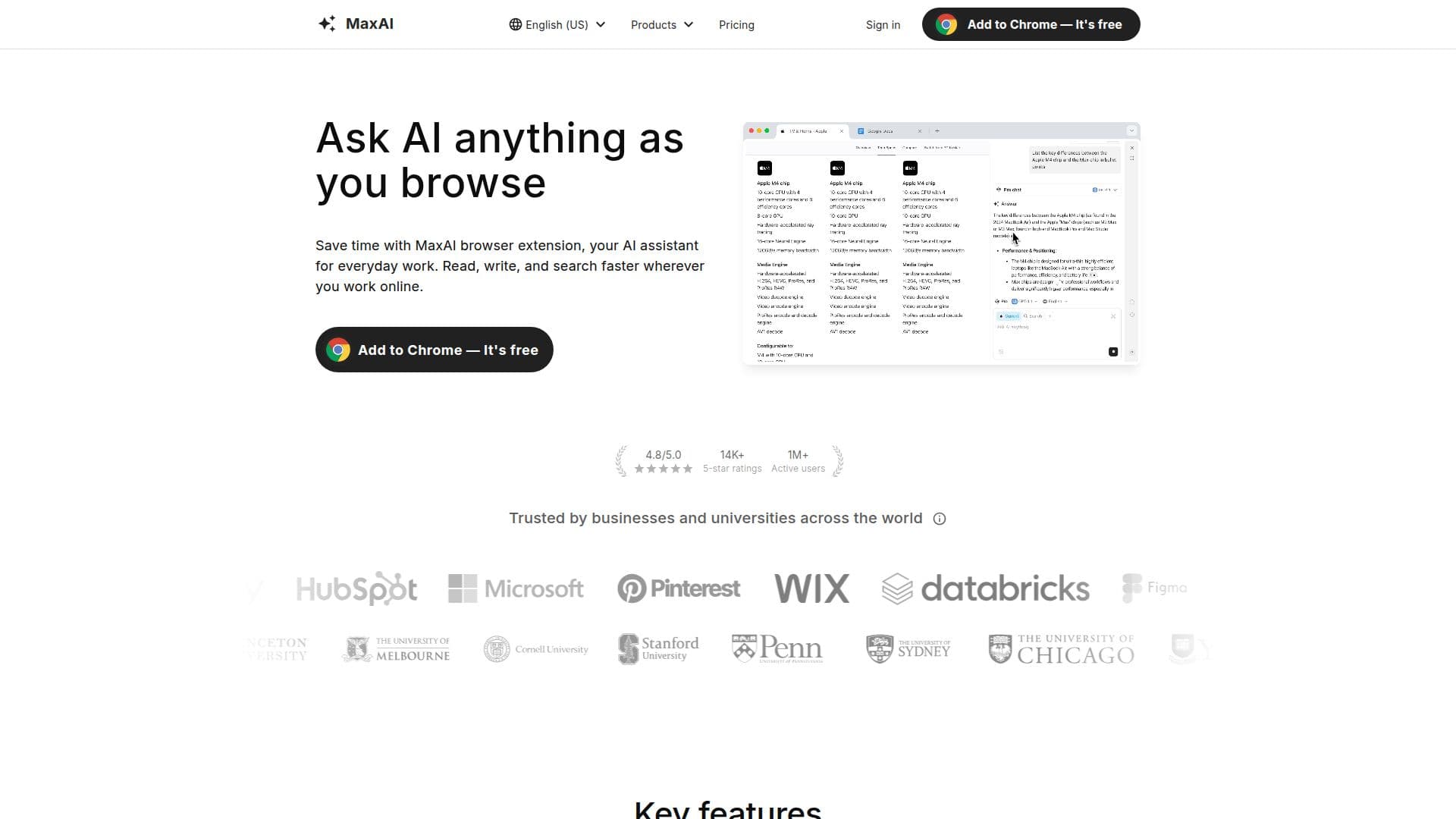
MaxAI is a versatile browser extension designed to enhance productivity by integrating AI capabilities directly into your web browsing experience. With over 1 million active users and a high satisfaction rating, MaxAI is trusted by businesses and universities worldwide. The extension offers a range of features, including an AI sidebar that allows users to ask questions without switching tabs, and access to top AI models like GPT-4 and Claude-3.5. MaxAI also provides contextual AI, enabling users to inquire about any webpage content directly, eliminating the need for copy-pasting.
One of the standout features of MaxAI is its AI writing assistance, which helps improve writing across the web with a single click. Additionally, it offers bilingual translation capabilities, allowing users to view original and translated text side by side. Users can also create reusable prompts for quick access and generate images from text to bring ideas to life.
MaxAI supports various use cases, such as drafting long-form blog articles, summarizing YouTube videos, and explaining complex concepts in simpler terms. It also aids in brainstorming campaign slogans, explaining charts, converting notes into to-do lists, and translating foreign-language articles. The extension is particularly beneficial for tasks like composing social media posts, extracting key takeaways from academic papers, creating study quizzes, and drafting sales messages.
MaxAI offers a freemium pricing model, with a free tier providing basic features and a Pro plan for advanced users at $12 per member per month when billed yearly. The Pro plan includes unlimited chat, higher file upload limits, and team member management. MaxAI is compatible with Chromium-based browsers, making it accessible to a wide range of users.
Overall, MaxAI is a comprehensive tool for enhancing productivity and efficiency in online tasks, offering a seamless integration of AI capabilities into everyday browsing activities.
MaxAI Browser Extension's Core Features
AI sidebar for easy access
Integration with top AI models
Contextual AI for webpage queries
AI writing assistance
Bilingual translation
Reusable prompts
Image generation from text
Summarization of content
How to use MaxAI Browser Extension?
Add to browser: Install the MaxAI extension
Sign in: Use Google or email for secure access
Use: Access AI features on any webpage
Optimize: Customize prompts and settings
MaxAI Browser Extension's Use Cases
- Blog Drafting
- Video Summarization
- Concept Explanation
- Campaign Brainstorming
- Chart Explanation
- Note Conversion
- Email Translation
- Code Explanation
- Social Media Posts
- Academic Research