
Description
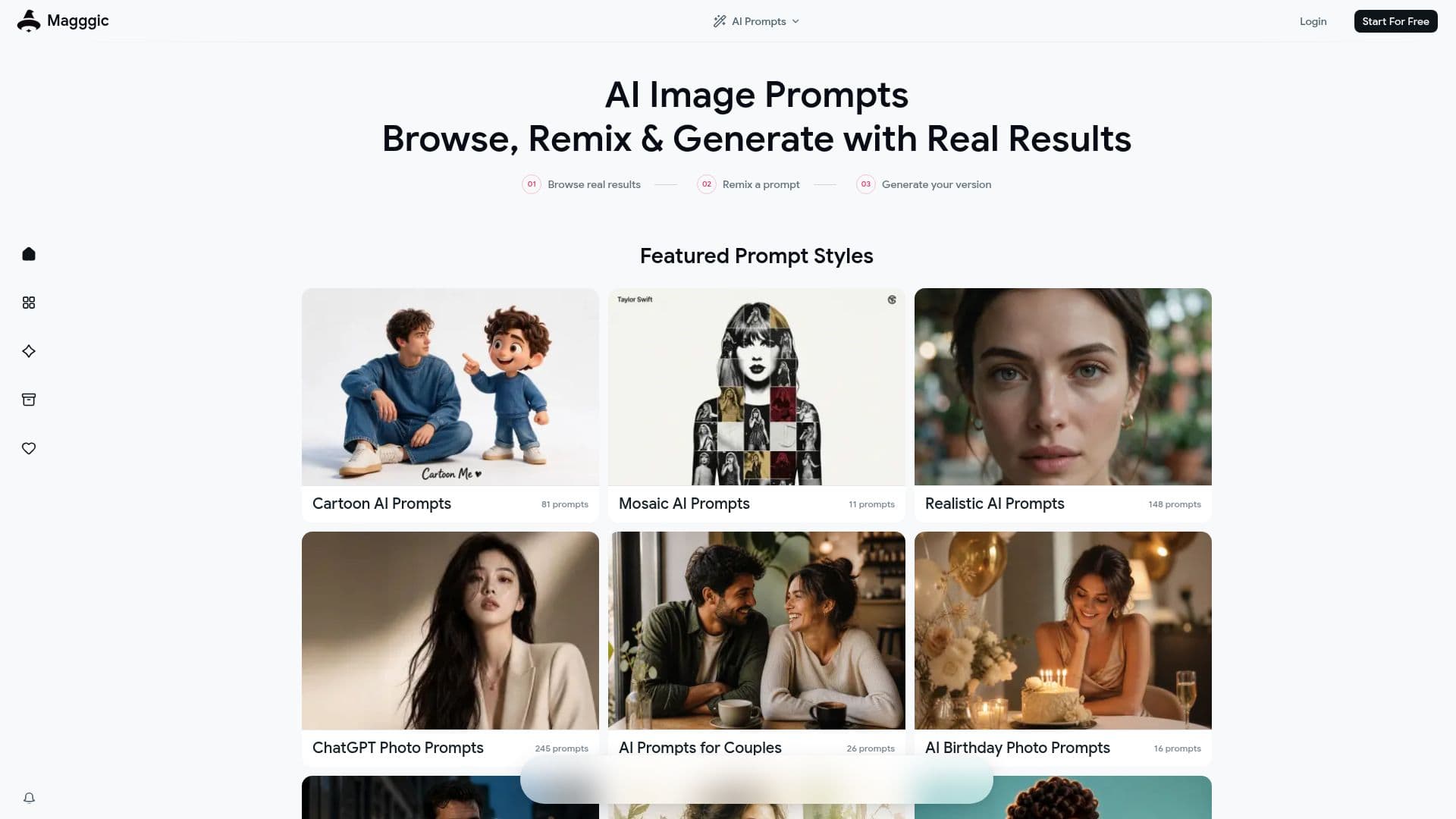
Magggic is an AI image creation platform designed to help users generate stunning visuals by browsing creator-made prompts. With Magggic, you can open any image to see the full prompt behind it, remix the style, and create your own version with just one click. This platform is built around real generated results, ensuring that users can explore a variety of creative directions quickly and effectively.
Read More
The process begins by browsing through a diverse gallery of AI-generated images. Users can select an image that resonates with them and click on the 'Remix' button. This action brings the original prompt and generation settings into the generator, allowing users to either use them as they are or adjust them according to their preferences. This flexibility means that even those who may not be familiar with writing AI prompts can easily adapt existing prompts or describe their desired outcome directly in the generator.
Magggic supports multi-reference creation, enabling users to combine several visual cues to guide subjects, styles, and compositions. This feature is particularly beneficial for creative professionals who require precise control over their visuals. Users can choose the model, aspect ratio, resolution, and output count all in one place, streamlining the creative process.
The platform is designed for a wide range of users, including product designers, visual creators, e-commerce designers, and content creators. Each user can benefit from the fast creative iteration capabilities, allowing them to generate multiple directions quickly, compare results, and refine their ideas without losing focus on the creative flow. Furthermore, Magggic allows users to reuse any creation as a template or reference, ensuring visual continuity across projects.
Magggic currently offers several image models, including Seedream 5.0 Pro, GPT Image 2.0, and Nano Banana Pro. While the platform focuses on static AI image generation, it provides a robust workflow that keeps outputs, credit charges, refunds, notifications, and assets in sync. Users can also upload their own images as references to guide the selected model toward a specific subject or composition, enhancing the customization of their generated images.
In summary, Magggic is an innovative tool for anyone looking to explore AI-generated imagery, offering a seamless experience from browsing to creation, all while maintaining a focus on real results.
- CategoryPrompt Engineering Tools
- Pricing ModelFreemium
- DeploymentCloud
- PlatformsWeb
Magggic's Core Features
Browse creator-made prompts
Remix image styles in one click
Generate from text and reference images
Multi-reference creation
Precise creative control
Fast creative iteration
Reuse creations as templates
Real generation workflow
How to use Magggic?
Browse: Explore the gallery of AI-generated images.
Select: Click on an image that you want to remix.
Remix: Use the 'Remix' button to bring in the original prompt.
Adjust: Modify the prompt, model, aspect ratio, and other settings as needed.
Generate: Click to create your own version of the image.
Upload: Optionally, upload your own reference image for guidance.
Iterate: Generate multiple versions to refine your creative direction.
Magggic's Use Cases
- Creative Design
- E-commerce
- Social Media Content
- Visual Storytelling
- Concept Art