
Description
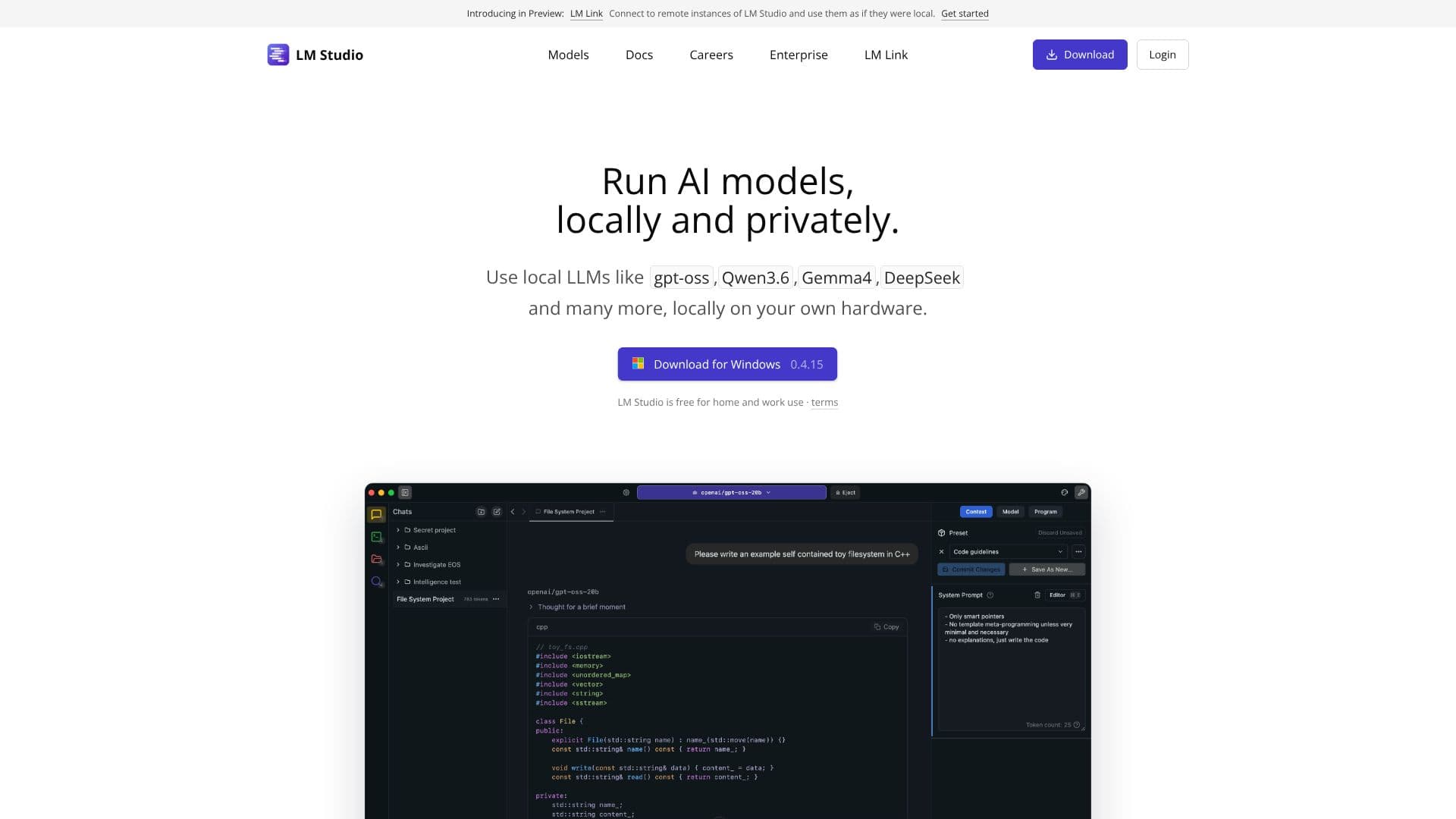
LM Studio Bionic is a desktop AI agent built by Element Labs on top of LM Studio, the company's local LLM runtime. Where LM Studio's earlier releases focused on downloading and chatting with open models on your own machine, Bionic adds an agent layer aimed at getting real work done: editing documents, writing and debugging code, running automations, and controlling the computer directly, without routing your data through someone else's servers.
Read More
The app runs on the user's own hardware. It uses LM Studio's inference runtime, built on llama.cpp and MLX, to download and run open-weight models locally, including frontier options such as GLM 5.2, Kimi K3 and DeepSeek V4 Pro. Users can also connect Bionic to LM Studio's cloud services, which the company runs under a Zero Data Retention policy, for tasks that need more compute than a local machine can provide.
Bionic's core feature is document work: it creates and edits files while saving every change automatically, so users can hand it open-ended writing or editing tasks and adjust the result as it goes. It handles coding tasks and automations the same way, and it can take over computer control for multi-step actions rather than answering a single prompt. A voice mode adds real-time transcription in multiple languages, processed on-device so audio never leaves the user's machine.
For developers, LM Studio ships a CLI (lms), Python and JavaScript SDKs (lmstudio-python, lmstudio-js), and documentation, alongside the GUI app most users interact with. The product line also includes LM Link and an LM Studio Hub in beta, both part of the same local-model ecosystem.
LM Studio Bionic is built for people who want an AI agent that stays on their own computer: developers who need coding and automation help without sending code to a third-party API, and anyone who prefers to run open models privately rather than through a hosted chatbot. It requires downloading and running the app locally, and the more demanding frontier models need enough local compute, or a connection to LM Studio's cloud, to run well.
- CategoryAI Agent Builders
- Pricing ModelFree
- DeploymentLocal
- PlatformsWindows, macOS, Linux
LM Studio Bionic's Core Features
Local AI agent that edits and saves documents automatically
Handles coding tasks, debugging and automations
Computer control for multi-step actions
Real-time voice transcription processed on-device, in multiple languages
Runs open-weight models locally via llama.cpp and MLX
Supports frontier open models (GLM 5.2, Kimi K3, DeepSeek V4 Pro)
Optional Zero Data Retention cloud services for heavier compute
Developer tools: CLI (lms), Python and JavaScript SDKs, full docs
Cross-platform desktop app with a GUI
Part of the wider LM Studio product line (LM Link, LM Studio Hub beta)
How to use LM Studio Bionic?
Download: Get the LM Studio Bionic app for your computer from lmstudio.ai.
Pick a model: Choose a local open model, or connect to LM Studio's cloud, to power Bionic.
Give Bionic a task: Ask it to edit a document, write code, run an automation, or control your computer.
Talk to it: Use real-time voice transcription to give Bionic instructions hands-free.
Review changes: Check the automatically saved edits and refine the result as needed.
LM Studio Bionic's Use Cases
- Private coding assistant
- Document editing
- Voice-driven tasks
- Local open-model use