Description
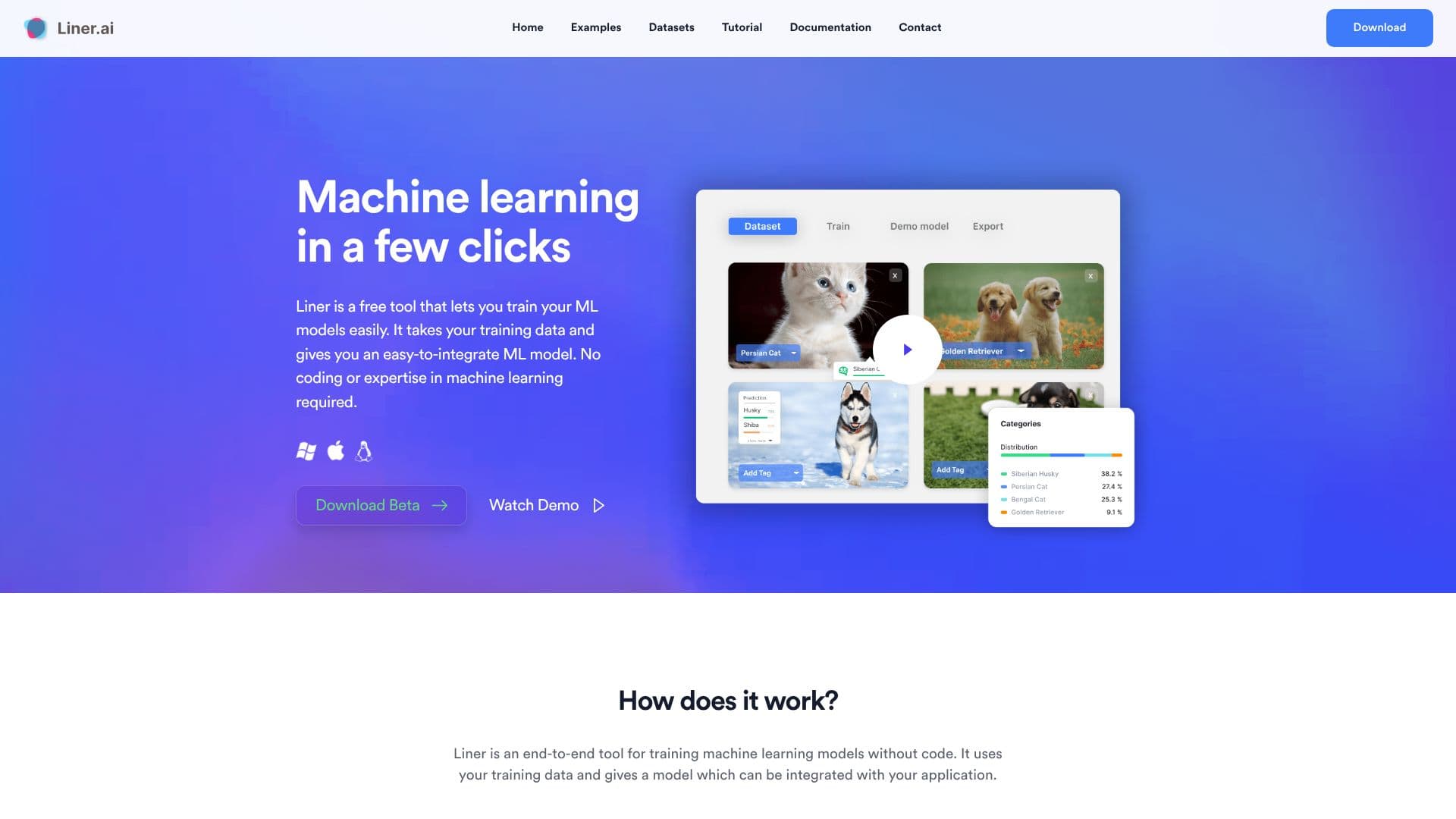
Liner.ai empowers users to create and deploy machine learning applications with remarkable ease, eliminating the need for coding or specialized expertise. This free, end-to-end tool guides you through a streamlined process, transforming your raw data into functional ML models in just a few clicks.
Read More
The platform is designed for simplicity, allowing anyone to import their training data, including pre-labeled datasets, and then initiate the training process with a single button press. Liner.ai automatically selects and trains an appropriate model, optimizing for speed and accuracy. A key benefit is that training occurs locally on your computer, ensuring your data privacy and security as nothing is sent to the cloud. This also means no powerful GPUs are required, as models are optimized for fast CPU training.
Liner.ai offers a variety of ready-to-use project templates for different ML tasks, such as Image Classification, Text Classification, Audio Classification, Video Classification, Object Detection, Image Segmentation, and Pose Classification. Users simply select a template, add their data, and begin training. Once trained, models can be easily exported to various platforms, enabling seamless integration into your existing applications. The tool is available for both Windows and Mac, with optimized downloads for different architectures.
This no-code approach democratizes machine learning, making it accessible to a broader audience. Whether you're a developer looking to quickly add ML capabilities to a project, a researcher without extensive coding background, or a student learning about AI, Liner.ai provides a powerful yet user-friendly solution. The platform's commitment to speed, accuracy, and ease of use, combined with its free accessibility and local data processing, makes it an attractive option for rapid ML development and deployment.
- CategoryMachine Learning Platforms
- Pricing ModelFree
- DeploymentExportable Models
- PlatformsWindows, macOS
Liner.ai's Core Features
Build and deploy ML models without coding
Train ML models with a single click
Import your own data or use pre-labeled datasets
Automatic model selection and training
Local training on your computer for data privacy
No GPU required; optimized for CPU training
Export trained models to various platforms
Supports Image Classification
Supports Text Classification
Supports Audio Classification
Supports Video Classification
Supports Object Detection
Supports Image Segmentation
Supports Pose Classification
Available for Windows and macOS
How to use Liner.ai?
Import your data: Upload your training data or select a pre-labeled dataset.
Start training: Click a button to automatically train an appropriate ML model.
Deploy your model: Export your trained model to various platforms for integration.
Integrate with your application: Use the exported model within your software.
Liner.ai's Use Cases
- Image Classification
- Text Classification
- Object Detection
- Audio Classification
- Video Classification
- Image Segmentation
- Pose Classification