Description
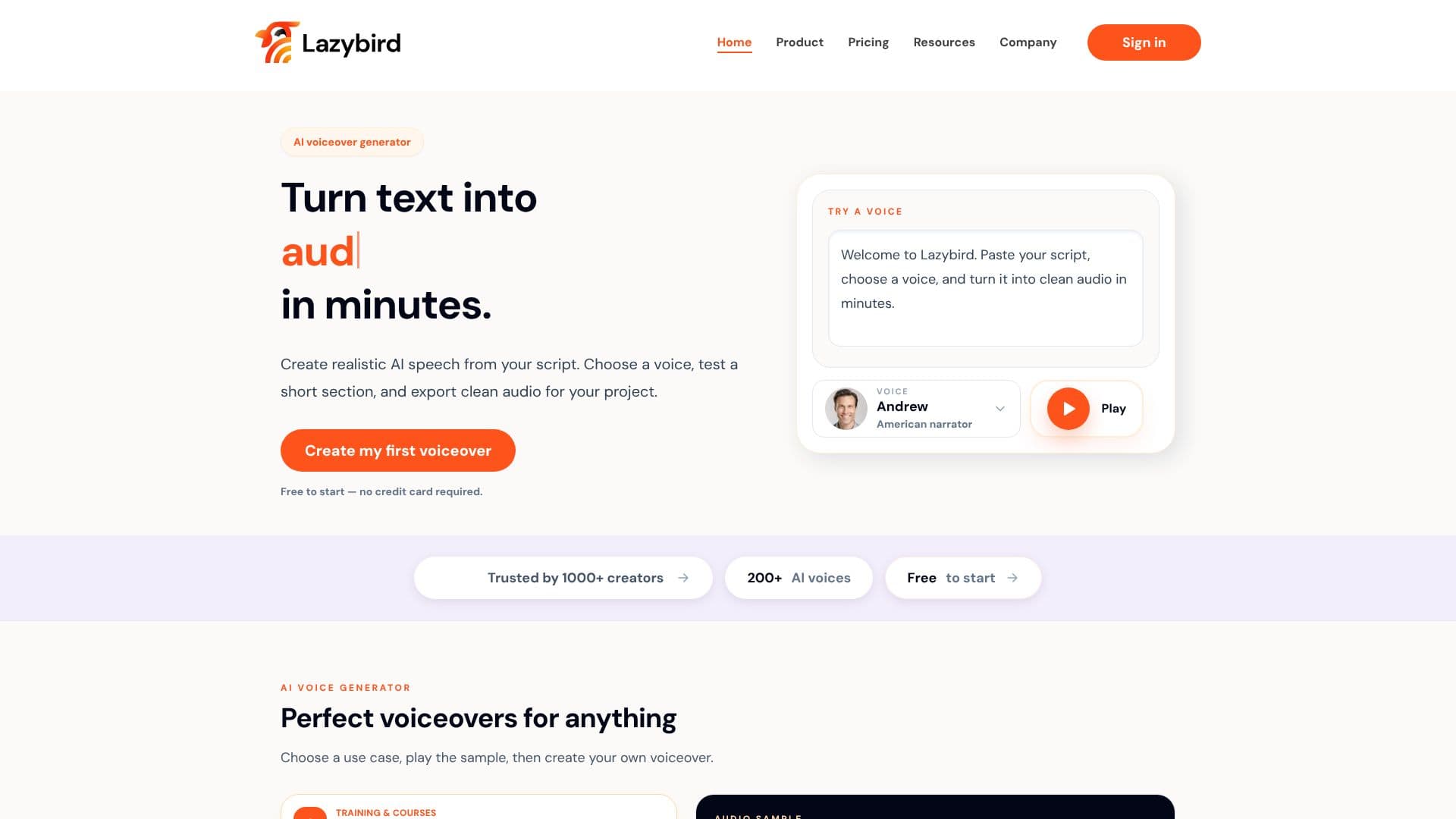
Lazybird empowers creators to generate professional AI voiceovers from text in minutes. The platform simplifies the process of turning scripts into high-quality audio, making it accessible for a wide range of projects. Users can paste their script, choose from a diverse library of over 200 AI voices, and preview short sections to fine-tune the output before generating the final audio.
Read More
This AI voice generator is designed for versatility, offering solutions for various content needs. For educational purposes, it can create clear voiceovers for training videos, courses, and onboarding materials. Businesses can produce polished audio for product walkthroughs, tutorials, and explainer videos. Storytellers and authors can narrate audiobooks, children's stories, and dialogue for entertainment projects. Lazybird also supports multilingual voiceovers, allowing users to generate natural-sounding audio from translated scripts, and offers character-style voices for creative and comedic content.
The workflow is streamlined for efficiency. Creators can draft their scripts in familiar tools like Google Docs or Notion, then import them into Lazybird. The platform automatically handles long scripts by splitting them into manageable blocks and organizing large documents into sections. Users can then select a voice, adjust pacing, and generate the full voiceover. The final audio can be easily downloaded and integrated into video editors, podcast software, course platforms, or other applications.
Lazybird distinguishes itself by offering realistic voice cloning, allowing users to create a voice that sounds exactly like them for recurring narration or branded content. It also provides a robust solution for long scripts and documents, a common challenge with simpler text-to-speech tools. For developers, an API is available to integrate Lazybird's text-to-speech capabilities directly into their own products and workflows.
The platform is trusted by over 1000 creators and offers a free tier to start, requiring no credit card. This makes it an accessible option for individuals and teams looking to enhance their content with professional-sounding voiceovers without significant upfront investment or technical hurdles.
- CategoryText to Speech
- Pricing ModelFreemium
- DeploymentCloud
- PlatformsWeb
Lazybird AI Voiceover Generator's Core Features
AI voiceover generation from text
Library of over 200 AI voices
Realistic voice cloning capability
Support for long scripts and documents
Automatic script splitting into blocks
Multilingual voiceover generation
Character and celebrity-style voices
Text-to-speech API for developers
Free tier available to start
Exportable audio for various projects
Voice and pacing adjustment options
Integration with common writing tools
How to use Lazybird AI Voiceover Generator?
Write your script: Draft your voiceover in your preferred writing tool.
Import script into Lazybird: Paste or import your finished script into the platform.
Choose and customize voice: Select an AI voice, test sections, and adjust pacing.
Generate and export audio: Create the full voiceover and download the audio file.
Lazybird AI Voiceover Generator's Use Cases
- Training & Courses
- Product Videos
- Tutorials & Explainers
- Audiobooks & Stories
- Multilingual Content
- Characters & Entertainment
- Podcast Creation
- Branded Audio