
Description
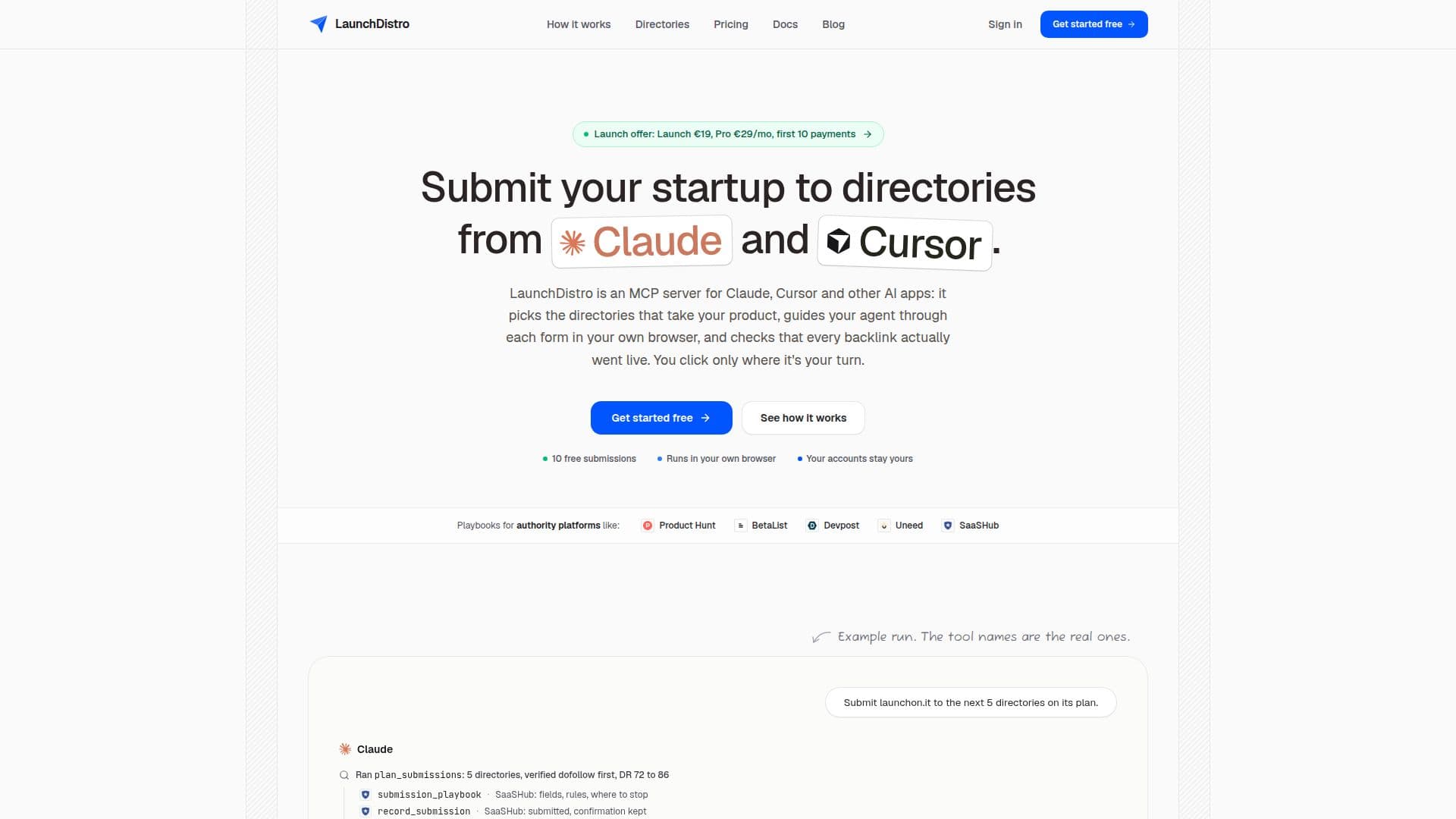
LaunchDistro is a specialized service designed to automate and optimize the process of submitting startups to online directories. It functions as an MCP (Model Context Protocol) server, integrating with popular AI applications such as Claude, Cursor, Codex, and VS Code. This integration allows users to leverage AI agents to plan, submit, and verify directory listings directly from their preferred AI chat interface.
Read More
The core functionality revolves around a comprehensive catalog of over 500 startup directories, each equipped with a tested "playbook." These playbooks guide the AI agent on what information each form requires, the specifics of free plans, potential pitfalls, and where human intervention might be necessary. Users describe their product once in a profile, and the AI agent uses this information to accurately fill out forms in the user's own browser, ensuring data consistency and security as passwords and cookies remain on the user's device.
A key differentiator of LaunchDistro is its rigorous verification process. Unlike services that merely confirm submission, LaunchDistro's agent opens the public listing page, finds the submitted link, and reads its `rel` attribute to confirm it is live and whether it is dofollow or nofollow. This ensures that users are only counting actual, verifiable backlinks. For Pro plan users, placed links are re-checked weekly, with alerts for any changes.
LaunchDistro addresses common challenges in directory submission, such as CAPTCHAs, logins, and payment steps, by pausing and prompting the user for manual input in their browser. This hybrid approach combines AI efficiency with human oversight, maintaining security and control. The platform offers flexible pricing, including a free tier for 10 submissions, a one-time "Launch" plan for a single product, and a "Pro" subscription for unlimited submissions across multiple products and enhanced features like weekly link monitoring.
- CategoryWorkflow Automation
- Pricing ModelFreemium
- DeploymentCloud
- PlatformsWeb
LaunchDistro's Core Features
AI Agent-Guided Directory Submissions
Integration with Claude, Cursor, Codex, VS Code
500+ Directory Playbooks
Automated Form Filling in User's Browser
Live Backlink Verification
Dofollow/Nofollow Link Attribute Check
Weekly Link Monitoring (Pro Plan)
Human Checkpoints for CAPTCHAs, Logins, Payments
Centralized Product Profile Management
Dashboard for Submission Status and Links
Multiple Product Support (Pro Plan)
Secure Handling of User Credentials (in-browser)
Refund Policy: 3 Days, No Questions Asked
Picks Directories That Fit Product
Tracks Domain Rating (DR) Authority
How to use LaunchDistro?
Create Account: Sign up for a LaunchDistro account.
Connect AI App: Add LaunchDistro to your preferred AI app (Claude, Cursor, Codex) using the provided connector URL or line.
Describe Product: Create a product profile with your name, tagline, descriptions, logo, and other details.
Ask AI Agent: In your AI app's chat, ask the agent to submit your product to directories (e.g., "submit my product to AlternativeTo").
Monitor Submissions: Watch as the agent fills forms in your browser and handle any human checkpoints like CAPTCHAs or sign-ins.
Verify Links: Review the dashboard for live link checks and `rel` attributes to confirm successful backlinks.
LaunchDistro's Use Cases
- Startup Launch Distribution
- SEO Backlink Building
- Product Visibility
- Automated Directory Submission
- Link Profile Monitoring
- Multi-Product Management