Description
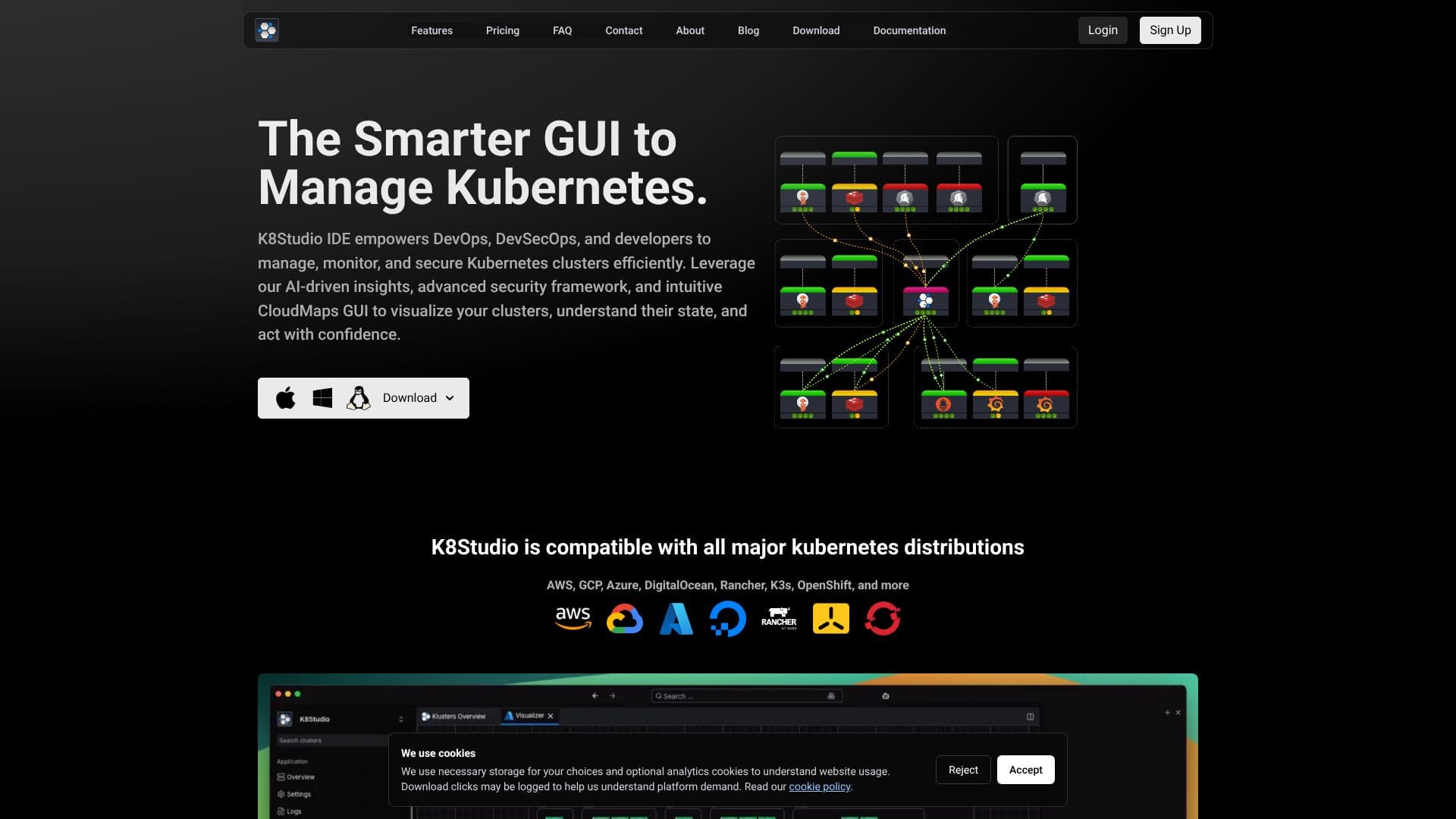
K8Studio provides an intelligent graphical user interface (GUI) for managing, monitoring, and securing Kubernetes clusters, empowering DevOps, DevSecOps, and developers. It simplifies the complexities of Kubernetes management, which can be challenging with command-line tools like kubectl, especially for growing teams or those new to the platform.
Read More
Leveraging an intuitive CloudMaps GUI, K8Studio visualizes cluster states, enabling users to understand their environment and act with confidence. Key features include real-time visual cluster insights through interactive CloudMaps, faster troubleshooting with easy access to logs and deployment debugging, and secure management via guided UI workflows to reduce misconfigurations and human error. The collaborative interface is built for efficient teamwork among developers, DevOps engineers, and IT teams.
K8Studio excels in multi-cluster management, allowing users to manage and switch between multiple Kubernetes clusters from a single, unified dashboard, which is ideal for enterprise teams and hybrid environments. It integrates AI Copilot for intelligent assistance with tasks like YAML editing and troubleshooting, and offers an advanced log viewer for real-time analysis and debugging. The platform supports all major Kubernetes distributions, including AWS, GCP, Azure, DigitalOcean, Rancher, K3s, and OpenShift.
Security is a core focus, with a DevSec View for visualizing security, tracing attack paths, and identifying vulnerabilities. The Security Dashboard provides a centralized hub for searching vulnerabilities and exploring attack vectors. K8Studio is agent-free by design, connecting directly to the Kubernetes API without requiring agents, sidecars, or third-party pods, thus reducing the attack surface and ensuring data privacy, making it suitable for air-gapped environments and compliance-sensitive teams. It does not collect, proxy, or store any cluster data, ensuring everything happens locally.
The tool also features RBAC View for simplified access control, Helm View for managing releases, and an integrated terminal for running kubectl commands. Its customizable docking layout allows users to tailor their workspace for optimal workflow. K8Studio is built for speed and deep cluster insight, using advanced data compression and smart watching mechanisms for fast loading times and real-time responsiveness, even in large clusters.
- CategoryAI DevOps & Cloud Tools
- Pricing ModelFreemium
- DeploymentClient-side application
- PlatformsWindows, Mac OS, Linux
K8Studio's Core Features
Visual Kubernetes cluster management
Multi-cluster management from a single dashboard
AI Copilot for intelligent assistance and troubleshooting
CloudMaps for real-time cluster visualization and insights
DevSec View for Kubernetes security analysis
Advanced log viewer for real-time debugging
RBAC View for simplified access control and management
Helm View for managing Helm repositories and releases
Integrated terminal for kubectl commands
Agent-free architecture for enhanced security and privacy
Works in air-gapped environments
Supports major Kubernetes distributions (AWS, GCP, Azure, etc.)
Customizable docking layout for workspace personalization
How to use K8Studio?
Download: Obtain the K8Studio application for your operating system (Windows, macOS, Linux).
Install: Follow the provided instructions to set up K8Studio on your machine.
Connect Clusters: Open K8Studio and add your Kubernetes clusters by referencing your .kube/config file.
Explore & Visualize: Utilize CloudMaps and other visual tools to understand your cluster's state.
Manage Resources: Use the GUI to deploy, monitor, and debug workloads and services.
Secure Your Environment: Leverage security features like DevSec View and RBAC management.
Utilize AI Copilot: Engage the AI assistant for troubleshooting and configuration tasks.
Optimize Workflow: Customize your workspace with the docking layout for efficient operations.
K8Studio's Use Cases
- Cluster Visualization
- Multi-Cluster Management
- DevOps Workflow Acceleration
- DevSecOps Security Analysis
- Troubleshooting and Debugging
- Access Control Management
- Helm Release Management
- Air-Gapped Environment Operations