
Description
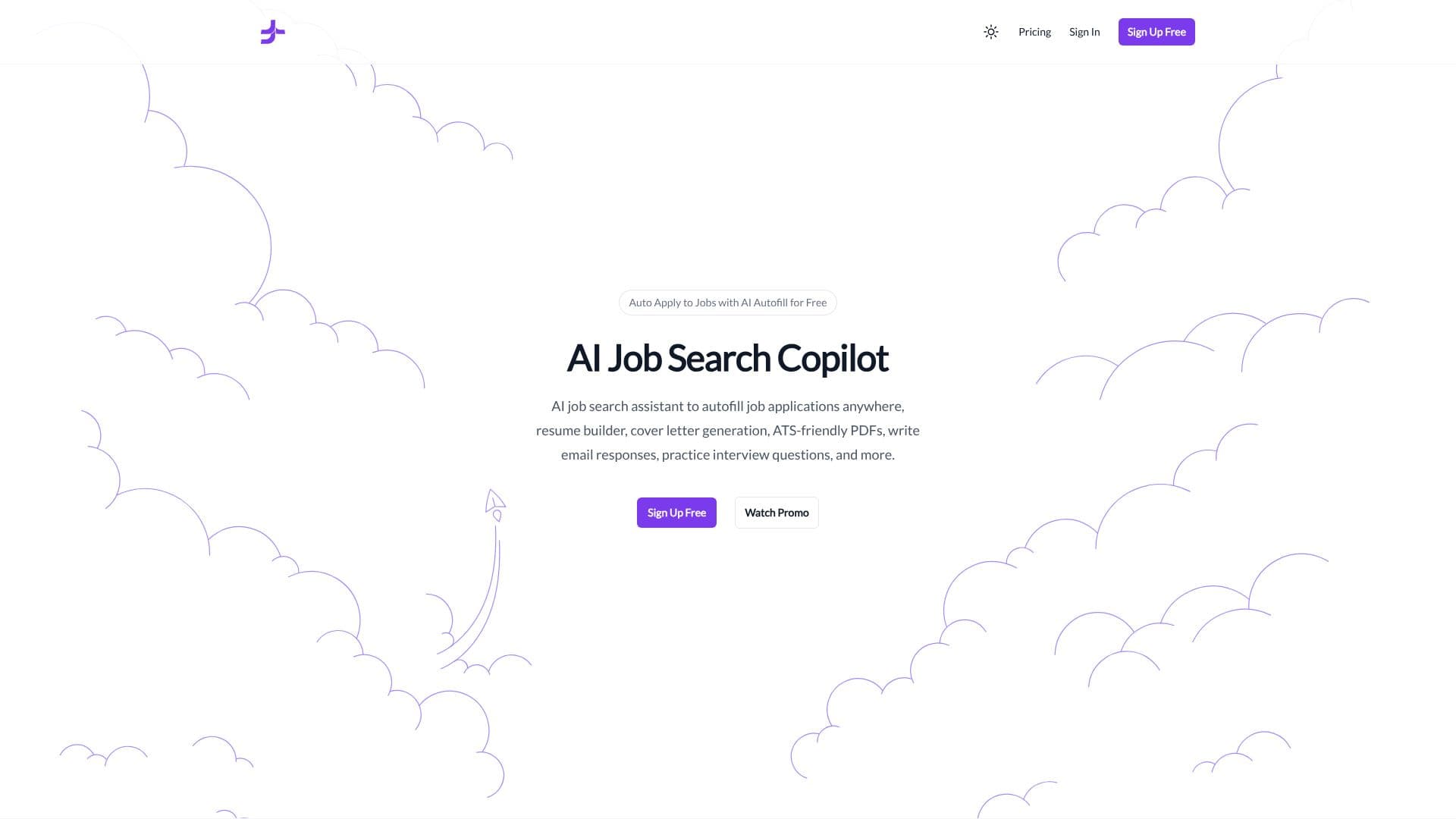
JobJette offers a comprehensive AI-powered solution designed to revolutionize the job search experience. This free copilot assists users by automating repetitive tasks, allowing them to focus on finding and securing their ideal positions. The platform's core functionality revolves around its ability to autofill job applications across various platforms, saving significant time and effort.
Read More
To get started, users create a JobJette account, install the desktop Chrome extension, sign into JobJette GPT for AI-powered chats, and set up their profile. This initial setup, termed the 'Preflight Checklist,' ensures users are prepared for a smooth job application journey. The 'Preparation' phase involves crafting essential application materials. Users can tailor their resumes to highlight specific experiences, generate unique cover letters to communicate their career goals effectively, and prepare answers for common interview questions.
Once these materials are ready, the 'Auto Apply' feature comes into play, allowing users to start autofilling job applications seamlessly. JobJette provides robust 'Job Search Customizations' through its extension settings. Users can refine their search by keywords, desired salary ranges, location preferences (remote, hybrid, onsite), job type, and experience level. Sorting options like 'most recent' or 'relevant' and filters for jobs posted within specific timeframes (24 hours, week, month) further enhance precision. The ability to easily swap between different resumes, cover letters, and answer sets for each application is a key benefit.
JobJette is committed to accessibility, offering a 'Freebird plan' for continuous free usage. Users can switch plans at any time, upgrading or downgrading as needed. While the JobJette extension is mandatory for autofilling applications, it does not require profiles on specific job boards like LinkedIn or Indeed, as JobJette works 'anywhere.' An OpenAI account is only necessary for utilizing the JobJette GPT feature. The platform aims to simplify the job hunt, enabling users to become 'job jet-setters' and transform how they find their next career opportunity.
- CategoryCareer Coaching & Job Search
- Pricing ModelFreemium
- DeploymentDesktop Extension
- PlatformsChrome
JobJet's Core Features
AI-powered job application autofill
Resume tailoring and building
Cover letter generation
ATS-friendly PDF creation
Email response writing assistance
Interview question practice
Chrome desktop extension
Job search customization filters
Keyword and salary search
Location preference filtering
Job type and experience level filtering
Resume and cover letter swapping
Daily job application limits
Free usage plan available
How to use JobJet?
Create Account: Sign up for a JobJette account.
Install Extension: Download and install the JobJette Chrome desktop extension.
Set Up Profile: Sign into JobJette GPT and configure your user profile.
Prepare Materials: Tailor your resume, write cover letters, and prepare answer sets.
Customize Search: Set keywords, salary, location, and job type preferences.
Autofill Applications: Use the extension to autofill job applications.
Practice Interviews: Utilize AI to practice answering interview questions.
JobJet's Use Cases
- Automated Job Applications
- Resume Optimization
- Cover Letter Generation
- Interview Preparation
- Efficient Job Searching
- Streamlined Job Hunt
- ATS Compliance