
Description
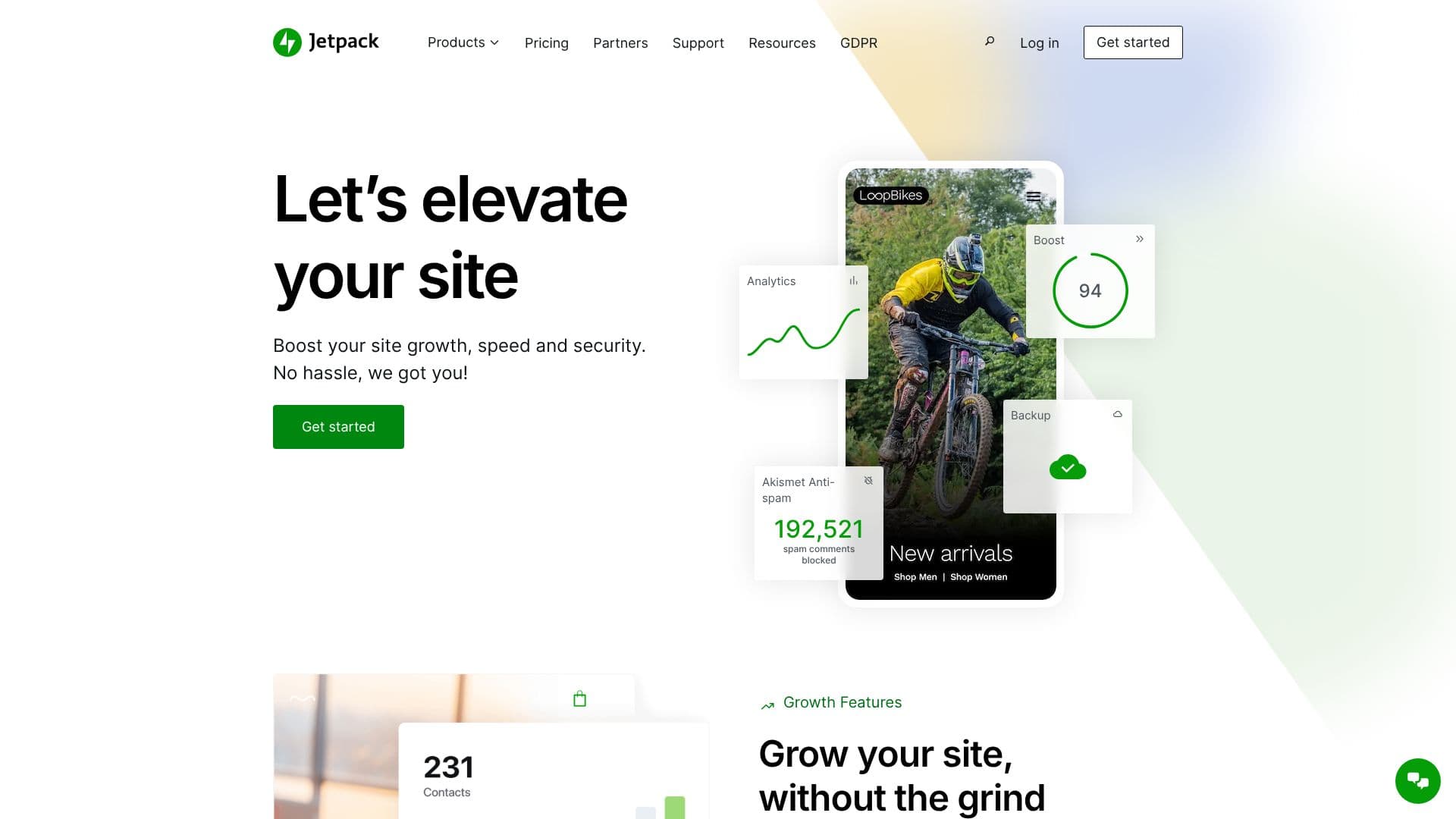
Jetpack is a comprehensive WordPress plugin designed to enhance site security, boost performance, and drive growth. It provides a unified solution for managing critical aspects of your website, eliminating the need for multiple disparate tools. With Jetpack, users can elevate their site's capabilities without extensive technical knowledge or hassle.
Read More
For security, Jetpack offers robust protection against threats. Features like real-time malware scanning, a website firewall (WAF), and one-click fixes help safeguard your site from vulnerabilities. Automated backups, powered by VaultPress, ensure that every change is saved, with easy one-click restores available to get your site back online quickly in case of errors or attacks. Akismet Anti-spam is integrated to effectively block comment and form spam, protecting your site's integrity and user experience.
Performance is a key focus, with Jetpack providing tools to make WordPress sites faster and more user-friendly. Jetpack Boost offers speed and SEO improvements with a single click, including a Content Delivery Network (CDN) for faster loading times. VideoPress is included to host videos without intrusive ads, further enhancing user engagement. Jetpack Search provides a powerful solution for helping visitors find what they need on your site, reducing bounce rates.
Growth features are designed to simplify audience engagement and site expansion. Jetpack Stats offer insights into your audience without requiring advanced analytics expertise. Jetpack Social allows for publishing content across multiple platforms simultaneously, streamlining your social media strategy. Jetpack CRM helps manage customer relationships, and the AI Assistant provides advanced capabilities for content creation and site management. The Jetpack mobile app allows for on-the-go management, notifications, and site monitoring.
Jetpack is trusted by millions of WordPress sites and recommended by industry leaders. It offers tiered plans, including free tools, with options for enhanced features like increased backup storage, advanced security, and higher usage limits for analytics and search. This makes it suitable for a wide range of users, from individual bloggers to large businesses seeking to optimize their online presence.
- CategoryOther AI Tools
- Pricing ModelFreemium
- DeploymentCloud
- PlatformsWeb
Jetpack's Core Features
Automated real-time cloud backups with 10GB+ storage options
One-click site restores
Real-time malware scanning and website firewall (WAF)
One-click security fixes
Comment and form spam protection via Akismet Anti-spam
Site speed optimization with CDN integration
Audience analytics with Jetpack Stats
Content sharing with Jetpack Social
Video hosting without ads via VideoPress
Enhanced site search functionality
AI Assistant for content and site management
Jetpack CRM for customer relationship management
Jetpack mobile app for site management on the go
How to use Jetpack?
Install and activate the Jetpack plugin on your WordPress site.
Connect Jetpack to your WordPress.com account to enable features.
Configure security settings, including backups and scans.
Optimize performance by enabling speed and SEO features.
Utilize growth tools like Stats and Social for audience engagement.
Monitor your site's health and performance via the dashboard or mobile app.
Explore advanced features like AI Assistant and CRM as needed.
Jetpack's Use Cases
- Website Security
- Performance Optimization
- Automated Backups
- Audience Growth
- Content Management
- Site Management
- Spam Prevention
- Customer Relations