Description
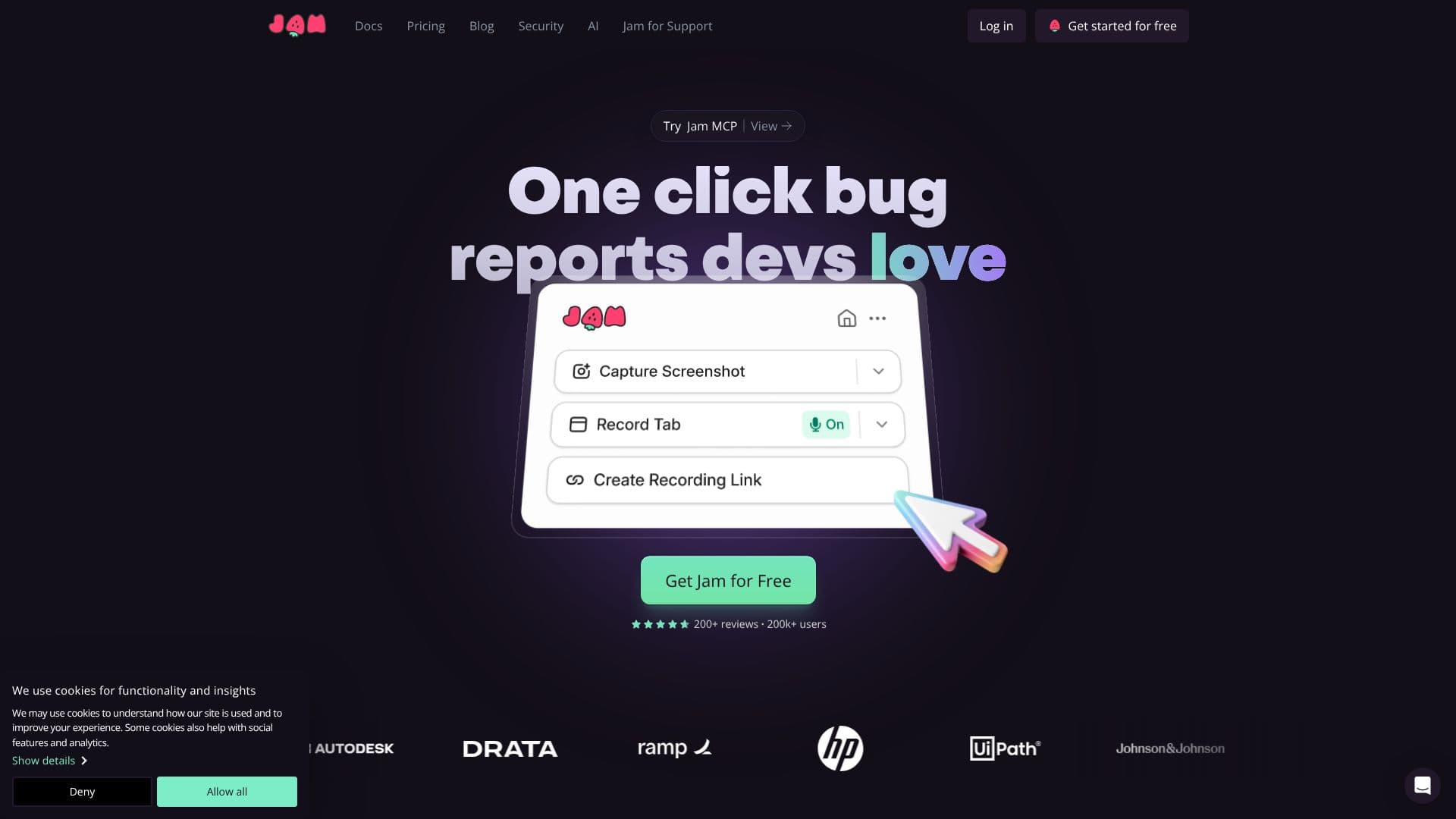
Jam is a powerful tool designed to simplify and accelerate the bug reporting process, enabling teams to build higher-quality products more efficiently. By transforming bug reporting into a quick, intuitive action, Jam eliminates the need for lengthy explanations and manual data collection. Users can report issues in mere seconds, often as easily as taking a screenshot.
Read More
At its core, Jam automatically captures all the critical information developers need to diagnose and fix bugs. This includes detailed console logs, network requests, device and browser specifications, operating system information, and even backend tracing data. This comprehensive data collection ensures that engineers have a complete picture of the issue from the outset, significantly reducing the time spent on investigation and clarification.
The platform offers a browser extension that makes bug reporting seamless. Once installed, users can trigger a report with a single click. Jam then automatically records the necessary debugging data, including console logs, network activity, and device details. It also captures reproduction steps automatically, eliminating the tedious task of manually writing them out. The instant replay feature allows users to capture what just happened, providing a clear visual of the bug's occurrence.
Jam integrates with a wide array of popular development and collaboration tools, ensuring it fits smoothly into existing workflows. Supported integrations include Notion, GitHub, GitLab, Jira, Linear, Slack, ClickUp, Asana, Sentry, Azure, Figma, and Fullstory. This broad compatibility allows teams to manage bug reports and track issues within their preferred platforms, enhancing collaboration and productivity.
The value proposition of Jam is clear: faster bug resolution, reduced engineering time spent on debugging, and improved product quality. By providing developers with immediate access to all relevant information, Jam minimizes back-and-forth communication and accelerates the development cycle. This makes it an invaluable tool for product managers, QA engineers, web developers, and anyone involved in the product development lifecycle who needs to report or resolve issues efficiently.
- CategoryAI Code Review & Testing
- Pricing ModelFree
- DeploymentBrowser Extension
- PlatformsWeb
Jam's Core Features
One-click bug reporting
Automatic capture of console logs
Automatic capture of network logs
Automatic capture of device and browser information
Automatic capture of operating system details
Automatic capture of backend tracing data
Browser extension for seamless reporting
Automatic reproduction steps
Instant replay of bug occurrences
Annotation and markup tools for sharing
Integrations with popular development tools
Streamlined communication between QA and developers
Time-saving for engineering teams
Enhanced product quality through faster bug resolution
How to use Jam?
Install the Jam browser extension
Trigger a bug report with a single click or screenshot
Jam automatically captures console logs, network requests, and device details
Annotate, blur, or edit the captured information as needed
Share the bug report link with your team
Developers access all captured data to debug efficiently
Jam's Use Cases
- Bug Reporting
- Issue Tracking
- Developer Debugging
- QA Workflow
- Product Development
- User Feedback Collection