
Description
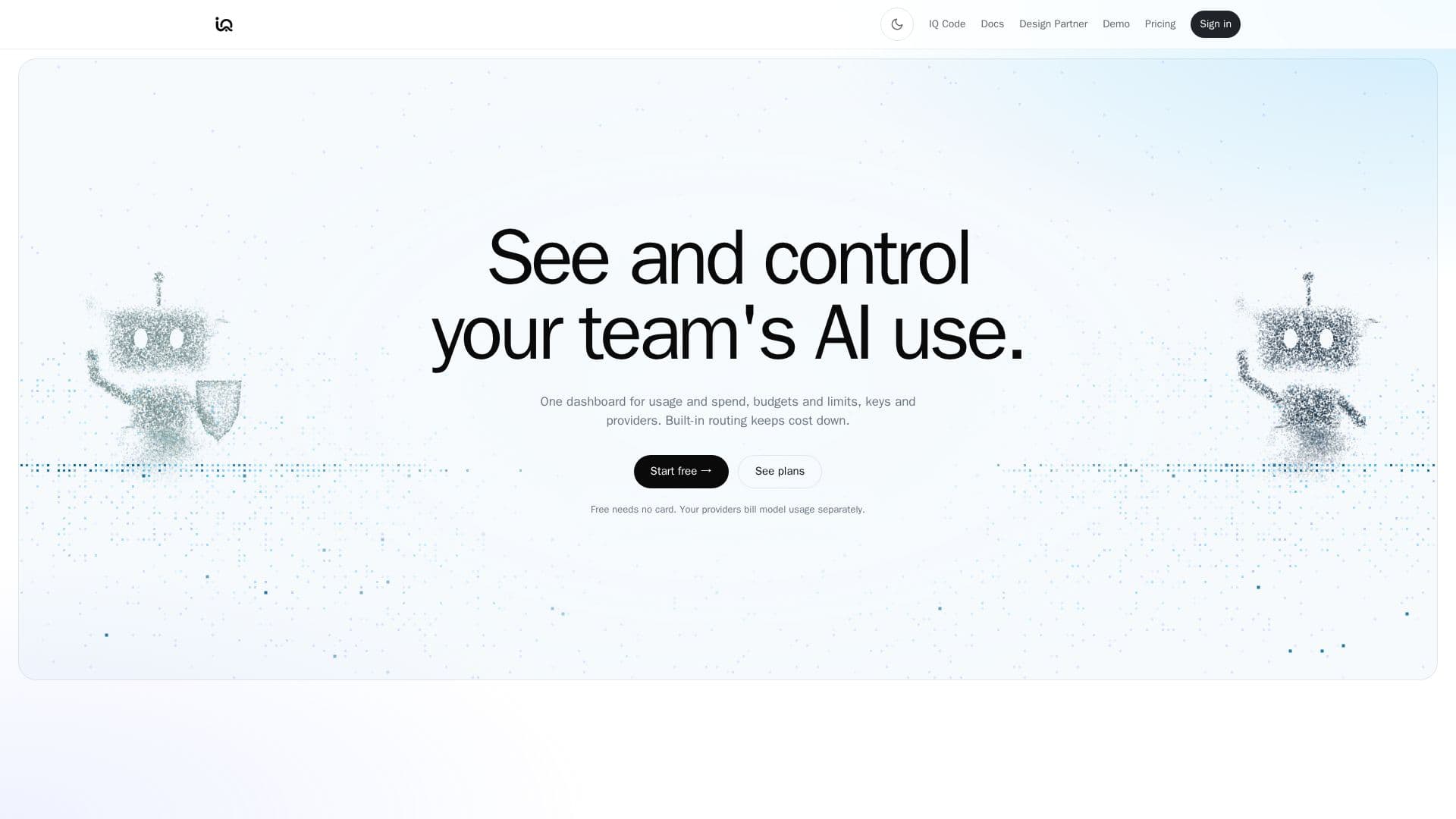
IQ serves as a comprehensive dashboard designed to centralize the management and control of a team's AI usage. It offers a single interface to oversee AI spending, set budgets and limits, and manage API keys and providers. A core feature is its built-in routing capability, which intelligently directs requests to the most cost-effective models and providers, aiming to significantly reduce operational expenses. This routing mechanism, based on a five-step LangChain loop, leverages up-to-date model lineups and pricing to ensure optimal resource allocation.
Read More
The platform allows users to connect their own provider accounts using their existing keys, supporting a wide array of major AI providers such as OpenAI, Anthropic, Google, Mistral, xAI, and DeepSeek, among others. Requests can be made to IQ through OpenAI- or Anthropic-shaped endpoints from a single base URL, simplifying integration with existing SDKs. Security is paramount, with provider keys encrypted at rest and robust authentication mechanisms in place.
IQ provides granular control over AI consumption through features like per-key limits, allowing administrators to set requests per minute, tokens per minute, and daily dollar caps for individual applications or teammates. Team-level daily and monthly budgets are enforced on every request, preventing unexpected overspending. The system also includes an alerting mechanism for spend, error rate, latency, and cache hit rate, delivered via email or webhook, ensuring teams are promptly notified of critical events.
For transparency and accountability, IQ offers a detailed audit log that records who changed what and when, complete with filters and CSV export capabilities. Member roles (Owner, Admin, Member) enable structured access control within workspaces. The dashboard provides a clear overview of usage, broken down by individual member and team totals, including requests, tokens, and spend, without exposing prompt or answer content by default.
Recent additions to IQ include IQ Steward, an AI spend watchdog that flags waste and setup mistakes, and IQ Vexla (early access), which helps protect against model decay by allowing users to test model changes on their own examples before switching. IQ also offers flexible deployment options, including cloud, on-prem, or VPC for enterprise clients, and robust data retention choices, including Zero Data Retention (ZDR) to ensure privacy and compliance.
- CategoryAI DevOps & Cloud Tools
- Pricing ModelFreemium
- DeploymentCloud, On-prem, VPC
- PlatformsWeb
IQ's Core Features
Unified dashboard for AI usage and spend
Budget and spending limits per team and key
API key management with rotation and revocation
Built-in routing for cost optimization across providers
Support for multiple AI providers (OpenAI, Anthropic, Google, Mistral, xAI, DeepSeek, AWS Bedrock, Cohere, etc.)
Alerts for spend, error rate, latency, and cache hit rate
Comprehensive audit log with filters and CSV export
Member roles for access control (Owner, Admin, Member)
Zero Data Retention (ZDR) option for privacy
IQ Steward for AI spend monitoring and waste detection
IQ Vexla for testing model changes and preventing decay
OpenAI- and Anthropic-shaped API endpoints
Encrypted provider keys at rest
Custom endpoint support for Team and Enterprise plans
SOC2 evidence pack generation for Enterprise users
How to use IQ?
Connect Providers: Link your existing AI provider accounts (e.g., OpenAI, Anthropic) using your own API keys within the IQ dashboard.
Create IQ Keys: Generate IQ API keys for different applications or teammates, setting specific limits for requests, tokens, and daily spend.
Configure Budgets: Establish daily and monthly spending budgets for your teams to control overall AI expenditure.
Implement Routing: Utilize IQ's built-in routing to automatically direct AI requests to the most cost-effective models and providers.
Monitor Usage: Use the dashboard to track AI usage, spend, and performance metrics across individuals and teams.
Set Alerts: Configure alerts for spend thresholds, error rates, and latency to stay informed of critical events.
Manage Access: Assign member roles (Owner, Admin, Member) to control team access and permissions within the platform.
Optimize Costs: Review routing decisions and leverage tools like IQ Steward to identify and fix wasteful AI usage patterns.
IQ's Use Cases
- Cost Optimization
- Budget Enforcement
- Usage Monitoring
- API Key Management
- Team Collaboration
- Performance Alerting
- Audit and Compliance
- Model Experimentation
- Data Privacy Control
- AI Spend Watchdog